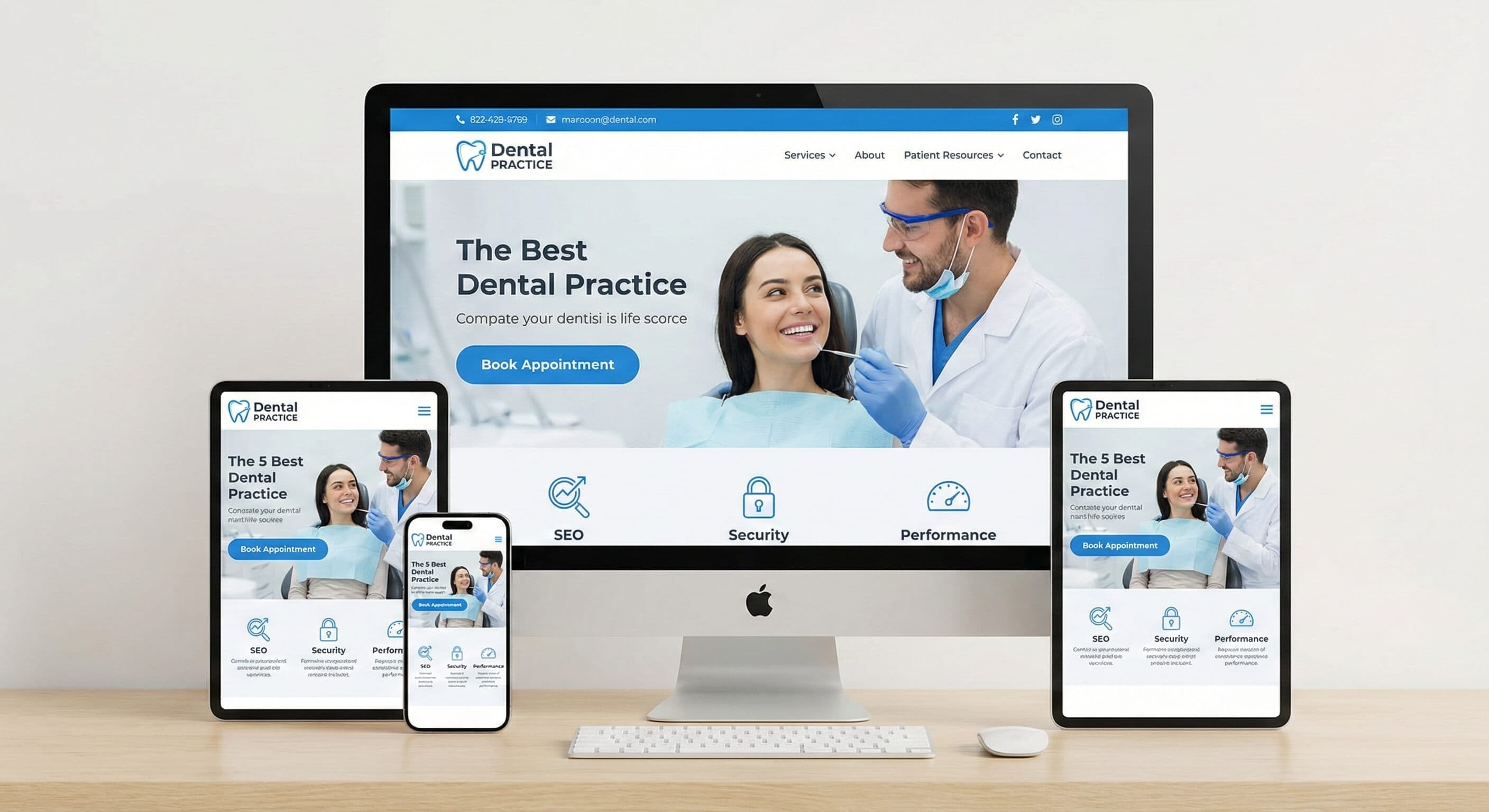
Best Dental Website Designs 2026: UX, SEO & Conversion Guide
Your dental website may look great, but is it converting? See a 10-point audit, 5 patient-losing mistakes, and one change to increase bookings.
Share:
Table of contents
Introduction: What the Best Dental Websites Get Right in 2026
The best dental website designs 2026 are not just visually polished. They are built to help patients find your practice, trust what they see, and take action without friction.
This guide looks at what high-performing dental websites have in common: mobile-first usability, clear navigation, strong local search visibility, fast page performance, and trust-building details that support conversion. If you are evaluating your current site or planning a redesign, these are the standards that matter most.
Rather than treating design as a beauty contest, this article focuses on the practical choices that make a dental website more useful to patients and more effective for practice growth.
Mobile-First Design Comes First
Google uses the mobile version of a site for indexing and strongly recommends mobile-friendly experiences, which makes mobile usability a foundational requirement for dental websites in 2026. Patients searching with urgent intent often land on your site from a phone, not a desktop. Google's mobile-first indexing guidance is a good benchmark for what that experience should support.
Responsive Layouts Across Devices
Your site should work cleanly across mobile, tablet, and desktop, but the mobile experience should drive the layout decisions. Navigation needs to stay simple, tap targets should be large enough to use comfortably on a phone, and key actions like calling, booking, and getting directions should never be hard to find. Google recommends touch targets with enough size and spacing for mobile usability, and many teams use a minimum of about 48 CSS pixels as a practical target. See Google's mobile best practices.
What Mobile Conversion Actually Looks Like
For most dental practices, mobile conversion is not about showing every possible feature. It is about reducing friction. A patient with tooth pain should be able to understand what you offer, confirm you serve their area, and either call or request an appointment within a few taps. The best sites keep forms short, surface the phone number clearly, and make scheduling obvious without overwhelming the visitor.
A mobile-friendly site should make the next step easy. If patients are ready to call, book, or get directions, they should not have to hunt for it.
See how DentalBase helps practices convert more inquiries →User Experience and Patient-Centered Navigation
The best dental websites are structured around patient questions, not internal practice language. Patients do not arrive thinking in terms of departments or specialties. They want to know whether you can help, whether you take their insurance, how soon they can be seen, and how to contact you.
Navigation Should Reflect Patient Intent
Clear top-level navigation usually matters more than elaborate design flourishes. Pages like Services, Meet the Team, New Patients, Insurance, Reviews, and Contact are useful because they match real decision points. Service labels should also be patient-friendly. In many cases, plain-language labels such as "Emergency Dentistry" or "Tooth Pain Relief" are easier to understand than technical terminology alone.
Reduce Friction for New Patients
One of the most useful pages on a dental website is a dedicated New Patients page. It can answer the questions first-time visitors care about most: what to expect, whether forms are available online, what insurance is accepted, where the office is located, and how to request an appointment. That kind of clarity reduces anxiety and makes the site feel more trustworthy before anyone calls.
Your Website Creates the Opportunity. Your Intake Process Finishes It.
A website can generate the click, but many dental conversions still move to the phone. That is why the strongest dental websites do not treat the site as a separate asset from the practice's intake process. They make calling easy, keep business hours accurate, and support clear next steps so a visitor does not hit a dead end after deciding to contact the office.
Good website UX reduces hesitation. Good intake systems make sure that interest turns into an appointment.
Explore how DentalBase supports front-desk conversion →Visual Design, Branding, and Credibility Signals
Design still matters, but not because patients are scoring creativity. Good visual design helps a practice feel credible, calm, and easy to trust. In dental, that trust matters quickly because many site visitors are making decisions under some level of stress or urgency.
Professional, Calm, and Readable Design
Strong dental websites usually use clear hierarchy, readable typography, enough spacing, and restrained color palettes. The goal is not to look generic. It is to look organized, modern, and reassuring. Whatever style you choose, readability and accessibility should come before visual novelty.
Use Real Photography Wherever Possible
Real office photos, team headshots, and authentic treatment environment images generally do more for trust than stock photography. They help patients imagine the visit and reduce the uncertainty that often comes with choosing a provider they have never met.
Pro tip: If you are updating only one visual asset this quarter, invest in real photos of your team and space before redesigning everything else. Authenticity often does more for trust than decorative design upgrades.
Trust Signals That Matter
Patients should be able to quickly verify that your practice is real, established, and easy to contact. That includes consistent contact information, visible office hours, a clear address, review signals, and provider credentials where appropriate. If you are an ADA member, tools like ADA Find-a-Dentist also reinforce how important accurate public practice information is.
Performance, Speed, and Technical Foundations
Fast pages do not just feel better. They support search visibility and reduce drop-off before a patient takes action. Google's current Core Web Vitals guidance focuses on loading performance, responsiveness, and visual stability, all of which are highly relevant to dental websites with forms, maps, and conversion buttons. Google's Core Web Vitals documentation is the clearest source for the current standards.
Core Web Vitals Benchmarks
A useful target is Largest Contentful Paint under 2.5 seconds, Interaction to Next Paint under 200 milliseconds, and Cumulative Layout Shift under 0.1. Those numbers are not a substitute for conversion analysis, but they are a solid technical baseline for a site that should feel stable and fast to real users.
How to Improve Speed
Compress large images, avoid loading unnecessary scripts on every page, and use efficient hosting. If you use before-and-after galleries, doctor bios, or embedded tools, review how much those assets slow the site down on mobile. PageSpeed Insights and the Core Web Vitals report in Search Console are the most practical places to start.
Hosting and Reliability
A dental website should be monitored like a business asset, not treated as a one-time brochure. Uptime, backups, SSL, and routine maintenance all matter. If the site is slow, broken, or unavailable when a patient needs urgent care information, your design quality stops mattering immediately.
Common mistake: Many practices redesign the homepage and leave performance untouched. A nicer layout does not help much if the mobile page is still slow, unstable, or hard to use.
Local SEO and Search Visibility
Most dental websites do not need broad national SEO strategy. They need local visibility for the services patients actually search for in their market. That starts with accurate business information, useful service pages, and a site structure that supports both users and search engines.
Start with Google Business Profile
Google's own guidance makes clear that complete and accurate Business Profile information helps customers find and understand your business. Keep your hours, categories, services, contact details, and photos current. Google Business Profile and Google's local ranking guidance are the best references here.
Create Strong Service and Location Pages
Your website should have dedicated pages for important services such as emergency dentistry, dental implants, cosmetic dentistry, pediatric care, or whatever actually drives demand for your practice. If you serve multiple cities or have multiple offices, location-specific pages can also help when they are genuinely useful and not just repetitive SEO pages.
Use Structured Data and Clear Content Hierarchy
Clean heading structure, internal linking, and schema markup help search engines interpret your content more effectively. You do not need to turn every page into a keyword list. You do need pages that clearly answer patient questions and explain who you help, where you are, and what services you provide.
Local SEO gets you found. Your website still has to earn the next click, call, or booking once the patient lands there.
See how DentalBase connects visibility and patient conversion →Compliance, Privacy, and Trust
Dental websites are marketing tools, but they still deal with sensitive patient expectations. Even when the public website itself is not functioning as a full patient portal, your forms, vendors, and data handling practices should be reviewed carefully.
Be Careful What You Collect
Do not ask for more information than you need on public-facing forms. For many first-touch inquiries, a name, phone number, email, and preferred contact details are enough. Over-collecting information creates more friction for the patient and more privacy risk for the practice.
Review Third-Party Tools Carefully
If a vendor is handling protected health information on your behalf, that may trigger business associate obligations under HIPAA. HHS guidance on business associates is worth reviewing before you add chat tools, forms, scheduling systems, or messaging platforms that touch patient data.
Make Privacy Visible
Clear privacy policies, secure forms, SSL, and consistent contact details all support trust. Patients may not read every policy page, but they do notice when a practice feels legitimate, current, and careful.
What to Measure After Launch
One reason dental website redesigns disappoint is that teams stop at launch. The better question is what happens after the site is live. If you cannot see whether visitors are calling, submitting forms, requesting directions, or reaching the right pages, you cannot improve the site intelligently.
Useful Metrics to Track
Start with a short list: organic traffic to service pages, mobile performance, click-to-call usage, form submission rate, appointment request completion, and top landing pages. Then connect those numbers to what the front desk is actually seeing. A site can look good in analytics and still create friction if patients cannot reach the office or abandon forms halfway through.
Audit for Conversion, Not Just Appearance
The strongest website reviews ask practical questions. Is the phone number visible on mobile? Does each major service have a clear page? Does the site load quickly on real devices? Does the New Patients page answer obvious concerns? Those answers usually matter more than whether a homepage animation looks impressive.
10-Point Dental Website Checklist
Check each item your website already does well. The gaps usually point to the biggest conversion opportunities.
| Phone number visible without scrolling on mobile Calling should be obvious from any key page | |
| Homepage headline addresses a patient need Lead with how you help, not only with your brand name | |
| Dedicated service pages for your highest-value treatments Emergency, implants, cosmetic, pediatric, or your core growth services | |
| Booking or contact form kept short Only ask for what you truly need at first contact | |
| Dedicated New Patients page exists Explain what to expect, forms, insurance, and logistics | |
| Real office and team photography is used Authentic visuals build faster trust than stock images | |
| Mobile performance has been tested with PageSpeed Insights Review both technical issues and real user signals | |
| SSL is active sitewide A secure connection is a baseline trust requirement | |
| Google Business Profile is complete and current Hours, services, photos, and contact details should match your website | |
| You review conversion data after launch Calls, forms, service-page traffic, and appointment requests should be monitored regularly |
Not checking all ten yet? That usually means there is room to improve conversion, visibility, or trust. Book a free call audit to see where the gaps are.
Conclusion: How to Apply These Standards to Your Practice
The best dental website designs 2026 are not defined by trendiness alone. They combine clear patient journeys, strong local visibility, reliable technical performance, and trust signals that make it easier for someone to choose your practice.
If you are improving an existing site, start with the highest-impact issues first: mobile usability, speed, business information accuracy, service-page clarity, and conversion friction. Those changes usually matter more than chasing every new website feature at once.
Next step: Run your site through PageSpeed Insights, review your Core Web Vitals report, and compare your site against the checklist above before planning a full redesign.
Your website is often your practice's first impression. The goal is not to make it look expensive. The goal is to make it easy to trust, easy to use, and easy to act on.
Frequently Asked Questions
A good dental website in 2026 features mobile-first responsive design, fast loading speeds under 3 seconds, clear patient-focused navigation, prominent contact information and online booking, local SEO optimization, HIPAA-compliant security measures, professional photography, patient testimonials, and accessibility compliance. The design should prioritize user experience with intuitive appointment scheduling and easy-to-find practice information.
Dental websites attract patients through local SEO optimization targeting location-based keywords, prominent call-to-action buttons for appointments, patient testimonials and reviews, before-and-after galleries, educational content about services, fast loading speeds, mobile optimization, online booking systems, and clear service descriptions. Professional photography and trust signals like credentials and certifications also boost conversion rates significantly.
Yes, dental websites must be HIPAA compliant when handling protected health information (PHI). This includes secure contact forms, encrypted patient portals, SSL certificates, proper data storage protocols, and compliant third-party integrations. Any online appointment scheduling, patient communication tools, or forms collecting health information must meet HIPAA security and privacy requirements to protect patient data.
Look at three numbers: how many visitors click your phone number or booking button, how many of those calls get answered, and how many become booked appointments. Most practices only track the first number. If you are getting 400 monthly visitors and 60 click-to-call actions but only 25 booked patients, the problem is not your website traffic. It is what happens after the click. Connecting your website analytics to your phone system and schedule gives you the full picture.
A professionally built dental website typically costs $3,000 to $10,000 depending on the number of service pages, custom photography, and integrations like online booking or patient portals. Avoid spending more on design than you do on what happens after someone visits the site. A $15,000 website that sends calls to voicemail will underperform a $5,000 site connected to a system that answers every call.
A landing page. Always. When a patient clicks an ad for "teeth whitening in Dallas" and lands on your homepage, they have to find the whitening page themselves. Most will not. Every ad campaign should point to a dedicated page that matches the search, repeats the offer, and has one clear action: call or book. Sending paid traffic to your homepage is one of the most common ways dental practices waste ad spend.
Was this article helpful?
Written by
DentalBase Team
The DentalBase Team is a collective of dental marketing experts, AI developers, and practice management consultants dedicated to helping dental practices thrive in the digital age.