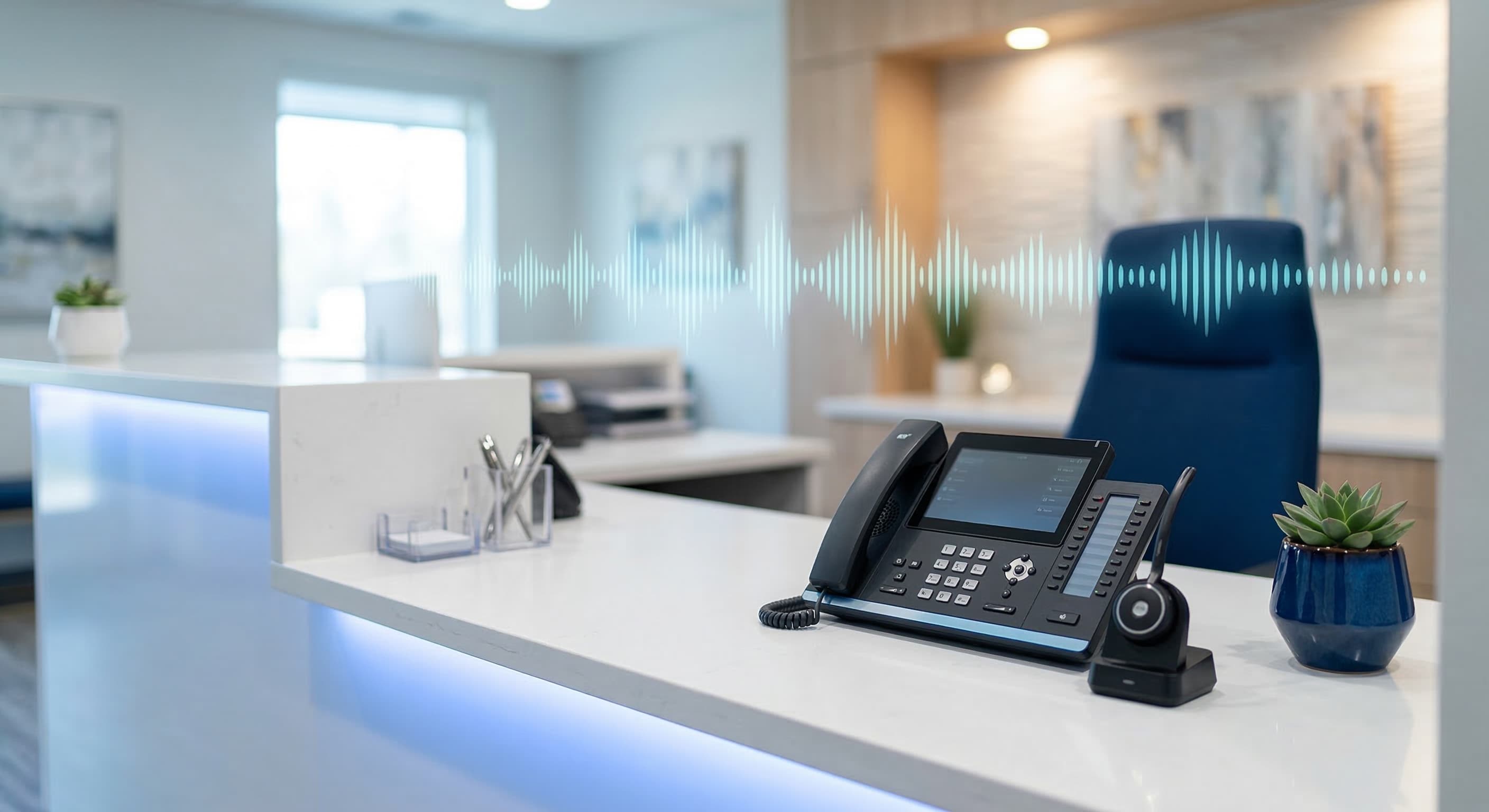
How to Improve Dental Patient Communication Technology
Discover proven strategies for dental patient communication using technology to boost engagement, reduce no-shows, and improve patient experience.
Share:
Table of contents
QUICK ANSWER
Dental patient communication improves dramatically when practices implement automated appointment reminders, two-way messaging platforms, and AI-powered phone systems. These technologies reduce no-shows by 38%, capture missed calls that represent over $1,200 in lifetime value each, and give patients the instant response times they expect in 2026.
Your front desk staff can't answer every call. Between patient check-ins, insurance verifications, and the phone ringing every three minutes during peak hours, something has to give. Usually it's the phone.
That matters more than you think. According to the American Dental Association, 38% of new patient calls go unanswered during business hours, and most of those callers never try again. They contact another practice instead.
This article shows you how to use technology to solve dental patient communication challenges without adding headcount. You'll discover which tools work for small practices, how to implement them without disrupting operations, and what results to expect in the first 90 days.
Why Does Dental Patient Communication Matter?
Effective dental patient communication directly impacts your bottom line because patients who feel heard and informed are more likely to accept treatment, keep appointments, and refer friends. Poor communication does the opposite.
Here's what happens when communication breaks down. Patients miss appointments because they forgot or never received a reminder. They don't return calls because they reached voicemail and felt ignored. They choose competitors who respond faster to online inquiries.
The data backs this up:
- A single missed new patient call costs your practice $1,200 or more in lifetime value, according to Dental Economics
- Practices with automated recall systems increase patient return rates by 25-40%
- SMS appointment reminders reduce no-show rates by 38%, per the Journal of Dental Hygiene
- 80% of callers who reach voicemail don't leave a message and won't call back, Forbes reports
These aren't small numbers. A three-provider practice receiving 200 calls per week that misses 38% is losing contact with 76 potential patients every single week. Even if only half were new patient inquiries, that's 38 missed opportunities worth $45,600 in lifetime value.
Patient engagement starts with communication accessibility. When patients can reach your practice easily, book appointments without phone tag, and get questions answered promptly, they stay longer and spend more. When they can't, they leave.
Stop Losing Patients to Missed Calls
DentiVoice answers every patient call 24/7, books appointments directly into your PMS, and ensures no opportunity slips through the cracks.
Learn About AI Receptionist →What Are the Biggest Communication Challenges in Dental Practices?
Most dental practices face the same five communication bottlenecks. You're not alone if these sound familiar.
High Call Volume During Peak Hours
The average dental practice misses 15-20 calls per week, according to Dental Economics. These missed calls cluster during peak hours between 9 AM and 11 AM when the front desk is busiest with patient check-ins.
Your staff isn't ignoring calls intentionally. They're physically unable to manage simultaneous check-ins, phone inquiries, and insurance verification tasks. But patients don't know that. They assume you're unavailable and move on.
After-Hours Call Management
After-hours calls represent 27% of total patient call volume. Think about that for a moment. More than one in four patients calls outside business hours, when your staff has gone home and the phone goes to voicemail.
These aren't just routine inquiries. Many are urgent care situations or new patients comparing practices. When they reach voicemail instead of a person, you lose both the immediate opportunity and the long-term relationship.
Inconsistent Follow-Up Processes
Without automation, follow-up depends on staff memory and manual processes. Treatment plans get discussed but never followed up. Patients miss hygiene appointments because recall cards go unsent. Reactivation campaigns get planned but never executed.
The ADA estimates that 20-30% of patients become inactive within 18 months without structured follow-up. That's not because they switched dentists. They simply forgot and you never reminded them.
Slow Response Times to Digital Inquiries
Patients send website contact forms, Facebook messages, and Google Business Profile inquiries expecting responses within hours. But most practices check these channels once or twice daily, if that.
Speed matters. If a prospective patient contacts three practices and yours responds six hours later while competitors respond in 20 minutes, guess who books the appointment?
Limited Patient Self-Service Options
77% of patients want online booking capability, according to Zocdoc. Yet only 26% of practices currently offer it, Dental Economics reports. That's a massive gap between patient expectations and practice capabilities.
Patients increasingly expect self-service options for routine tasks like appointment scheduling, insurance information updates, and appointment confirmations. When you force them to call during business hours for every interaction, you create unnecessary friction.
Related: Front desk overwhelm is the root cause of most missed communication opportunities → Learn how to structure your front office for maximum efficiency
How Can Technology Transform Dental Office Communication?
Technology doesn't replace human interaction in dentistry. It handles the repetitive tasks that prevent your team from delivering exceptional patient care. Here's how the right tools change the game.
Automated Appointment Reminders
SMS appointment reminders reduce no-show rates by 38%. That's not a small improvement. For a practice with 120 appointments per week and a 15% no-show rate, implementing text reminders prevents seven missed appointments weekly.
The beauty of automated reminders is consistency. Every patient gets reminded at the same interval before their appointment. No one falls through the cracks because someone forgot to make reminder calls.
Modern reminder systems do more than send one-way notifications. They let patients confirm, reschedule, or cancel via text response. That means your front desk only handles exceptions, not routine confirmations.
Two-Way Patient Messaging
Patients don't want to call for simple questions like office hours, insurance participation, or appointment availability. They want to text the practice just like they text everyone else in their life.
Two-way messaging platforms give patients that option. They can ask quick questions, receive answers within minutes, and handle routine communication without phone calls. This benefits both sides because it frees up phone lines for complex inquiries that truly need voice conversation.
AI-Powered Phone Systems
AI receptionist technology has matured significantly in the past two years. Modern systems like DentiVoice can handle full patient conversations, book appointments into your practice management system, and triage urgent cases to staff.
The technology works by understanding natural language and accessing your practice's scheduling system. When a patient calls asking to schedule a cleaning, the AI checks availability, books the appointment, and confirms details, just like a human receptionist would.
What makes this transformative isn't just 24/7 availability. It's consistent execution. The AI never forgets to collect patient information, never gets distracted during busy periods, and never lets calls go to voicemail because the line is busy.
Patient Portals and Online Scheduling
Online scheduling systems let patients book appointments whenever they think of it, which is usually outside business hours. According to Dental Economics, practices with online scheduling see 24% fewer no-shows because patients who self-schedule feel more ownership over their appointments.
Patient portals extend beyond scheduling. They give patients access to treatment plans, payment history, insurance information, and educational resources. This transparency builds trust and reduces administrative phone calls for routine inquiries.
Centralized Communication Dashboards
The average practice manages patient communication across phone, text, email, website forms, Facebook, and Google Business Profile. Without centralization, messages get lost and response times suffer.
Communication platforms that aggregate all channels into a single dashboard ensure nothing falls through the cracks. Your front desk sees every inquiry in one place, can respond quickly, and track whether patients received answers to their questions.
Connect Marketing to Booked Appointments
DentalBase tracks every patient interaction from Google Ad click to filled chair, giving you complete visibility into which marketing channels actually drive revenue.
Explore DentalBase Platform →What Communication Tools Should Dental Practices Use?
Not all communication tools deliver equal value. Focus on technologies that solve your specific bottlenecks and integrate with your existing practice management system. Here's what matters most.
| Tool Category | Primary Benefit | Best For |
|---|---|---|
| AI Receptionist | 24/7 call answering and appointment booking | Practices missing 10+ calls weekly |
| Two-Way SMS Platform | Fast patient responses without phone tag | Practices with high call volume for simple questions |
| Online Scheduling | Patient self-service appointment booking | Practices with limited phone capacity |
| Automated Reminders | Reduces no-shows and last-minute cancellations | Practices with 10%+ no-show rates |
| Patient Portal | Self-service access to records and billing | Practices spending significant time on routine inquiries |
Essential Integration Requirements
Any communication technology you implement must integrate with your practice management system. Here's why this matters so much.
Without integration, staff must manually enter information captured by the communication tool into your PMS. That defeats the entire purpose of automation. It also introduces errors when data gets transcribed incorrectly or appointments get double-booked.
Before evaluating any tool, confirm it integrates with your specific PMS. Dentrix, Open Dental, Eaglesoft, and Curve Dental are the major systems. Most modern communication platforms support these through APIs, but always verify before committing.
Evaluation Criteria for Communication Tools
Use these criteria when comparing vendors:
- PMS integration depth: Does it sync appointments bidirectionally or just push data one way?
- Response time guarantees: How quickly does the system respond to patient inquiries?
- Customization options: Can you configure workflows to match your practice policies?
- Reporting capabilities: Can you track missed calls, response times, and patient satisfaction?
- Support quality: What happens when something breaks on a busy Monday morning?
Price matters, but it shouldn't be the primary decision factor. A tool that costs $200 more per month but captures five additional new patients has an ROI of 6,000% based on average patient lifetime value.
See Which Patients You're Losing to Missed Communication
DentalBase provides complete visibility into every patient interaction, showing you exactly where communication breaks down and what it costs your practice.
Request a Demo →How to Implement Patient Communication Technology Successfully?
Technology implementation fails when practices skip planning and jump straight to activation. Here's how to roll out new communication systems without disrupting operations or confusing patients.
Phase 1: Audit Your Current Communication Baseline
Before implementing anything, measure your current performance. Track these metrics for two weeks:
- Total incoming calls and missed call percentage
- Average response time to website inquiries
- No-show rate and last-minute cancellation rate
- Patient complaints related to communication difficulties
- Staff time spent on appointment reminders and routine inquiries
This baseline lets you prove ROI after implementation. Without it, you're guessing whether the technology actually improved performance.
Phase 2: Start With One High-Impact Tool
Don't implement five communication tools simultaneously. Pick the one that solves your biggest pain point and get it working perfectly before adding others.
If you're missing 15-20 calls weekly, start with an AI receptionist. If no-shows are killing your schedule, implement automated SMS reminders first. If after-hours inquiries go unanswered, prioritize online scheduling.
Sequential implementation gives your team time to adapt and ensures each tool gets properly configured before moving to the next one.
Phase 3: Configure and Test Before Going Live
Spend at least one week in test mode before activating any communication tool for patient use. During this phase:
- Verify PMS integration works correctly and appointments sync bidirectionally
- Test all common patient scenarios with internal staff playing patient roles
- Confirm urgent case escalation triggers work properly
- Review automated message templates and adjust tone to match your practice voice
- Train all staff on how the system works and what to expect
A week of testing prevents embarrassing failures during your first week of patient-facing use.
Phase 4: Soft Launch With Patient Communication
Don't announce the new system to all patients at once. Start with a soft launch to a small group so you can identify issues before they affect your entire patient base.
For example, if implementing online scheduling, enable it for existing patients only during the first two weeks. Monitor how they use it, what questions they have, and what edge cases you didn't anticipate. Then refine the system before promoting it to new patients.
Phase 5: Monitor Performance and Optimize
After 30 days, compare your new metrics to your baseline. You should see measurable improvement in missed call reduction, no-show rates, or whatever metric the tool targets.
If results fall short of expectations, dig into the data. Are patients not using the tool because they don't know about it? Is the technology working but staff aren't following the new workflow? Is integration failing silently?
Most implementation problems stem from configuration issues, not tool limitations. Work with your vendor's support team to optimize settings based on your real-world usage patterns.
Implementation Support Included
DentalBase handles complete setup, PMS integration, staff training, and ongoing optimization so you see results from day one without the implementation headaches.
Learn More →Key Takeaways
- 38% of new patient calls go unanswered during business hours, and most callers never try again, costing practices $1,200+ in lifetime value per missed call
- SMS appointment reminders reduce no-show rates by 38%, while automated recall systems increase patient return rates by 25-40%
- AI-powered phone systems now handle complete patient conversations, book appointments into PMS systems, and ensure 24/7 availability without additional headcount
- Implement communication technology sequentially, starting with the tool that solves your biggest bottleneck, rather than rolling out multiple systems simultaneously
- PMS integration is non-negotiable because manual data entry defeats automation benefits and introduces scheduling errors
- Measure baseline communication metrics before implementation so you can prove ROI and identify areas needing optimization
FAQ
How much does dental patient communication technology typically cost?
AI receptionist systems range from $300 to $800 monthly depending on call volume and features. Two-way SMS platforms cost $100 to $300 per month. Online scheduling tools range from $150 to $400 monthly. Most practices see positive ROI within 60 days because capturing just two additional new patients per month from previously missed calls covers the investment.
Will patients accept AI-powered phone systems instead of human receptionists?
Patient acceptance rates exceed 85% when AI systems are well-designed. Patients care most about getting their questions answered and appointments booked quickly. If the AI accomplishes that without frustrating hold times or voicemail dead ends, patients respond positively. Complex cases can still escalate to human staff when needed.
How long does it take to implement new communication technology?
PMS integration and configuration typically require one to two weeks. Staff training adds another week. Most practices go fully live within 30 days of signing a contract. The phased implementation approach described above extends timelines slightly but dramatically increases success rates by preventing overwhelming staff with too many changes simultaneously.
Can small practices with limited budgets still improve patient communication?
Yes. Start with automated SMS appointment reminders, which cost $100 to $150 monthly and reduce no-shows by 38%. That alone generates immediate ROI through better schedule utilization. Add other tools sequentially as budget allows. Even implementing one high-impact tool beats doing nothing while waiting for unlimited budget.
What happens to front desk staff when AI handles phone calls?
Front desk roles shift from reactive task completion to proactive patient relationship building. Staff spend less time answering routine scheduling calls and more time on complex insurance issues, treatment plan follow-up, and patient education. AI doesn't eliminate positions, it eliminates the repetitive tasks that prevent staff from delivering higher-value services.
How do I measure whether communication technology is working?
Track missed call percentage, no-show rates, new patient conversion rates, average response time to inquiries, and patient satisfaction scores. Compare these metrics monthly against your baseline. Most practices see 25-40% improvement in key metrics within 90 days. If you don't, work with your vendor to troubleshoot configuration or workflow issues.
Should I replace my PMS with a system that includes communication tools?
Not necessarily. Specialized communication platforms often outperform PMS-integrated tools because they focus exclusively on patient communication rather than treating it as a secondary feature. Best-of-breed tools that integrate deeply with your existing PMS typically deliver better results than switching to a new all-in-one system.
What about HIPAA compliance with patient communication technology?
Any communication tool you implement must be HIPAA-compliant and include a Business Associate Agreement. Verify compliance before signing contracts. Reputable vendors in the dental space build HIPAA compliance into their platforms by default, but always confirm. According to the U.S. Department of Health and Human Services, practices remain responsible for patient data security even when using third-party tools.
Sources
- American Dental Association - Patient communication statistics and practice management research
- Dental Economics - Industry benchmarks for missed calls, online scheduling adoption, and practice operations
- U.S. Bureau of Labor Statistics - Dental industry workforce data and employment projections
- U.S. Department of Health and Human Services - HIPAA compliance guidelines for patient communication
- Journal of Dental Hygiene - Research on SMS appointment reminder effectiveness
- Forbes - Patient behavior and voicemail abandonment statistics
Ready to Stop Losing Patients to Communication Gaps?
See how DentalBase captures every patient opportunity with AI-powered communication tools that integrate seamlessly with your existing practice management system.
Book a Free Demo →Explore more guides and tools for dental practice growth.
Browse Resources →Was this article helpful?
Written by
DentalBase Team
Expert dental industry content from the DentalBase team. We provide insights on practice management, marketing, compliance, and growth strategies for dental professionals.