Dental Software Migration Cost: A Week of Lost Production
Dental software migration cost is more than the license fee. I switched practice management systems badly and lost a week of production. Here is the bill.
Share:
Table of contents
Nobody warned me that the real dental software migration cost would not show up on the invoice. The true cost is lost production, staff retraining hours, and a slowdown in collections, not the license fee. I budgeted for the license, the setup fee, and a training session. What I did not budget for was the week of production I lost while my team relearned how to do their jobs. The check I wrote was the small part of the bill.
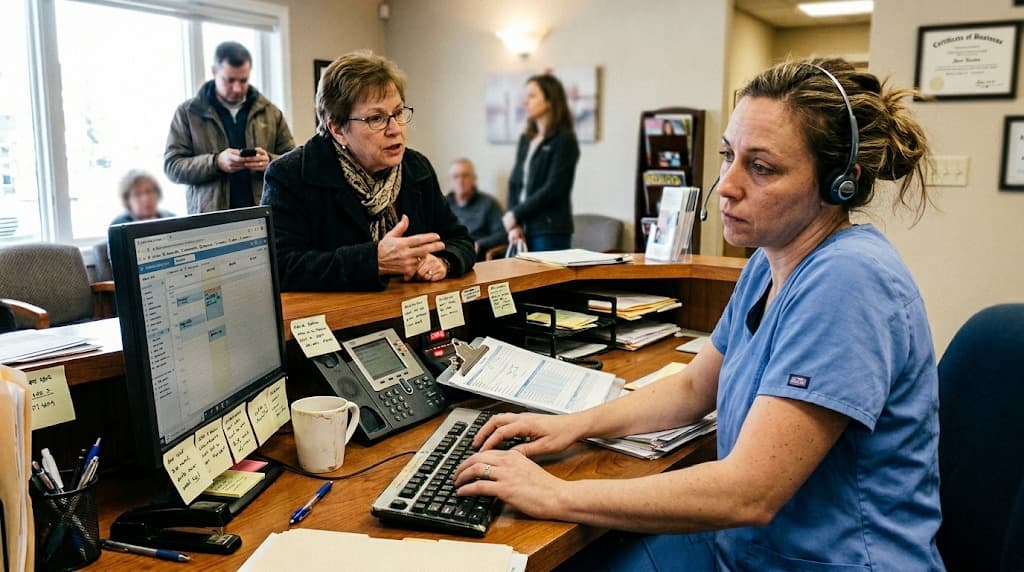
I had dreaded the switch for a year, so I waited too long. Then I overcorrected and switched too fast, with the conversion landing right in the middle of a busy month. The result was schedule chaos, half-migrated patient data, and a front desk that suddenly could not do tasks they had done in their sleep the week before.
Here is the honest version of what it cost me, what actually broke, and how I would plan a practice management switch today so it does not torch a week of chair time.
Why is a dental software switch a production decision, not an IT one?
Because the software runs your schedule, your billing, and your front desk, so when it changes, production changes with it. A practice management switch is not a back-office IT project that happens quietly in the background. It touches every patient interaction on day one, which is exactly why treating it as a technical task is the first mistake.
I made that mistake. In my head, switching systems was like swapping a printer: unplug the old one, plug in the new one, carry on. That framing is why I scheduled the go-live for a normal clinical week and assumed the team would adapt on the fly. They could not. Every check-in, every claim, every schedule change now took two or three times as long, and the slowdown rippled straight into the chair.
The lesson is simple and it cost me to learn it. If a decision affects how fast your team can move patients through the day, it is a production decision. Treat it with the same seriousness you would treat hiring an associate or changing your hours.
Related: This is one of the operational lessons clinical training never covers. What dental school never taught me about running a practice →
What does dental software migration cost beyond the license fee?
The license fee is usually the smallest line on the real bill. The dental software migration cost that hurts is the lost production during the slowdown, the staff hours spent in training instead of with patients, and the temporary dip in collections while claims back up. Those costs are invisible on the contract but very real on the P&L.
Break the true cost into the parts nobody quotes you. First, training time: your team has to learn the new system, and those hours are either paid overtime or borrowed from production. Labor is already the largest slice of practice spending, often in the range of 25 to 30% of collections according to dental practice economics benchmarks, and data from the U.S. Bureau of Labor Statistics shows healthcare support wages keep climbing, so paid retraining is not cheap. Second, the production dip: a slower front desk books fewer patients and processes claims late. Third, the error tax: mistakes during the transition mean rework, resubmitted claims, and the occasional double-booked or lost appointment.
| Cost | On the contract? | Where it actually lands |
|---|---|---|
| License and setup | Yes | Predictable, the easy part |
| Staff training time | No | Overtime or lost production hours |
| Production slowdown | No | Fewer patients seen, claims delayed |
| Error and rework tax | No | Resubmitted claims, fixed mistakes |
In our experience, the soft costs dwarfed the license fee by a wide margin. I lost the better part of a week of normal production, and a week of chair time is worth far more than any annual subscription. That is the number to plan around.
Know what a lost production day is worth first.
You cannot weigh a migration cost without knowing your own overhead and daily production math.
What is a normal dental practice overhead percentage? →What actually breaks during a dental PMS migration?
Three things break almost every time: data, the schedule, and your team's muscle memory. A dental PMS migration rarely moves everything cleanly, the calendar gets scrambled in the handoff, and staff who were fast on the old system suddenly hunt for basic functions. Expect all three, because pretending they will not happen is how you lose a week.
| What breaks | How it shows up | How to limit the damage |
|---|---|---|
| Patient data | Incomplete charts, ledgers, and notes that did not map across | Spot-check migrated records before go-live, not mid-appointment |
| The schedule | Recurring appointments, blocked time, or provider columns vanish | Rebuild and verify the appointment book before the first live day |
| Team muscle memory | Staff who were fast now hunt for basic functions, slowing the day | Train before launch and plan weeks of slower work, not hours |
Data gaps
Patient records, ledgers, and treatment histories do not always map one to one between systems. Fields get dropped, notes land in the wrong place, and balances need checking by hand. Some of my patient histories came over incomplete, and we did not catch it until a hygienist opened a chart mid-appointment and found it half empty.
Schedule chaos
The appointment book is the heart of the practice, and it is the most fragile thing in a conversion. Recurring appointments, blocked time, and provider columns can all shift or vanish. We spent days rebuilding a schedule we thought had transferred.
Related: Schedule chaos during a conversion drives up the no-shows that quietly drain a practice. What dental no-shows really cost →
The relearning curve
This is the one owners underestimate most. Your team's speed lives in their hands, not the manual. When the buttons move, that speed evaporates for a while, and broader change-management data compiled by HubSpot consistently shows that software adoption is gradual, with new tools often taking 3 to 6 months to reach full productivity. Plan for weeks of slower work, not hours.
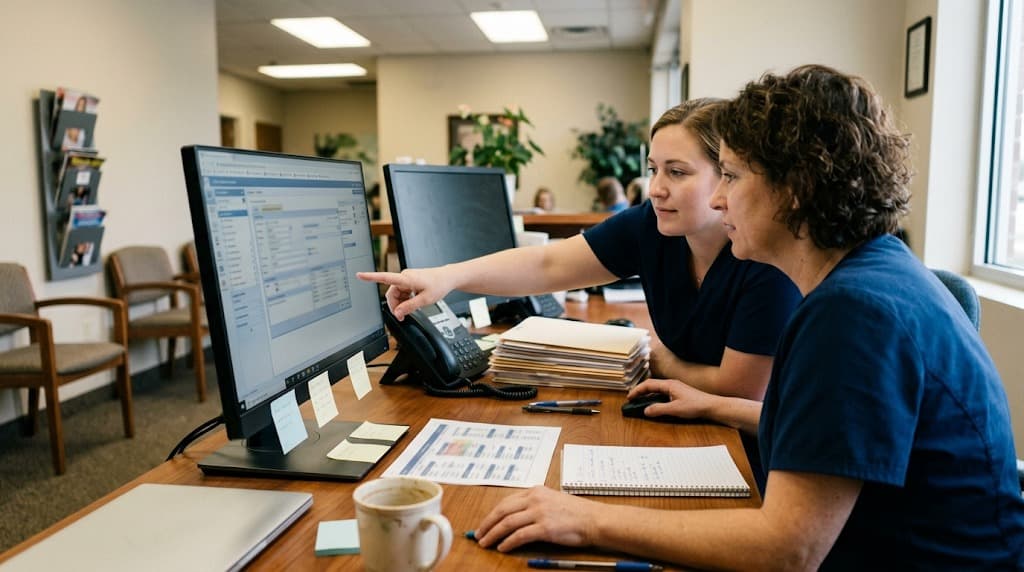
The part that surprised me was how the slowdown spread. It was not just the front desk fumbling check-ins. My assistants slowed down charting, my hygienists hunted for the perio screen, and I caught myself clicking through three menus to find something that used to be one tap. A practice runs on a thousand small automatic motions, and a switch resets every one of them at once. The team was not less capable. They were just suddenly thinking about steps they used to do without thinking, and thinking is slower than muscle memory.
Related: A migration slowdown shows up directly in the gap between what you produce and what you collect. Production vs collections: why busy doesn't mean paid →
How do you know you've outgrown your software, or you're just annoyed?
You have outgrown your system when it blocks work you need to do, not when it merely irritates you. Real signs are missing capabilities, integrations it cannot support, or limits that cap your growth. Daily annoyance with a familiar tool is not the same thing, and switching to escape a bad mood is how owners buy themselves a worse problem.
Be honest about which camp you are in. Outgrowing looks like this: you cannot run the reports you need, the system will not connect to tools you depend on, or it genuinely cannot handle your patient volume. Those are structural limits worth the pain of a switch.
- Outgrown it: missing features you need, no integration path, hard limits on scale, vendor abandoning the product.
- Just annoyed: a clunky screen you know well, a habit you dislike, a single feature you wish worked differently.
Annoyance is fixable with training or a workaround. A structural limit is not. Only the second one justifies absorbing a week of lost production, so make sure you are switching for the right reason before you start.
A switch is only worth it if the math works.
Read your numbers before you read any vendor pitch. Your P&L tells you whether you can absorb the disruption.
How to read a dental practice P&L →How do you switch without losing a week of production?
You switch slowly, in parallel, and you train before you go live, never after. The week I lost came from doing the opposite: a hard cutover during a busy stretch, with training scheduled for after launch. Reverse those choices and the migration cost drops sharply, because the slowdown happens on your terms.
Two ways to switch: the week I lost vs. the plan I'd run now
Same migration, two very different bills.
| Decision | Hard cutover (what I did) | Planned switch (what I'd do) |
|---|---|---|
| Timing | Busy month | Slowest week of the year |
| Old system | Shut off at go-live | Read access kept in parallel |
| Training | Scheduled after launch | Completed before go-live |
| Data check | Found gaps mid-appointment | Audited charts before launch |
| Result | A week of lost production | A slow week, on your terms |
Here is the plan I would follow now.
- Pick a slow window. Convert during your lightest stretch of the year, not your busiest. A lighter schedule absorbs the slowdown without bleeding production.
- Run parallel where you can. Keep read access to the old system during the transition so a missing record does not stop an appointment cold.
- Train before go-live. Your team should know the new system before a single patient depends on it. Training after launch means learning on the patient's time.
- Audit the data early. Spot-check migrated charts, ledgers, and the schedule before go-live, while you still have time to fix gaps.
- Staff up the first week. Plan for slower work and lighter scheduling deliberately, rather than pretending the team will be at full speed on day one.
None of this removes the cost. It just moves the slowdown to a time you chose and a pace you control, which is the whole difference between a rough week and a lost one.
Related: A botched conversion piles stress on the whole team, and that has its own slow cost. The business decisions behind dentist burnout →
When is staying put the right call?
Staying put is right when your current system still does the core job and your real problem is fixable with training or a single workaround. A switch only earns its disruption when the new system removes a structural limit, not when it scratches an itch. The question is never whether you will be busy.
The patients keep coming either way, with about 65% of adults aged 18 to 64 seeing a dentist in the past year, according to CDC data. So the real question is whether the switch buys you more than it costs.
If I could do it again, I would have either stayed and trained my team harder on the system I had, or switched far more carefully than I did. What I would not do is what I actually did: dread it for a year, then rush it in a panic. Dental visits remain a routine part of adult healthcare, as NIDCR data reflects, and a steady schedule is too valuable to gamble on a careless conversion.
So before you switch, get one honest number: what a week of your production is worth. Industry research from the ADA Health Policy Institute on practice economics can frame your benchmarks, but only your own books give you the real figure. Put that number next to the benefit you expect from the new system. If the benefit clearly wins, plan the switch carefully. If it does not, the cheapest move is the one I should have made: stay, and get better at what you already own.
Run your practice on numbers, not dread.
See how operators weigh big decisions like a system switch against real production and overhead data before they commit.
Book a demo →More tools and guides for running a practice:
Browse the DentalBase resources library →Sources & References
Frequently Asked Questions
The real dental software migration cost is lost production, staff retraining hours, and a temporary slowdown in collections, not the license fee. The soft costs usually dwarf the contract price, because a slower team sees fewer patients during the transition.
Because the software runs your schedule, billing, and front desk, so changing it changes how fast your team moves patients through the day. Treating it as a quiet IT project is the mistake that turns a rough week into a lost one.
Patient data, the appointment schedule, and staff muscle memory. Records can transfer incomplete, recurring appointments can vanish, and a team that was fast on the old system slows down while they relearn basic functions on the new one.
You have outgrown it when it blocks work you need, such as missing features, no integration path, or hard limits on scale. Daily irritation with a familiar system is not the same, and is usually fixable with training instead.
Convert during your slowest window, keep read access to the old system in parallel, train the team before go-live, audit migrated data early, and schedule lighter for the first week so the slowdown happens on your terms.
Often yes, if the system still does the core job and your problem is fixable with training. A switch only pays off when the benefit clearly beats the dental software migration cost, including the production you will lose during the change.
Was this article helpful?

Written by
Dr. Muhammad Abdel-rahim DMD
Muhammad Abdel-rahim, DMD, is a dentist and implantologist at Peterborough Family Dental & Implant Center with a passion for blending clinical excellence, leadership, and innovation. He believes dentistry extends beyond restoring smiles to building trust, confidence, and sustainable systems that help patients and teams thrive. With experience leading and scaling dental practices, Dr. Abdel-rahim brings a strategic mindset to patient care and practice growth. He is particularly interested in communication, critical thinking, and the thoughtful application of artificial intelligence to improve clinical outcomes, workflows, and the overall patient experience.