How to Consolidate Your Dental Tech Stack Without Disruption
A week-by-week consolidation playbook for dental practices to prevent missed appointments, data loss, and front desk chaos during transitions.
Share:
Table of contents
Deciding to consolidate is the easy part. Every practice owner who's run the tech stack audit and compared the one-platform vs. multi-vendor math can see the numbers. The harder question is: how do you actually make the switch without missing appointments, losing patient data, or spending three weeks with a front desk team that doesn't know which system to use?
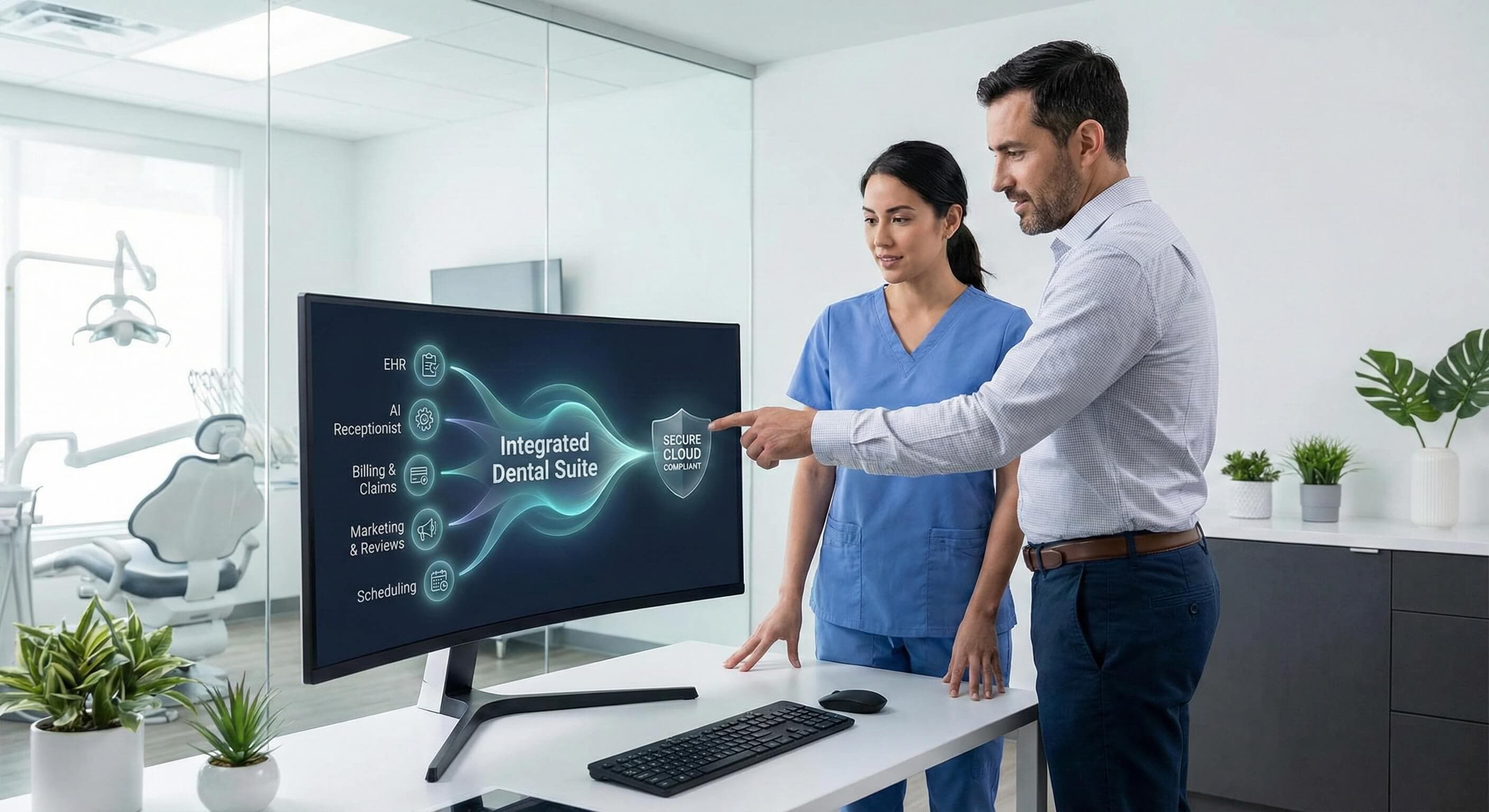
This is the implementation playbook. Not why to consolidate, we've covered that. This is the week-by-week process for replacing three or four disconnected tools with one connected platform while your practice stays open, your schedule stays full, and your patients notice nothing.
Why Most Consolidation Projects Stall
The reason practices delay consolidation isn't cost or conviction — it's fear of the transition itself. And that fear usually comes from one of three places:
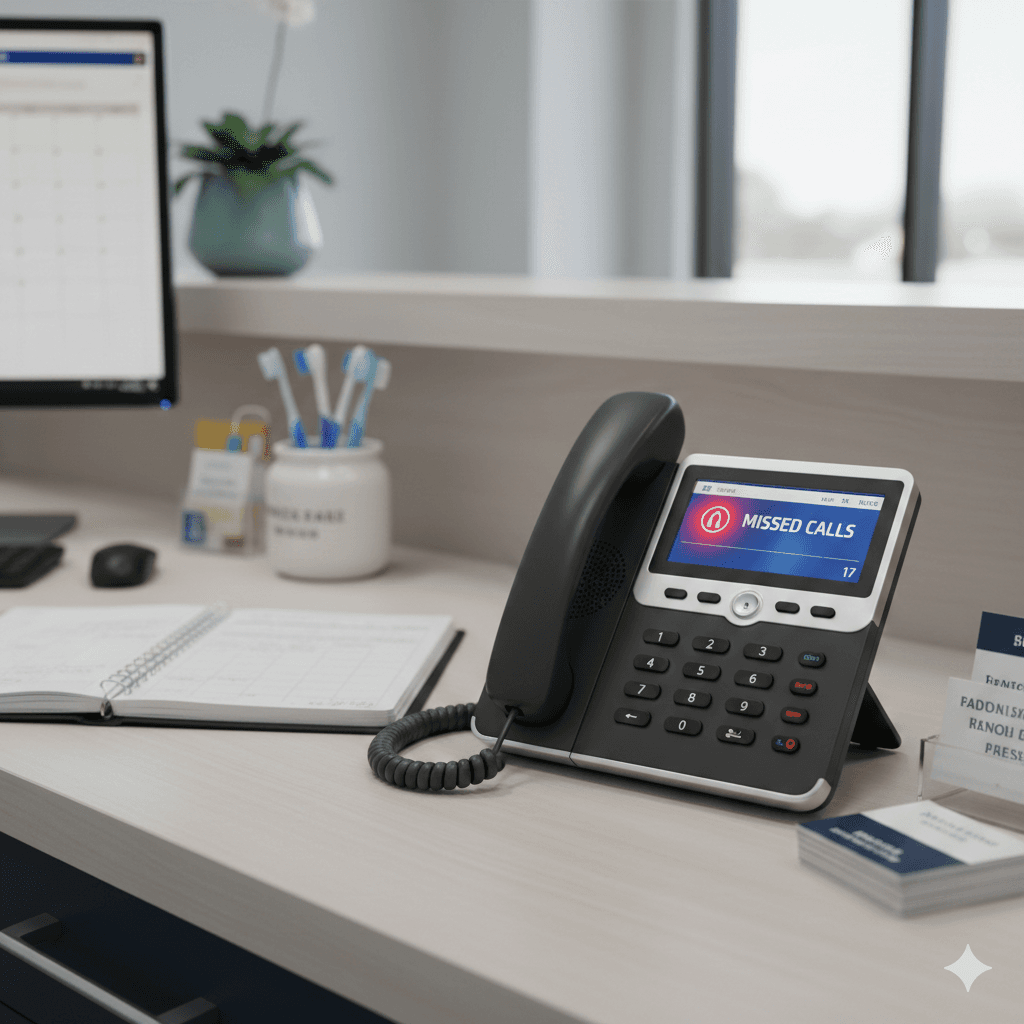
"We can't afford downtime." A dental practice generates revenue every hour it's open. A botched software transition that takes down scheduling or call handling for even half a day costs thousands in missed appointments and creates a patient experience problem that lingers.
"My team is already stretched." Front desk staff are handling phones, check-ins, insurance, and follow-ups simultaneously. Adding "learn a new system" to that plate feels impossible — especially if the last software change was a painful six-month ordeal.
"What if we lose data?" Patient records, appointment history, communication logs — the idea of something falling through the cracks during migration keeps practice owners on the old system long past the point where the audit showed it should go.
All three of these concerns are valid. And all three are solvable — if the consolidation is sequenced correctly.
The Principle: Layer On, Then Phase Out
The biggest mistake in dental tech consolidation is trying to rip out old tools and install new ones simultaneously. That creates the exact disruption everyone fears.
The better approach: layer the new platform on top of your existing stack first. Run both in parallel for a defined period. Verify the new system is working correctly. Then — and only then — cancel the tools it replaces.
This is the core reason DentiVoice was designed to integrate with your existing PMS rather than replace it. Your Dentrix, Eaglesoft, Open Dental, or Curve stays exactly where it is. DentiVoice layers on top — handling calls, texts, and scheduling through the PMS's existing calendar and patient database. There's no clinical data migration. There's no new PMS to learn. The transition is additive before it's subtractive.
Week-by-Week Implementation Playbook
This timeline assumes you're consolidating communication tools — phone handling, answering service, texting platform, and call tracking — into DentiVoice and the DentalBase platform. Adjust the timeline for your specific tools, but the sequence applies to any consolidation.
Week 1: Prep and Parallel Setup
What happens: DentiVoice is connected to your PMS and configured with your practice's hours, provider availability, appointment types, and scheduling rules. Your existing tools remain fully active. Nothing changes for patients or staff yet.
What to tell your team: "We're testing a new system alongside our current tools. You don't need to do anything differently this week. We'll show you what it does next week."
What to verify:
- DentiVoice can read your PMS schedule in real time
- Appointment types and provider availability match your actual workflow
- Test calls route correctly and appointment bookings land in the PMS
Week 2: Shadow Mode
What happens: DentiVoice begins handling overflow and after-hours calls alongside your existing answering service. Both systems are active. Your front desk still answers during business hours as normal. DentiVoice picks up what they can't — and also catches calls during lunch, hold times, and the 8 AM rush when all lines are busy.
What to tell your team: "DentiVoice is now live for calls we miss. Check the PMS each morning — you'll see appointments it booked overnight or during busy periods. If anything looks wrong, flag it, and we'll adjust the settings."
What to verify:
- Appointments booked by DentiVoice show up correctly in the PMS
- Patient identification is accurate (right patient matched to right record)
- After-hours calls are handled and logged with full context
- No conflicts with appointments booked by the front desk
This is the most important week. Shadow mode lets you validate the system with real patient interactions while your existing tools are still running as a safety net. If something needs adjustment — a scheduling rule, a provider preference, a greeting — you fix it now, not after you've cancelled the old tools.
Want to see what shadow mode looks like before you commit?Book a free demo — we'll show you exactly how DentiVoice runs alongside your current stack and what your team sees each morning.
Week 3: Front Desk Orientation
What happens: Your front desk team gets a walkthrough of the DentiVoice dashboard. They learn where to see call logs, booked appointments, patient context, and text threads. This isn't "learn a new system" training — it's "here's where to find what DentiVoice already did for you."
What to tell your team: "You're not changing how you work. DentiVoice handles the calls you can't get to. Your job is to review what it booked and handle anything that needs a human follow-up. Here's where to look."
Why this works: The front desk isn't learning a replacement for their workflow. They're learning a tool that does the part of their job they couldn't get to anyway — the missed calls, the after-hours callbacks, the hold-time abandonments. That framing matters. It's not "new system you have to figure out." It's "someone finally handling the overflow."
Week 4: Cancel the Old Tools
What happens: After three weeks of parallel operation, you've verified that DentiVoice is booking accurately, handling calls reliably, and your team knows where to find everything. Now you cancel the tools it replaced.
What goes away:
- Answering service subscription
- Standalone texting platform (if DentalBase messaging replaces it)
- Separate call tracking number (DentiVoice includes attribution)
- Any other tools that DentiVoice has been successfully handling in parallel
What stays:
- Your PMS — untouched
- Your imaging software — untouched
- Any specialized clinical tools — untouched
What to tell your team: "The old answering service and texting platform are cancelled as of this week. DentiVoice has been handling those functions for three weeks — this just makes it official."
How DentiVoice Makes This Transition Simpler Than Most
The reason this playbook works in four weeks instead of four months is that DentiVoice was built for exactly this transition model:
No PMS migration. DentiVoice reads from and writes to your existing PMS. Dentrix, Eaglesoft, Open Dental, Curve — the integration is native, not middleware. Your clinical records, charting, and billing don't move.
No front desk retraining. Your team doesn't learn a new scheduling interface. They continue working in the PMS they already know. DentiVoice books appointments into that same system. The learning curve is "check the PMS in the morning and see what was booked overnight."
No phone system replacement. Your existing phone lines stay. DentiVoice handles overflow and after-hours calls that would otherwise go to voicemail or an answering service. The front desk still answers the phone during business hours exactly as before.
No data migration. Because DentiVoice layers on top of your PMS rather than replacing it, there's no patient data to export, convert, or import. The patient records are already in the PMS — DentiVoice simply accesses them.
This is the difference between consolidation that requires a practice to shut down for a day and consolidation that patients and staff barely notice happening.
Four weeks from first call to full consolidation.Book a free demo and we'll map your current stack, configure the parallel setup, and walk your team through exactly what to expect each week.
After the Transition: What to Measure (and What Good Looks Like)
The first 90 days after going fully live are where consolidation either proves itself or exposes gaps. Don't rely on gut feeling — track specific numbers weekly so you can see the trend, catch issues early, and build the case for what the change actually delivered.
Call Answer Rate
This is the single most important before-and-after metric. Before DentiVoice, pull your call data and calculate what percentage of inbound calls reached voicemail or went unanswered. Most practices land between 15–25% missed during business hours, with after-hours calls going entirely unhandled unless an answering service picks them up.
After DentiVoice is live, this number should approach zero — because DentiVoice catches overflow during business hours and handles every call after hours. Track it weekly. If the number isn't dropping, something in the call routing needs adjustment and the DentalBase support team can diagnose it same-day.
Appointments Booked Without Front Desk Involvement
Every appointment DentiVoice books autonomously — overflow calls during the lunch rush, after-hours callbacks from recall texts, weekend inquiries from new patients — is time your front desk didn't spend on the phone. Track the count weekly and multiply by your average appointment value to see the revenue DentiVoice is recovering.
This metric also shows your front desk team what DentiVoice is actually doing for them. When they see 15–20 appointments per week that booked without their involvement, the tool stops feeling like a threat and starts feeling like the backup they always needed.
Revenue Per Call
Go deeper than call counts. With DentiVoice's attribution tracking, you can see which calls converted to booked appointments and which didn't — and tie that back to the source. A recall text that generates a callback that books a $350 hygiene visit is a different ROI than a new-patient inquiry from a Google ad that books a $150 exam. Understanding revenue per call by source lets you optimize your outreach and marketing spend based on what actually books, not just what generates clicks.
Subscription Cost Delta
Add up the monthly cost of every tool you cancelled — answering service, standalone texting platform, call tracking number, any separate AI receptionist. Subtract the DentiVoice subscription. That difference is your direct savings, and it shows up on your very first post-transition invoice.
But the direct savings are the smaller number. The bigger ROI comes from the labor savings (front desk hours no longer spent on data re-entry and system bridging) and the recovered revenue (appointments that used to go to voicemail and now book). If you tracked data re-entry hours during the tech stack audit, compare your post-transition re-entry time against that baseline. Most practices see it drop by 70–80%.
Staff Satisfaction (Don't Skip This)
Ask your front desk team at 30, 60, and 90 days: "Is this making your day easier or harder?" The answer tells you whether adoption is real or whether the team is quietly working around the new system. If the answer is "easier" — which it is when the tool handles the calls they were already missing — you have a consolidation that sticks. If the answer is "harder," something in the configuration needs attention before the workaround becomes permanent.
"The practices that measure these things in the first 90 days are the ones that never look back," says Jordan, DentalBase's Head of Sales. "When you can see the calls answered, the appointments booked, and the cost difference on one dashboard — the consolidation math stops being theoretical."
See the projected numbers for your practice.Book a free demo — we'll model the before-and-after based on your current call volume, missed-call rate, and tool costs
Frequently Asked Questions
The 2 2 2 rule in dentistry refers to brushing teeth for 2 minutes, twice a day, using 2 minutes of fluoride toothpaste. This fundamental oral hygiene guideline helps maintain optimal dental health and reduces the need for extensive dental interventions. When consolidating dental tech systems, practices often integrate patient education tools that reinforce these basic preventive care principles through automated reminders and educational content.
The 80/20 rule in dentistry suggests that 80% of dental problems come from 20% of patients, or that 80% of practice revenue comes from 20% of procedures. This principle guides resource allocation and technology investment decisions. During tech consolidation, practices can use this rule to prioritize which systems and features will deliver the most significant impact on efficiency and patient care outcomes.
Bola AI offers automated clinical note generation that converts voice recordings and treatment data into structured, compliant documentation. This feature significantly reduces the time dentists spend on paperwork, allowing them to focus more on patient care. The AI-powered documentation system integrates seamlessly with existing practice management software, making it a valuable component of consolidated dental tech systems.
The most common OSHA violation in dental offices is inadequate infection control procedures, particularly related to bloodborne pathogen exposure control and improper sterilization protocols. Consolidated dental tech systems can help address this by integrating compliance tracking software, automated sterilization monitoring, and digital infection control checklists that ensure consistent adherence to OSHA standards across all practice operations.
The primary risks include potential operational disruption during the transition, data migration issues, and staff resistance to new systems. A poorly planned consolidation can lead to downtime, which affects patient scheduling and billing. To mitigate these risks, practices should use a phased implementation, ensure thorough staff training, and maintain parallel systems until the new platform is stable.
Was this article helpful?
Written by
DentalBase Team
The DentalBase Team is a collective of dental marketing experts, AI developers, and practice management consultants dedicated to helping dental practices thrive in the digital age.