How Washington Dental Practices Are Using AI Automation
See how AI dental call automationin Washington helps practices answer more calls, automate booking, reduce missed leads, & improve patient communication 24/7.
Share:
Table of contents
Even with online booking, chat widgets, and patient portals, the phone remains the main gate to new patient revenue for most Washington dental practices. Patients call when they’re:
in pain and want reassurance
comparing providers and availability
trying to understand insurance quickly
looking for the “soonest appointment”
confirming whether you do a procedure (implants, Invisalign, sedation, emergencies)
That means every missed call isn’t just a missed conversation—it’s often a missed booking. And in 2026, patients have zero patience for “leave a voicemail and we’ll get back to you.” They’ll simply call the next office.
This is exactly why AI dental call automation Washington practices are adopting is less about novelty and more about closing the biggest leak in the patient journey.
Why calls get missed (even in well-run offices)
If your front desk feels slammed, it’s not because they’re doing a poor job. It’s because call volume peaks at the worst possible times:
first hour of the morning
lunchtime
late afternoon
right after insurance resets, holidays, and school breaks
during high no-show/reschedule periods
At the same time, the front desk is also:
checking patients in/out
collecting payments
answering insurance questions
confirming tomorrow’s schedule
handling reschedules and cancellations
dealing with walk-in urgency
You don’t have a “phone problem.” You have a capacity problem.
AI call automation increases capacity immediately—without adding another phone line, another person, or another layer of chaos.
The Washington market reality: convenience beats “best on paper”
Whether you’re in Seattle, Tacoma, Bellevue, Everett, Spokane, Vancouver, Olympia, or any high-growth pocket nearby, patients tend to choose the practice that feels easiest.
In practical terms, “easy” means:
someone answers
scheduling is quick
follow-up is immediate
the practice sounds organized and confident
after-hours doesn’t feel like a dead end
AI helps practices deliver that experience consistently, even when the team is busy.
What “AI call automation” actually means for dental practices
AI call automation is not one thing. It’s a set of workflows that work together:
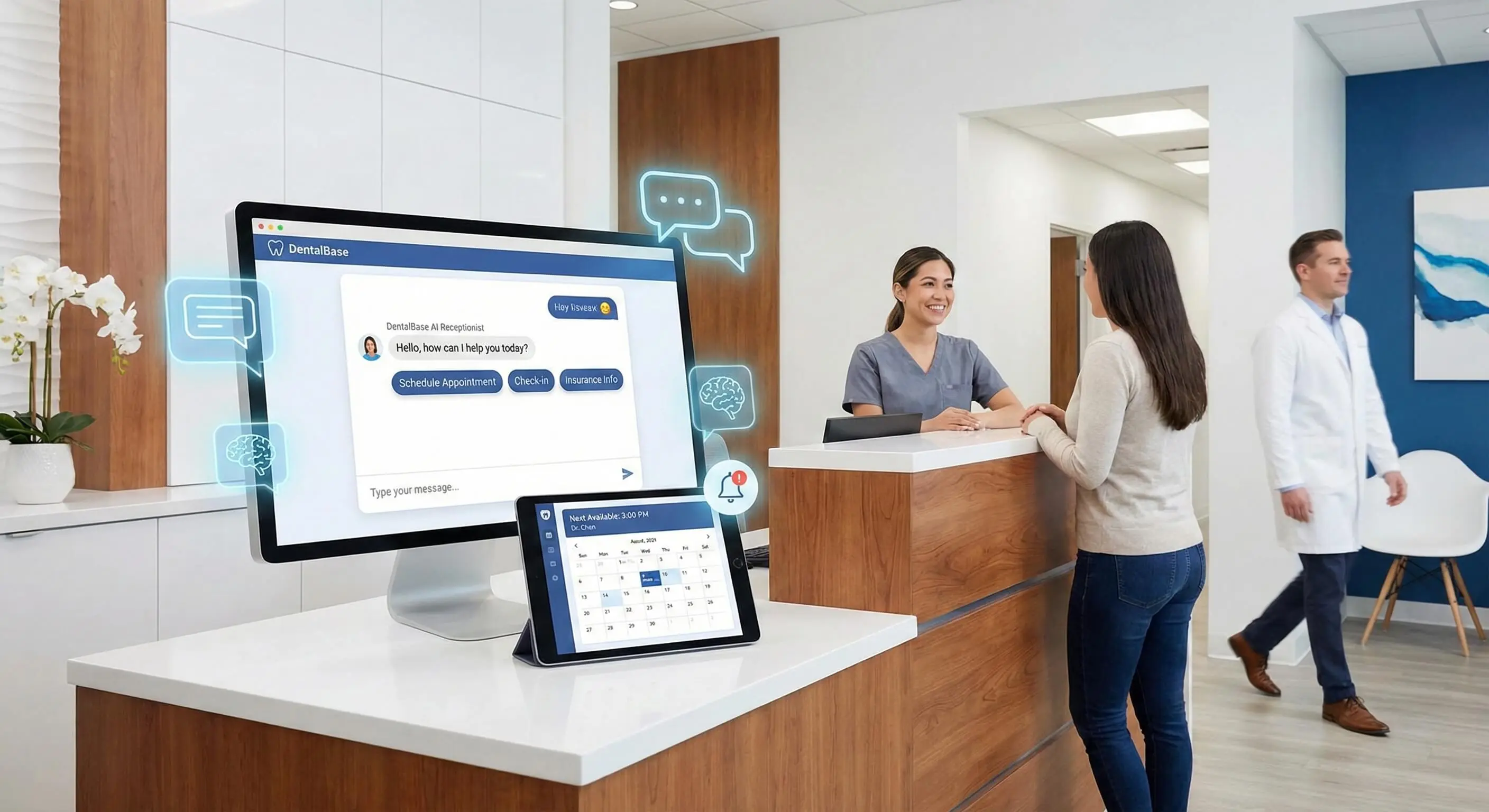
AI voice receptionist for overflow + after-hours
Missed-call text-back to recover calls you didn’t answer
Smart call routing so the right calls go to the right place
Automated appointment booking (or structured lead capture)
Patient communication automation for follow-up, confirmations, and reschedules
Staff handoff summaries so humans close faster when needed
When practices implement these as a system, they stop losing leads and start converting more of the demand they already have.
The AI voice receptionist: your “always-available” first response
What it does well
An AI voice assistant dental workflow can handle:
“Are you accepting new patients?”
“Do you take my insurance?” (capture provider + plan name)
“What’s the soonest cleaning?”
“I have tooth pain—can I be seen today?”
“Do you do Invisalign / implants / crowns?”
“What are your hours and location?”
“Can I reschedule?” (collect info + propose next step)
The AI doesn’t need to replace your front desk. It needs to do one thing extremely well:
Keep the patient engaged long enough to capture intent and move them toward scheduling.
What it should NOT do
A good setup avoids:
giving medical advice
making guarantees about coverage/cost
handling complex billing disputes
managing highly emotional clinical situations without escalation
improvising beyond your approved scripts
Instead, it follows rules: capture → clarify → route → schedule or hand off.
Missed-call text-back: the highest ROI workflow
This is where many Washington practices find “found money.”
When a call is missed, the patient often assumes:
you’re too busy
you don’t prioritize new patients
you’ll call back tomorrow
it’s faster to try another office
A missed-call text-back flips that story within seconds.
Example workflow:
Patient calls → no answer
Within 30–90 seconds, AI texts:
“Sorry we missed you—are you looking to schedule an appointment?”Patient replies: “cleaning” / “tooth pain” / “implant consult”
AI asks 2–4 quick questions (name, urgency, availability)
AI sends booking options or hands off to staff with a clean summary
This is a pure conversion play. You’re not buying more traffic—you’re converting more of what you already have.
After-hours calls: where demand quietly lives
Many patients call after hours because:
they can’t talk during work
they remember at night
pain spikes in the evening
parents plan appointments after kids are asleep
If after-hours goes to voicemail, you lose momentum and often lose the patient.
With after-hours dental calls answered by AI, the practice can:
capture the reason for call
triage urgency (“pain now” vs. “soon”)
collect contact details
offer next steps (text options, scheduling windows)
create a task list for the team the next morning
In competitive areas, after-hours coverage is one of the fastest ways to increase booked opportunities.
Smart call routing: fewer interruptions, faster resolutions
One of the most underrated benefits of AI call automation is routing.
Instead of every call hitting the same staff member, AI can route by intent:
new patient scheduling
existing patient reschedule
billing/insurance
emergency/urgent pain
specialty interest (implants, Invisalign, cosmetic, sedation)
This reduces front desk fatigue because they’re not constantly switching contexts.
It also improves patient experience because callers don’t get bounced around as often.
Automated appointment booking: two practical paths
Not every practice wants full auto-booking—and that’s fine. Washington practices usually choose one of these:
Option A: Safe “assistive scheduling”
AI collects everything needed and then staff confirms quickly:
appointment type
preferred days/times
insurance/provider details (optional)
urgency and symptoms (high level)
This reduces phone tag without handing scheduling over completely.
Option B: Limited self-scheduling
AI offers booking for specific, low-risk visit types:
new patient exam
hygiene visits
consultation windows
The goal isn’t to automate everything. It’s to remove friction in the most common booking paths.
The secret weapon: consistent scripts that improve conversion
Call conversion isn’t only about being friendly—it’s about structure.
AI works best when you script:
greeting tone
key questions (intent, urgency, timeframe)
insurance language (“We can verify benefits before your visit…”)
reassurance statements (“We can help—let’s get a time that works…”)
clear next step (booking or staff callback window)
Example “conversion-friendly” flow
Identify intent: “Is this for a routine visit or something urgent today?”
Capture readiness: “Are you looking to schedule as soon as possible?”
Reduce friction: “I can text you options right now—what’s the best number?”
Move forward: “Do mornings or afternoons work better this week?”
In other words: the AI doesn’t “sell.” It guides.
AI summaries: the handoff that makes staff faster
When AI captures calls, the handoff matters. The best systems provide a concise summary like:
Name + phone
reason for call
urgency level
preferred schedule windows
insurance note
any special request (sedation, Spanish-speaking, anxious patient)
Now your team doesn’t restart the conversation from scratch—and the patient feels like you’re organized.
What to track: the metrics that prove ROI
AI feels “cool,” but Washington practices keep it because it performs.
Track these before and after:
Answer rate (how many calls are actually handled)
Missed-call recovery rate (how many missed calls turn into conversations)
Response time (especially for form/chat leads)
Call-to-appointment conversion rate
Show rate (confirmations + reschedule ease can improve this)
After-hours lead capture volume
If you’re not tracking, you’re guessing.
A realistic 14-day rollout plan (no chaos)
Here’s a practical implementation approach that avoids disruption:
Days 1–3: Pick your first win
Choose one KPI:
reduce missed calls
increase new patient bookings
capture after-hours demand
reduce front desk overload
Days 4–7: Build scripts + escalation rules
Create:
approved greetings and tone
the 5–10 most common FAQs
triage rules (especially urgent pain)
“handoff triggers” (when AI transfers to staff)
Days 8–10: Launch missed-call text-back
This is the simplest, fastest ROI workflow.
Days 11–14: Add AI voice coverage for overflow/after-hours
Start with:
overflow during business hours
after-hours answering
structured handoff summaries
Then refine weekly based on transcripts and outcomes.
Common mistakes Washington practices should avoid
Mistake 1: Trying to automate every call type immediately
Fix: start with overflow + missed-call recovery first.
Mistake 2: No escalation rules for urgency
Fix: define exactly what happens when someone reports pain, swelling, trauma, or urgent needs.
Mistake 3: Letting AI improvise on insurance and pricing
Fix: keep insurance language conservative and process-based (“We can verify benefits…”).
Mistake 4: Not coaching the system
Fix: review transcripts weekly and refine scripts like you would train a new hire.
Mistake 5: Measuring “activity,” not outcomes
Fix: measure bookings, conversion rate, and response time—not just “number of calls handled.”
A quick (hypothetical) example of what changes
Imagine a practice gets 140 inbound calls per week and misses 20% during peak times (28 calls). If even half of those missed calls never get recovered, that’s 14 lost opportunities weekly.
With missed-call text-back + after-hours AI capture, if the practice recovers 8–10 of those opportunities and converts a portion into appointments, the schedule grows—without increasing ad spend.
That’s the power of AI call automation: it reduces leakage.
The bottom line
Washington dental practices in 2026 aren’t using AI to be trendy—they’re using it to solve the most expensive operational problem in dentistry:
missed calls + slow follow-up = lost patients
With AI dental call automation, Washington practices can:
answer more calls
recover missed opportunities instantly
capture after-hours demand
route calls intelligently
speed up scheduling
reduce front desk overload
improve conversion with consistent communication
Frequently Asked Questions
Yes—if the scripts are written in your practice’s voice and the AI has clear prompts, guardrails, and escalation rules for complex situations.
Start with two workflows: overflow call answering and missed-call text-back. They usually produce the quickest improvement in captured leads and bookings.
Often yes for defined appointment types (new patient exam, hygiene, consult windows). If not, AI can still capture details and hand off a ready-to-book summary to staff.
With triage rules: it can ask urgency questions, provide next steps, and route/escalate appropriately (for example, immediate transfer to a live line or on-call process).
Was this article helpful?
Written by
DentalBase Team
The DentalBase Team is a collective of dental marketing experts, AI developers, and practice management consultants dedicated to helping dental practices thrive in the digital age.