After-Hours Dental Calls: What Comes In and How to Handle It
Most after-hours dental calls fall into 4 categories. Here is what each one needs, why voicemail fails, and how to build coverage that books patients.
Share:
Table of contents
After-hours dental calls aren't random. They follow patterns. The same types of patients call for the same types of reasons, and if you understand those patterns, you can build a system that handles 90% of them without anyone on your team picking up the phone.
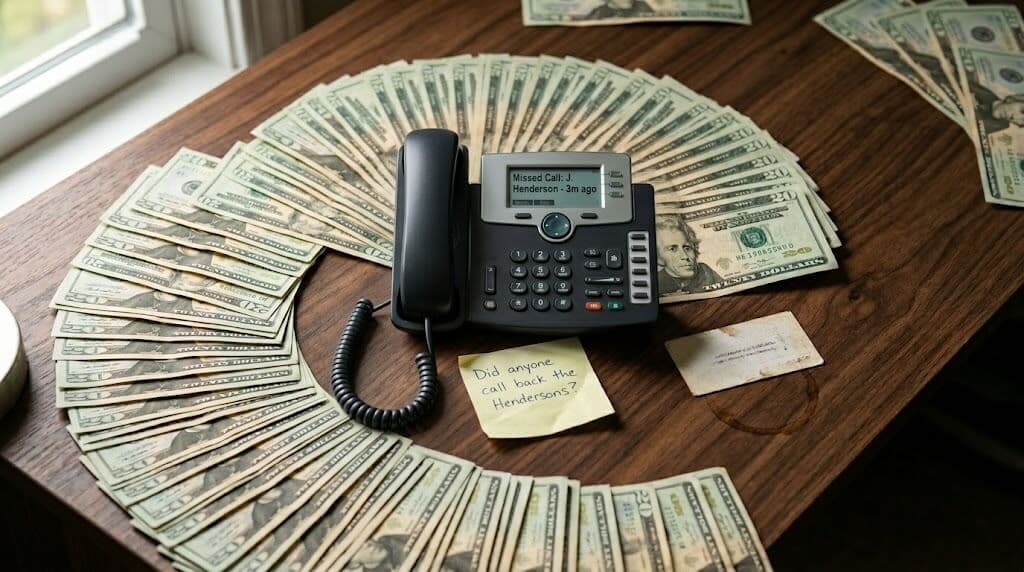
Most practices treat after-hours coverage as an afterthought. Voicemail picks up, someone checks it in the morning, and half the callers never hear back. But after-hours calls make up 27% of total patient call volume, according to Dental Economics. That's not overflow. That's a quarter of your phone traffic going to a dead end. DentiVoice and similar AI tools exist to catch those calls, but the strategy behind how you handle them matters just as much as the technology.
This article breaks down what types of calls actually come in after hours, why voicemail fails for each one, and how to set up a workflow that converts callers into booked patients instead of lost opportunities.
What Types of Calls Come In After Your Office Closes?
After-hours dental calls fall into four main categories, and each one needs a different response. Treating them all the same is why most practices lose patients overnight.
1. New Patient Inquiries
This is the most valuable call type you're missing. Someone searches "dentist near me," finds your practice, and calls. It's 7:30 PM because that's when they're home from work and finally have time to deal with the toothache they've been ignoring. They're motivated, they're ready to book, and they're going to call the next practice on the list if nobody answers.
According to ADA data, the average patient lifetime value for a general dentist sits between $12,000 and $15,000, per Dental Economics. That's not a $200 cleaning you're losing. That's a decade of hygiene visits, restorative work, and referrals, all gone because the phone rang at the wrong hour.
2. Scheduling and Rescheduling
Existing patients who need to move an appointment, confirm details, or cancel. These calls aren't urgent, but they're time-sensitive. A patient who realizes on Sunday night that they can't make Monday's 9 AM cleaning has two options: call and hope someone picks up, or just not show. Most choose option two. That's how a simple rescheduling need turns into a no-show that costs you $200 in production and an empty chair you can't fill.
3. Emergencies
Cracked teeth, knocked-out teeth, severe pain, post-op complications, swelling that's getting worse. These calls can't wait until morning, and the patients making them are scared. They need someone to assess the situation, tell them whether it's an ER visit or a first-thing-tomorrow appointment, and give them guidance on what to do right now.
Emergency calls require a triage workflow, not just a recording. More on that below.
4. General Questions
Insurance coverage, office hours, directions, what to bring to a first visit, whether you accept a specific plan. These are low-stakes calls, but they often come from prospective patients deciding between you and another practice. If they can get answers now, they book. If they can't, they move on to whoever picks up.
| Call Type | Share of After-Hours Volume | What the Caller Needs | Revenue at Risk |
|---|---|---|---|
| New patient inquiries | 25-35% | Answers + immediate booking | $12,000-15,000 lifetime value |
| Scheduling/rescheduling | 30-40% | Calendar access + rebooking | $200 per no-show |
| Emergencies | 10-15% | Triage + guidance + urgent slot | $500-2,000+ per case |
| General questions | 15-25% | Quick answers about insurance, hours, location | Potential new patient lost |
Related: The revenue math behind every unanswered call is worse than most owners expect. → Missed Calls at Your Dental Practice: 15 Revenue Questions
Why Does Voicemail Fail for After-Hours Dental Calls?
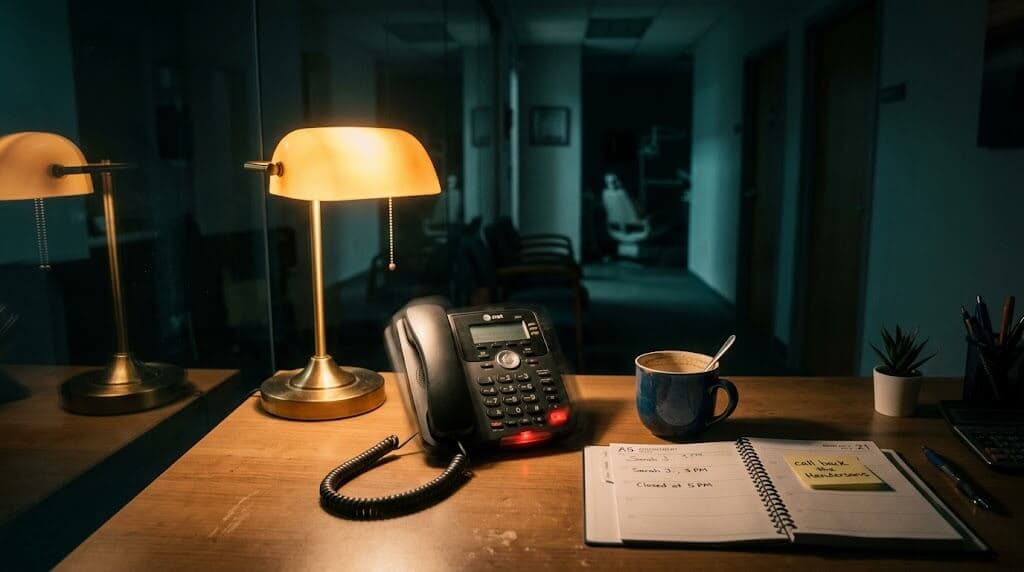
Voicemail feels like a reasonable default. It's free, it's already set up, and your team can check it in the morning. But the data tells a different story. According to reporting from Forbes, 80% of callers who reach voicemail don't leave a message. They hang up and they don't call back.
Think about why. A new patient shopping for a dentist isn't going to leave their name and number and wait for a callback that might come 14 hours later. They'll call the next practice. An existing patient who needs to cancel tomorrow's appointment isn't going to leave a voicemail and hope someone gets it in time. They'll just not show up.
Voicemail Creates Work Instead of Solving It
Even when patients do leave messages, voicemail creates a callback queue that buries your Monday morning. Your front desk arrives to 15-20 messages from the weekend, and now they're making callbacks while also handling the day's check-ins, insurance verifications, and live phone calls. Half those callbacks go to voicemail themselves. Now you're playing phone tag with patients who were ready to book two days ago.
The average dental practice misses 15-20 calls per week according to Dental Economics. During business hours. After hours, the miss rate is 100% for most practices. That's not a coverage gap. It's a coverage canyon.
The Psychology of Calling Back
Here's something most practice owners don't consider. A patient who calls you has momentum. They have a problem, they looked you up, they dialed. That motivation has a shelf life. By the time your team calls back the next morning, the urgency has faded. The toothache dulled overnight. The schedule got busy. They'll "call back later," which usually means never.
Voicemail doesn't capture patients at their moment of highest intent. It delays the interaction to a point where motivation has already dropped. That's why conversion rates on callbacks are a fraction of what they are on live answered calls.
Still relying on voicemail after close?
See what your practice is actually losing each month in missed after-hours revenue.
Read the After-Hours Revenue Guide →What Should Your After-Hours Call Workflow Look Like?
A good after-hours workflow handles each call type with the right response, at the right speed, with the right level of information. It doesn't treat a new patient inquiry the same as a dental emergency, and it doesn't make anyone wait until morning for something that can be resolved now.
New Patient Calls: Answer and Book
The goal is simple: answer the call, provide basic practice information, and get the patient on the schedule before they hang up. The system (whether AI or a trained after-hours agent) needs access to your live schedule so it can offer real appointment times. It should collect the patient's name, contact info, reason for the visit, and insurance details. Then it confirms the appointment via text and sends any pre-visit forms.
A new patient call that ends with a booked appointment is worth 10x one that ends with "we'll call you back." The conversion difference isn't subtle. It's the difference between a $12,000 patient relationship and a dial tone.
Scheduling Calls: Rebook Instantly
Existing patients calling to reschedule need the same thing: live calendar access and a confirmed new time. If the system can't access your schedule, it can't solve the problem. Taking a message that says "Mrs. Rodriguez needs to move her Thursday cleaning" is just adding an item to tomorrow's to-do list. And if tomorrow gets busy, it slips.
The patients who call to cancel at night are giving you a gift. They're telling you a chair is about to open up. If your system can instantly rebook them and flag the opening for your waitlist, you protect both the patient relationship and your production.
Emergency Calls: Triage First, Then Route
Emergency call handling requires a decision tree configured by your practice. The workflow needs to ask the right questions: pain level, swelling, bleeding, trauma, post-surgical complications. Based on the answers, it routes to one of three outcomes:
- Book urgent. For cases that need same-day attention but aren't life-threatening (moderate pain, chipped tooth, lost filling), the system books the first available emergency slot the next morning.
- Escalate to on-call. For cases with red-flag symptoms (severe swelling, uncontrolled bleeding, trauma with jaw involvement), the system routes to your on-call provider's direct line or paging service.
- Direct to ER. For anything that sounds like it could involve airway compromise, severe infection, or major facial trauma, the system directs the patient to the nearest emergency room immediately.
This triage logic should be designed by your clinical team, not the AI vendor. You know what constitutes an emergency in your practice. The technology just executes the decision tree you build.
General Questions: Answer and Offer Booking
Insurance questions, hours, location, accepted plans. These calls are quick but they're also conversion opportunities. If someone is asking about your insurance acceptance at 8 PM, they're probably deciding whether to schedule. A system that answers the question and then offers to book saves them a step and captures the appointment before they forget.
Want to see how this workflow runs in practice?
Watch a live demo of after-hours calls being answered, triaged, and booked, with your scheduling rules, your providers, and your emergency protocols.
Book a Free Demo →How Should You Handle Dental Emergencies at 2 AM?
Emergency calls are the highest-stakes after-hours scenario. Get it wrong and a patient suffers longer than they need to, or worse, goes to the ER for something you could've handled with a morning appointment. Get it right and you've earned a loyal patient for life.
The key is structured triage. Not a generic "please call back in the morning" message. Not a blanket "go to the ER" redirect. A set of questions that determines the right level of response for each individual situation.
A Triage Framework That Works
Start with three screening questions:
- Is there severe or worsening swelling in the face, jaw, or neck? If yes, this could indicate infection spreading. Escalate immediately.
- Is there uncontrolled bleeding that hasn't stopped with pressure? If yes, direct to ER.
- Was there trauma to the face or jaw? If yes and there's displacement, numbness, or difficulty opening/closing the mouth, escalate. If minor, book urgent.
If all three answers are no, you're likely dealing with pain management until morning. The system can offer guidance: appropriate over-the-counter pain medication, cold compress application, avoiding hot or cold foods, and sleeping with the head propped up. Then book them into your first available emergency slot.
Post-Op Complication Calls
Patients who had procedures earlier that day often call in the evening when discomfort sets in. These calls need a different approach. The system should ask about the specific procedure, expected vs. unexpected symptoms, and whether the patient is following their post-op instructions. Most post-op pain is normal and manageable. But occasionally a call reveals a dry socket forming, unexpected swelling, or a reaction to medication that needs clinical attention.
Configure your system to flag post-op calls separately in the morning log. Your clinical team should review these first thing, even if the AI already booked a follow-up, because they may want to adjust the timeline or call the patient directly.
Related: HIPAA rules apply to every after-hours interaction. Here's what your AI system needs to stay compliant. → HIPAA and AI in Dental Practices: 20 Compliance Questions
What's the Difference Between an Answering Service and AI?
Answering services have been the default after-hours solution for decades. They're staffed by human operators who answer your phone, take a message, and deliver it to your office. That sounds reasonable until you look at what they actually accomplish.
An answering service operator doesn't have access to your schedule. They can't book an appointment. They can't check provider availability or match the right appointment type to the right slot. They write down a name, a phone number, and a sentence about why the patient called. That message sits until your team processes it, usually hours later. By then, the new patient has booked elsewhere and the existing patient who needed to reschedule has already no-showed.
Where Answering Services Fall Short
The core problem is that answering services are message-takers, not problem-solvers. They add a step between the patient's call and the resolution. Every added step reduces the chance the patient converts to a booked appointment. A patient who calls and gets immediately booked has a near-100% show rate for that appointment. A patient who gets a "someone will call you back" has maybe a 50% chance of being reached, and a lower chance of actually booking.
Answering services also charge per minute or per call, typically $0.75-2.00 per minute, according to Marchex call analytics data. For a practice receiving 40+ after-hours calls per week, costs add up to $300-600 monthly, and you're still not getting appointments booked. That's spending money to collect messages that create more work for your front desk.
What AI Does Differently
An AI receptionist connects to your PMS. It reads your live schedule. When a patient calls at 9 PM and says they need a cleaning, the AI checks Tuesday's availability, books the 2 PM slot with Dr. Chen, confirms via text, and sends pre-visit forms. Done. No callback needed. No message to process. The appointment is on the books before your team walks in the next morning.
For emergencies, the AI runs your triage protocol, not a generic script written by a call center that handles plumbers and dentists on the same line. It knows the difference between "my tooth hurts" and "my face is swelling and I had an extraction today." That distinction determines whether the patient gets a morning appointment or an immediate referral.
| Capability | Voicemail | Answering Service | AI Receptionist |
|---|---|---|---|
| Books appointments | No | No | Yes, real-time PMS |
| Answers questions | No | Basic only | Yes, dental-trained |
| Emergency triage | No | Routes to on-call | Structured triage + routing |
| Typical monthly cost | $0 | $300-600 | $200-800 |
| Appointments captured | 0% | 0% (message only) | 60-80% of bookable calls |
How Do You Set Up After-Hours Coverage Without Overspending?
After-hours coverage doesn't have to be expensive. The trick is matching your investment to your actual call volume and the types of calls you're getting. A solo practice getting 15 after-hours calls a week has different needs than a multi-location group getting 200.
Start With Your Data
Before you spend anything, figure out what you're actually dealing with. Most PMS systems and phone providers can tell you how many calls come in after hours, when they peak (weekday evenings vs. weekends), and what your current miss rate looks like. If you don't have that data, run a simple test: forward after-hours calls to a Google Voice number for two weeks and count the volume.
That baseline tells you whether this is a 20-call-per-week problem or a 100-call-per-week problem. The solution and the budget look very different for each.
Match the Solution to the Volume
For practices with low after-hours volume (under 20 calls/week), a basic AI receptionist on a flat-rate plan at $200-300/month is usually the right starting point. It handles scheduling, answers common questions, and runs your emergency triage protocol. ROI kicks in if it books even 3-4 appointments per week that would've been lost to voicemail.
For higher volume practices, look at platforms with tiered pricing that scales with usage. Make sure the plan includes real-time PMS integration, not just message-taking. The ROI math gets more favorable as volume increases, because the per-appointment cost of the AI drops while the revenue captured rises.
What Not to Do
Don't stack solutions. Some practices run voicemail plus an answering service plus a chat widget plus an online booking form. Each system captures a slice of the traffic, nothing talks to anything else, and your team spends Monday morning reconciling four different inboxes. One system that handles calls, books to your PMS, and logs everything in a single place is worth more than three half-measures.
And don't ignore HIPAA. Any system handling patient calls needs encrypted transmission, a signed Business Associate Agreement, and proper access controls. Cheap solutions that skip compliance protections create legal risk that far exceeds whatever you saved on the monthly fee.
After-hours dental calls are predictable. The same four types come in every night, every weekend, every holiday. The practices that convert those calls into booked appointments aren't doing anything complicated. They're just making sure someone, or something, answers the phone and has access to the schedule.
Every night your phone goes to voicemail is a night where new patients call someone else, existing patients decide not to show, and emergencies go unmanaged. The fix isn't expensive relative to what it captures. It just requires treating after-hours coverage like what it is: a core part of how you run your practice, not an afterthought.
Your Phone Doesn't Have to Stop Working at 5 PM
See a live walkthrough of AI answering after-hours calls, triaging emergencies, and booking patients into your live schedule.
Book a Free Demo →More guides on running a smarter front office
Browse Resources →Sources & References
Frequently Asked Questions
After-hours calls make up roughly 27% of total patient call volume for dental practices, according to Dental Economics. For a practice receiving 150 calls per week, that is about 40 calls landing outside business hours when most offices have no live coverage.
Research from Forbes shows that 80% of callers who reach voicemail hang up without leaving a message. Patients have low motivation to leave details and wait for a callback, especially new patients who can simply call the next practice on their search results.
Use a structured triage workflow with screening questions about swelling, bleeding, and trauma. Based on answers, route to one of three outcomes: book an urgent morning appointment, escalate to the on-call provider, or direct to the nearest ER for severe cases.
AI is more effective because it connects to your PMS and actually books appointments. Answering services take messages but cannot schedule, creating a callback queue that reduces conversion rates. AI costs roughly the same while capturing significantly more appointments.
AI systems with real-time PMS integration typically book 60-80% of after-hours calls that are bookable. Even capturing 3-4 appointments per week at $200 average production covers the cost of the system several times over.
Yes. Any system handling patient calls must use encrypted transmission, maintain a signed Business Associate Agreement, and implement proper access controls. This applies to AI systems, answering services, and any third party that touches patient information during after-hours coverage.
Was this article helpful?
Written by
DentalBase Team
Expert dental industry content from the DentalBase team. We provide insights on practice management, marketing, compliance, and growth strategies for dental professionals.