Why Dental Appointment Reminder Problems Keep Happening
Most dental appointment reminder problems come from one place: reminder software that doesn't watch the schedule. Here's how the sync fails.
Share:
Table of contents
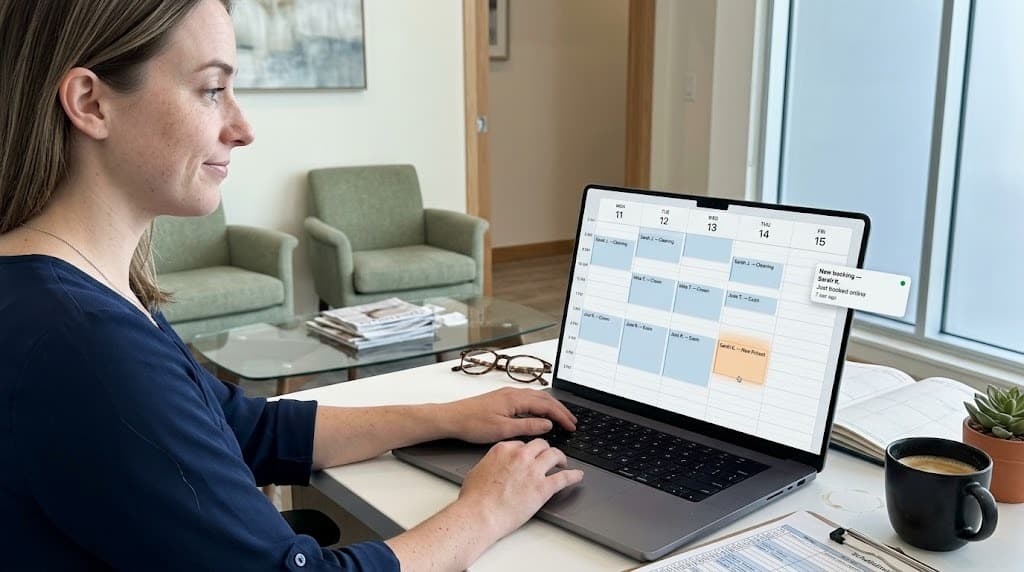
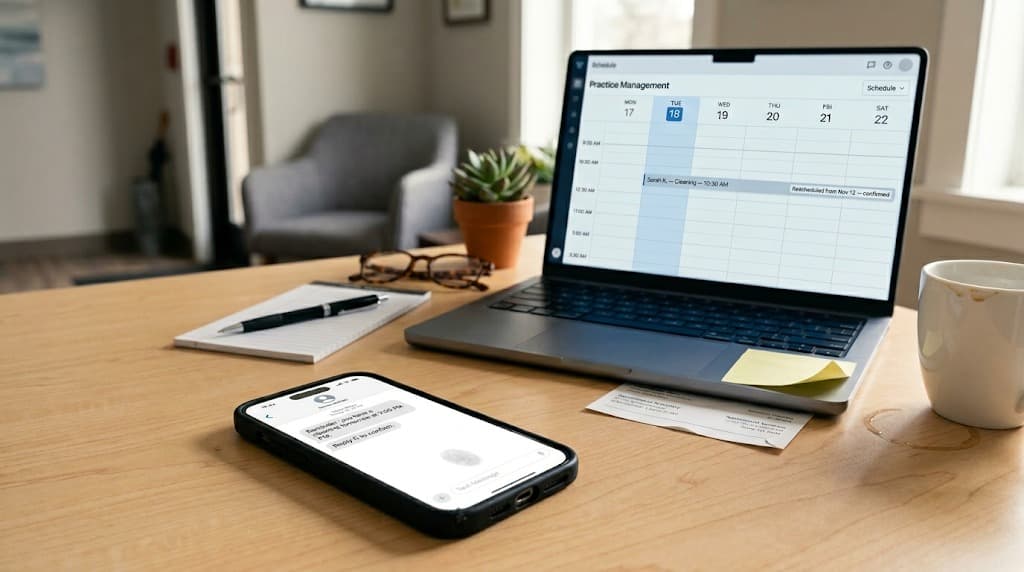
Dental appointment reminder problems usually present as a single recurring complaint at the front desk: a patient texts back "didn't I already move this?" two hours before an appointment they rescheduled yesterday. The reminder fired anyway. The patient is confused. The schedule shows the new time. The reminder system shows the old one.
The reason this keeps happening is structural, not a one-off bug. Most dental reminder software does not watch the schedule. It queues messages in batches at fixed offsets (typically 24 hours and 2 hours before the appointment) based on data pulled from the practice management system at some earlier moment. When the appointment changes after the queue is set, the queue doesn't know.
This article covers why dental appointment reminder problems keep happening across most platforms, what the technical sync gap actually looks like, and what to verify before signing with a new reminder vendor. For the broader front-office platform decision behind switching tools, see our guide to Weave alternatives for dental practices.
Why do dental appointment reminder problems keep showing up across platforms?
Most dental appointment reminder problems stem from the same architectural choice: the reminder system reads from the practice management system on an interval, not on every event. Between syncs, the schedule and the reminder queue drift apart. Reminders fire from the queue, not from the current state of the schedule.
The pattern is consistent across legacy vendors like Weave, Podium, Solutionreach, and others in the same generation of tools. Patients who book reservations through OpenTable, hotels through Booking.com, or doctor visits through ZocDoc have a default expectation that scheduling tools stay in sync, and the gap in dental tooling stands out. The reminder feature was bolted onto the messaging platform years ago, and the integration with the PMS was built around a periodic pull (every 4 hours, every 6 hours, sometimes once a night) because event-stream APIs were not widely available.
The interval pull works fine for appointments that never change. Under FCC and HIPAA guidelines, the practice remains responsible for the messages sent in its name, regardless of which vendor queued them. For a six-month cleaning that stays on the calendar from booking to visit, the reminder fires on time and the patient shows up. For appointments that move (reschedules, cancellations, provider blocks, emergency add-ins), the queue and the schedule disagree, and the reminder system sends from whichever copy it last touched.
Across dental practice operations, scheduling activity is constant. The ADA Health Policy Institute tracks scheduling and capacity patterns across the industry, and the rescheduling rate in a typical general practice is high enough that the gap is not an edge case. It is a daily occurrence.
For practices already running Weave and seeing a steady drip of these incidents, the cost is rarely visible until it's added up: each stale reminder produces a confused-patient call to the front desk, a small loss of trust, and an occasional no-show by a patient who decided the practice couldn't keep track of them. Our Weave pricing review covers how that hidden cost factors into the broader value question.
What causes reminders to fire after a patient has already rescheduled?
The root cause is the timing relationship between the message queue and the schedule. When a patient is booked, the reminder software pulls the appointment data and queues two messages (24 hours and 2 hours before). When that appointment changes, the queue is not automatically updated. The queued messages keep their original send times and contents.
Four common scenarios produce stale reminders, and they show up at most practices weekly:
| Scheduling event | Scheduled-batch reminder behavior | Real-time event-driven reminder behavior |
|---|---|---|
| Patient reschedules 12 hours before appointment | Original 2-hour reminder still fires for the old time | Original reminder is cancelled, new reminders are queued for the new time |
| Patient cancels morning of appointment | The 2-hour reminder may still fire because the cancellation arrived after the queue was set | Reminder is dropped from the queue within seconds of the cancellation |
| Front desk manually moves appointment in PMS | Reminder fires for old time unless staff also updates the reminder system | PMS event triggers an automatic reminder update; no staff action needed |
| Provider blocks the slot for an emergency | All patient reminders still fire even though the provider is unavailable | Affected reminders are cancelled and patients are rerouted before they get a message |
| Patient confirms via text reply | Confirmation may or may not write back to the PMS; staff cross-checks manually | Reply updates the appointment status in the PMS automatically |
| Patient no-shows previous visit (next reminder) | Future reminders continue as normal regardless of behavioral pattern | System flags the patient for additional confirmation or call workflows |
The pattern in each row is the same: the scheduled-batch system makes a decision once (at queue time) and never revisits it. The event-driven system makes a decision at the moment of send, based on the current state of the schedule. That timing difference is the entire source of stale-reminder problems.
How often do dental appointment reminder problems hit a typical practice?
The frequency depends on the rescheduling rate and the reminder system's sync interval. A practice with 40 daily appointments and a 10 percent same-week reschedule rate produces roughly 28 reschedules per week. With a 6-hour sync interval, a meaningful share of those produce at least one stale reminder before the next sync catches up.
The exact volume varies by practice, but the operational signature is consistent. The front desk fields recurring calls that follow predictable scripts: "I already moved this," "I cancelled this yesterday," "I'm seeing a different time on the message than on my calendar." Each call costs five to ten minutes of staff time, and the cumulative weekly drain on the front desk is usually larger than practices estimate.
There's a second-order effect worth noting. Patients who receive a stale reminder once may dismiss future reminders as unreliable, which raises the no-show rate on the appointments where the reminder was correct. Trust in the channel matters more than the volume of messages.
Industry context here also helps. The CDC's oral health portal tracks dental visit patterns across the population, and the gap between scheduled visits and completed visits (the no-show and reschedule space) is one of the operational metrics most directly affected by reminder quality. Reminder reliability is not a marketing concern. It is a clinical operations concern.
For practices running on a fixed front-desk headcount, the cost of stale reminders shows up indirectly in workload. Our breakdown of front desk workload covers how this kind of recurring low-value workload accumulates across the week and contributes to staff turnover over time.
The fix is platform-level, not a setting in your current tool.
Reminder reliability is one signal of a broader architectural decision. The full DentalBase front-office platform handles reminders, scheduling, reviews, and call routing as a single event-driven system.
See the DentalBase platform overview →What does a real-time reminder workflow actually look like?
A real-time reminder workflow listens for events in the practice management system (book, reschedule, cancel, provider block, patient reply) and updates the message queue immediately on every event. The reminder that gets sent always reflects the current state of the schedule, not the state from the last batch sync.
The full chain looks like this:
- 1PMS event listenerEvery schedule change in the PMS (Dentrix, Eaglesoft, Open Dental, Curve, Denticon) emits an event the reminder system can receive. Booking, rescheduling, cancellation, provider block, status change.
- 2Trigger evaluationFor each event, the system asks a single question: does the new state of the schedule still require the queued reminder? Cancellations drop the reminder. Reschedules replace it with a new one. Provider blocks cascade through affected patients.
- 3Queue updateThe reminder queue is updated in seconds, not on the next interval pull. Queued messages can be cancelled, replaced, or rescheduled based on the trigger evaluation.
- 4Final state check before sendAt the moment of sending, the system performs one final check against the PMS to confirm the appointment is still active and the patient is still expected. Messages that fail the check are suppressed.
- 5Status writebackOnce the message is sent (or suppressed) through providers like Twilio for SMS or SendGrid for email, the system writes the result back to the PMS conversation log along with metadata: appointment ID, message ID, send time, channel, and confirmation status. Audit trail closes the loop. The American Dental Association and HHS both reference auditability as a basic expectation of patient communication systems.
Modern AI front-office platforms like DentiVoice handle this full chain as a single workflow, with the PMS as the live source of truth. Reminders that no longer apply are dropped from the queue automatically, and the front desk doesn't intervene.
Want event-driven reminders working on your PMS?
DentiVoice listens to schedule events in real time and updates the reminder queue the moment an appointment changes. No stale 2-hour texts, no front desk cleanup calls.
Learn how DentiVoice handles reminders →Why do most reminder tools fall back to scheduled batches?
Most vendors choose scheduled-batch reminders because real-time PMS integration is engineering-intensive and the gap is not visible during a sales demo. A daily batch reminder system looks identical to an event-driven system in a 30-minute walkthrough. The differences only emerge after weeks of live operation, when the stale-reminder incidents start accumulating.
The vendor-side calculation is straightforward. Building a real-time event-driven reminder system requires:
- Direct integration with each major PMS event stream, which most PMS vendors don't expose through a clean API. Bridge software is often required.
- Reliable infrastructure to receive thousands of events per practice per day without dropping any.
- Logic to handle conflicting events (a reschedule followed quickly by another reschedule) without race conditions.
- Audit logging that proves the system made the right decision at the moment of each send.
Each of those pieces costs engineering time. A batch pull is a single query that runs on a cron job. The functional gap between the two approaches is large, but the demo-stage gap is invisible. Vendors that compete on price ship the batch version. Vendors that compete on operational quality build the event-driven version. Adjacent categories like Calendly and Acuity have offered event-driven schedule coordination for years; the dental category is catching up.
The pattern is not specific to dental. The HubSpot marketing blog documents similar gaps in B2B software broadly: products with identical screenshots can have radically different implementations underneath, and buyers usually don't catch the difference until after the contract.
For practices weighing whether to keep their current reminder tool or migrate to a platform with real-time event handling, the path is usually not a feature toggle on the existing vendor. It is a full front-office platform change. Our guide on switching from Weave to an AI receptionist in 30 days walks through the migration timeline.
More evaluation material for the front-office platform decision.
The DentalBase resources library has PMS integration checklists, vendor comparison frameworks, and migration playbooks for practices moving off legacy tools.
Browse the resources library →How can practices prevent dental appointment reminder problems before signing a vendor?
Verifying reminder sync requires running a small set of structured tests against the candidate platform during the demo or trial period. Each test simulates a real-world scheduling event and watches what the reminder system does. The whole protocol takes about 20 minutes and surfaces the gap reliably.
The six tests below cover the cases where reminder systems most often fail:
- ✓Reschedule test. Move a test appointment in the PMS to a different time. The reminder queue for that patient should update within minutes, not on the next nightly sync. Watch for the original reminder to disappear and a new one to appear at the new offset.
- ✓Cancellation test. Cancel a test appointment in the PMS. The queued reminder should be dropped within minutes. Confirm in the reminder system's queue view that no message will fire for that patient.
- ✓Provider block test. Block out a slot in the PMS for a provider (simulating an emergency or sick day). Reminders for affected patients should be cancelled or held until staff has rerouted the appointments. None should fire as if nothing changed.
- ✓Reply handling test. Reply to a test reminder text with a confirmation. The patient's status in the PMS should update automatically (confirmed, declined, asking to reschedule). Confirm the PMS reflects the reply within minutes.
- ✓Sync delay window. Ask the vendor explicitly for the maximum time between a PMS event and a reminder queue update. Event-driven systems answer in seconds. Batch systems answer in hours. The answer separates the categories.
- ✓Audit log accessibility. For any past reminder, can the practice see exactly which messages fired, when, why, and what the system knew about the appointment at the moment of send? A real audit log makes debugging stale-reminder incidents possible.
If the candidate platform passes all six, the reminder system is event-driven. If it fails any one of them, the gap is structural and will produce recurring problems over the lifetime of the contract. There is no fix at the configuration layer.
For evaluation frameworks across the broader front-office platform decision, our comparison of dental analytics platforms covers how operational metrics (including reminder reliability and rescheduling load) surface in the platform-wide assessment. The Moz SEO learning material also covers how patient communication reliability affects practice review patterns over time.
Putting it together
Dental appointment reminder problems are not a vendor-specific bug. They are a structural feature of how most reminder systems are built: a batch pull from the PMS at fixed intervals, queued messages at fixed offsets, and no event-level coordination when the schedule changes between sync windows. The result is predictable. Patients who reschedule get reminders for the old time. Patients who cancel get reminders for appointments that no longer exist. Front desk staff field the confused calls.
The fix is architectural, not operational. Event-driven reminder systems watch the PMS in real time and update the queue on every change. The reminder that gets sent always reflects the current state of the schedule. For practices considering whether to keep their existing reminder tool or migrate, the verification protocol above is a 20-minute test that surfaces the difference before the contract is signed. The Bureau of Labor Statistics tracks dental practice operations across the workforce, and the operational efficiency gap between platforms is one of the metrics that compounds over time.
See event-driven reminder workflows in action with DentiVoice.
Book a free demo to see how DentiVoice listens to PMS events in real time, drops stale reminders before they fire, and writes every send back to the patient conversation log.
Book a Free DemoSources & References
Frequently Asked Questions
Most reminder tools queue messages in batches hours or a day in advance. When the appointment changes after queueing, the queued message still fires unless the software actively cancels it. Real-time event-driven reminders solve this by watching the PMS for changes and updating the queue immediately.
Yes, but only with deep PMS integration. The software needs an event listener that triggers on every schedule change (book, reschedule, cancel, provider block), not just a daily sync. Most vendors run on hourly or daily sync intervals, which is where the gap appears.
Sync intervals vary widely. Some vendors pull from the PMS every 4 to 6 hours. Others sync once nightly. Event-driven systems update within seconds. The longer the sync window, the more stale-reminder incidents the practice will see.
Reminder content itself is usually low risk because it shouldn't contain protected health information. The compliance concern is documentation: when a stale reminder fires, the practice should be able to show in audit logs what the system knew, when, and why the message went out.
Real-time PMS integration is engineering-intensive. Each PMS exposes data differently, and event-stream APIs are not universally available. Many vendors build a daily pull and call it 'integrated.' That works for the appointments that don't change. It breaks for the ones that do.
Schedule-driven reminders fire at fixed offsets (24 hours before, 2 hours before) based on the appointment's original time. Event-driven reminders fire (or cancel) in response to actual schedule events, so a rescheduled appointment automatically updates its reminder queue without staff intervention.
Was this article helpful?
Written by
DentalBase Team
Expert dental industry content from the DentalBase team. We provide insights on practice management, marketing, compliance, and growth strategies for dental professionals.