Why Most Online Booking Dental Software Doesn't Book
Most online booking dental software collects appointment requests instead of booking them. Here's what real-time scheduling actually requires.
Share:
Table of contents
The "Book Online" button on most dental practice websites doesn't actually book anything. Most online booking dental software collects a form, sends an email to the front desk, and the patient gets a "we'll confirm shortly" message. Hours or days later, someone calls them back to schedule for real, by which point a meaningful share of those patients have already booked somewhere else.
The pattern is intentional. It's easier to ship a form widget with a calendar interface than to integrate with a practice management system that handles provider rules, operatory assignments, and double-booking checks. The label says "booking." The product collects requests.
This article covers what separates real-time dental scheduling from the request-collector pattern, what to verify before signing, and what tends to break when the difference gets ignored. For the broader platform decision behind switching tools, see our guide to Weave alternatives for dental practices.
Why does online booking dental software rarely actually book?
Most online booking dental software is a form widget with a calendar interface, not a real scheduling system. It collects appointment requests, queues them for the front desk, and sends the patient a "we'll confirm shortly" message. Real booking happens hours later, manually, if it happens at all.
From the patient's side, the flow looks something like this: they land on the practice website, tap "Book Online," fill in a form with their name, phone number, insurance, preferred date range, and reason for visit. They click submit. They see a confirmation page that says the practice will reach out within one business day. Then they wait.
That experience does not match what patients expect from other services they book online. Restaurant reservations confirm instantly through OpenTable or Resy. Hotel rooms confirm instantly through Booking.com or Expedia. Rides confirm instantly through Uber or Lyft. Dental practices ship a "book online" feature that needs a human in the loop to actually create the appointment, and patients notice the gap.
Industry context matters here. The Bureau of Labor Statistics tracks the size of the dental workforce and the volume of practice operations across the US, and the appointment pipeline (how a patient becomes a booked visit) is the single largest source of new revenue in that workflow. Friction at the booking step shows up directly in monthly numbers.
The other side of the patient expectation gap is what happens when the practice does call back. The patient who filled the form on Tuesday at 8 PM might not answer the call at 10 AM Wednesday. The phone tag begins. Two days later, the booking that felt instant when the patient submitted the form still hasn't happened.
What's the difference between a request collector and a real scheduler?
A request collector captures appointment information and queues it for staff to process. A real scheduler queries the practice management system for availability, holds the slot during checkout, writes the appointment to the schedule, and confirms before the patient leaves the page. Both can call themselves "online booking." Only one of them is.
The capabilities diverge across the entire flow:
| Capability | Request collector | Real-time scheduler |
|---|---|---|
| Sees provider availability | No, just collects a form | Yes, queries the PMS in real time |
| Holds the slot during checkout | No, the slot stays open to others | Yes, locks the slot until the patient completes the booking |
| Writes the appointment to the PMS | No, requires front desk action | Yes, creates the appointment automatically |
| Confirms the booking | Maybe, after staff manually confirms | Instantly, before the patient leaves the page |
| Detects double-booking conflicts | No, front desk catches it later | Yes, blocks unavailable slots automatically |
| Routes to correct provider or operatory | Manually, by staff after submission | Automatically, based on procedure type and rules |
| Handles multi-location bookings | Manually re-routed to correct schedule | Routes to the correct location's PMS automatically |
The practical difference is who does the work. With a request collector, the patient does the front-end work (filling the form), and the front desk does the actual booking. With a real-time scheduler, the patient does both steps in a single flow, and the front desk only handles exceptions.
This distinction is also why response rates from booking widgets vary so wildly across vendors. Practices comparing "leads from online booking" between platforms often compare form submissions (which any widget can collect) against actual booked appointments (which only some platforms can produce).
How does online booking dental software actually work in real time?
Real-time dental scheduling depends on five technical steps: PMS read access for availability, provider and procedure rules for conflict checking, hold logic during patient checkout, PMS write-back to create the appointment, and confirmation chain via SMS or email. Missing any one step turns the system back into a request collector.
The full chain looks like this:
- 1PMS read accessThe scheduler queries provider calendars, operatory availability, and procedure-specific time blocks directly from the practice management system. Without this, the calendar shown to the patient is a guess.
- 2Provider and procedure rulesBlock-out logic that knows which providers do which procedures, how long each procedure actually takes, and which operatories are equipped for that work. A new patient exam should not be bookable into a 30-minute hygiene slot.
- 3Hold logic during checkoutWhen a patient selects a slot, the system locks it for the duration of the booking flow (typically 5 to 10 minutes) so no other patient or staff member can book over it. The slot releases automatically if the patient abandons.
- 4PMS write-backThe appointment is written to the practice management system at the moment the patient completes the booking. The front desk sees it appear in the live schedule, not in an inbox to act on later.
- 5Confirmation chainThe patient receives an instant confirmation by SMS (typically routed through a HIPAA-compliant provider like Twilio) and email, with the appointment details and a calendar invite. Reminders are scheduled automatically for the 24-hour and 2-hour marks.
Modern AI front-office platforms like DentiVoice handle this full chain as a single workflow, with the PMS as the source of truth at every step. The patient sees a calendar built from live PMS data, the hold logic runs during checkout, and the appointment appears in the schedule the moment the booking completes.
Operational patterns across dental practices, including how scheduling friction affects patient volume, are tracked by the ADA Health Policy Institute, which publishes ongoing research on practice management trends.
Want to see the full real-time scheduling chain working on your PMS?
DentiVoice runs all five steps as a single workflow with the PMS as the live source of truth. No form queue, no front-desk confirmation step.
Learn how DentiVoice schedules in real time →What breaks when online booking isn't real-time?
Request-only online booking creates predictable problems: double-bookings when the front desk hasn't caught up, conversion drop-off when patients see "we'll confirm tomorrow" instead of a real booking, and ghosted leads when human confirmation arrives too slowly. The cost is measurable in front desk hours and missed appointments.
Each of those problems traces back to the same root cause. The booking flow finishes from the patient's perspective before the appointment exists in the schedule, which leaves a gap where things go wrong.
Double-bookings. Two patients fill the same form for the same time slot before the front desk has confirmed either one. By the time staff calls the second patient, the slot is already taken, and the practice has to apologize and reschedule. With a real-time scheduler, the second patient sees the slot disappear in their browser before they finish.
Conversion drop-off. Patients who see a "we'll confirm shortly" page after submitting a form behave differently from patients who see an instant confirmation with a calendar invite. Some keep shopping. Some forget they submitted. The drop between form completion and booked appointment is one of the metrics covered in our breakdown of dental call-to-booking conversion benchmarks, which applies equally to web-form booking flows.
Ghosted leads. When the front desk calls the next morning, the patient may not answer. Phone tag begins. The "instant" booking turns into a multi-day follow-up sequence. A meaningful share of those patients end up booked with a competitor whose website worked the first time.
SEO and bounce rate impact. Booking pages with high friction (long forms, unclear confirmation, slow load on the "thank you" page) signal to Google that the page is not serving its purpose. Page-level user experience signals factor into local search performance, as documented in Moz's SEO learning material. A booking page that converts poorly tends to rank poorly too, compounding the cost.
None of these problems is hypothetical. They show up in every practice running a request-collector "booking" widget, usually attributed to "we just need to call patients faster," when the real issue is that the booking never happened in the first place.
Why do online booking dental software vendors settle for request-only?
Most online booking dental software vendors stop short of real scheduling because deep PMS integration is genuinely hard. Each PMS (Dentrix, Eaglesoft, Open Dental, Curve, Denticon) has a different integration path, double-booking liability scares vendors, and a "good enough" version is far easier to sell than to build.
Three vendor-side realities explain the pattern.
PMS integration depth. Some PMS vendors expose modern APIs. Others require bridge software running on the practice's local server. Others still require manual sync intervals measured in hours, not seconds. Building a real-time scheduler against all of them takes engineering resources that most marketing-first vendors do not have. The shortcut: skip the integration entirely and ship a form.
Liability exposure. If a vendor writes an appointment to a real schedule and gets it wrong (wrong provider, wrong operatory, double-booked time), the vendor is on the hook for the missed revenue and patient frustration. Form widgets that just collect data offload that risk entirely to the front desk. Most vendors choose the offload.
Sales positioning. "Online booking" is a check-box feature in most front-office platform demos. Buyers verify it exists. Few buyers test whether the appointment actually writes to the schedule end-to-end. As long as the demo includes a calendar UI and a form, the feature counts as shipped. HubSpot's marketing blog covers this pattern broadly across B2B software categories, from CRM tools like Salesforce to scheduling tools: features that look the same in a screenshot can differ enormously in implementation, and buyers usually don't notice until after the contract.
The combination produces an entire category of products that share the same screenshots and the same shortfalls. For practices already running Weave or a similar legacy platform, the path to real-time online booking dental software is rarely a feature toggle. It is usually a switch to a new front-office platform with the integration built in. Our guide on switching from Weave to an AI receptionist in 30 days walks through the migration path.
More material on evaluating the front-office platform decision.
The DentalBase resources library has comparison frameworks, PMS integration checklists, and migration playbooks for practices switching front-office tools.
Browse the resources library →What should dentists verify before signing up for an online scheduler?
Before signing, verify the actual booking flow end-to-end. The appointment should appear in the live PMS schedule before the patient leaves the booking page, the system should detect provider and procedure conflicts in real time, simultaneous bookings should be handled correctly, and multi-location practices should route bookings to the right schedule automatically.
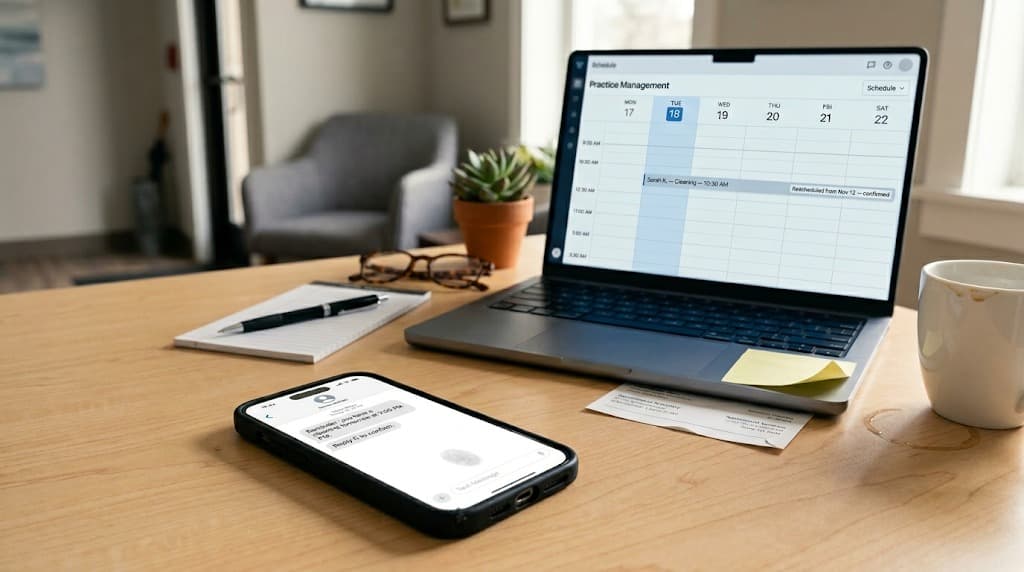
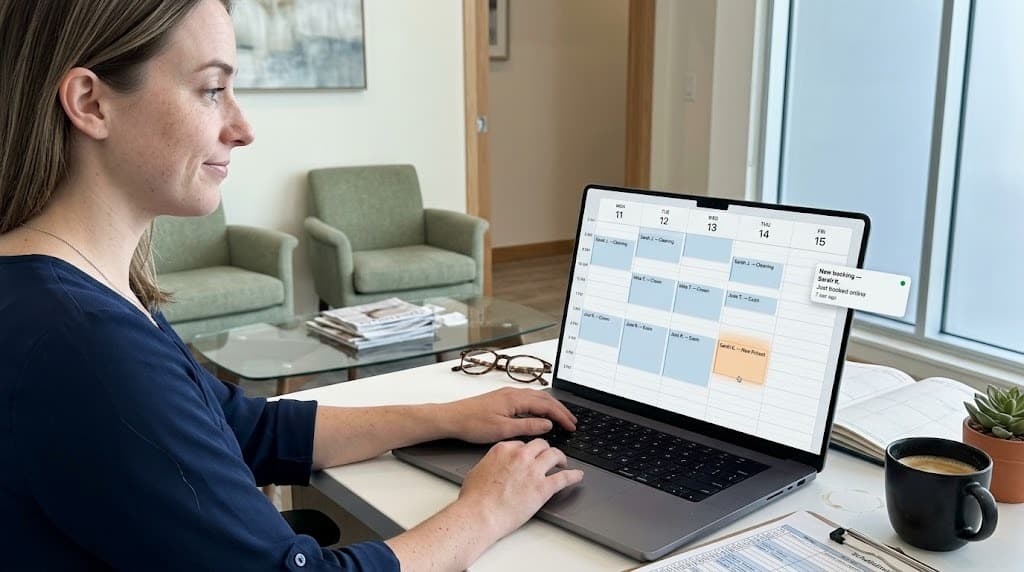
The fastest way to find out is to run a test booking during the demo and watch the schedule in a separate tab. A real-time scheduler shows the appointment appearing in seconds. A request collector shows nothing until staff manually confirms.
- ✓PMS write-back is real. Book a test appointment during the demo. The slot should appear in the live PMS schedule before the patient sees the confirmation page, not after a manual sync step.
- ✓Conflict detection works in real time. Manually add an appointment in the PMS for a specific slot. Within seconds, that slot should disappear from the patient-facing booking calendar.
- ✓Simultaneous bookings are handled. Open the booking flow in two browsers and select the same slot in both. The second browser should show the slot as unavailable before the first completes.
- ✓Multi-location routing is automatic. For practices with more than one location, confirm that bookings route to the correct location's PMS schedule based on the patient's selection, not by manual re-assignment afterward.
- ✓New patient flow is separate. New patients should be routed to longer first-visit slots with providers who accept new patients. Returning patients should see the full range of available slots.
- ✓Cancellation and rescheduling work from the patient side. A real scheduler lets patients cancel or reschedule through the confirmation email or SMS without calling the front desk. Request collectors typically require a phone call.
The booking widget is also visible to every patient who lands on the practice website, which means design and friction matter as much as the back-end integration. Our guide on modern dental website design covers how the booking surface should integrate with the rest of the site.
Volume context here is also worth noting: with hundreds of millions of dental visits in the US each year (a number the CDC's oral health portal tracks alongside other oral health data), small percentage improvements in booking conversion translate into meaningful new patient counts at the practice level.
Putting it together
Online booking is no longer optional for dental practices, but the version most practices have installed is not really online booking. It is a form widget that creates the appearance of self-service while pushing the actual scheduling work to a phone call later. The patient experience matches what people expect from 2010 online forms, not what they expect from 2026 self-service flows.
Real-time dental scheduling closes that gap by treating the practice management system as the source of truth at every step of the booking flow. The patient sees live availability, the slot is held during checkout, the appointment is written to the schedule the moment the booking completes, and confirmation arrives before the patient leaves the page. The front desk handles exceptions, not the routine path.
For practices weighing whether to keep their current "online booking" feature or move to a platform with real scheduling, the verification test is the simplest possible: run a test booking during a demo and watch the PMS. If the appointment appears in real time, it is a real booking. If it lands in someone's inbox, it is a form.
See real-time dental scheduling in action with DentiVoice.
Book a free demo to see how DentiVoice integrates with your PMS to handle live availability, conflict detection, and instant confirmation, with no manual front-desk step.
Book a Free DemoSources & References
Frequently Asked Questions
Yes, but only with real-time scheduling. Request-only systems may accept submissions any time, but the appointment doesn't exist until staff confirms it the next business day. True real-time online booking creates the appointment in the practice management system at the moment the patient completes the form.
Real-time systems route new patients to specific appointment types (typically longer first visits) and to providers who accept new patients, while returning patients can book any open slot. Request-only systems usually treat both flows identically, with the front desk sorting them out manually after submission.
No. Dentrix, Eaglesoft, Open Dental, Curve, and Denticon each have different integration paths, and some need bridge software. Before signing, confirm that the vendor has a production-grade integration with your specific PMS, not just a roadmap item or a manual sync.
Real-time schedulers hold the slot for the first patient during checkout, so the second patient sees the slot disappear before they finish their form. Request collectors accept both submissions, and the front desk has to resolve the conflict afterward (usually by calling one patient back to reschedule).
Compliance depends on the vendor's data handling, not the category. Verify a signed Business Associate Agreement, encrypted transmission, and that no protected health information is collected pre-booking (basic patient name and contact details are not PHI on their own). Don't assume compliance from marketing language.
Real-time bookings paired with automated reminders typically produce lower no-show rates than phone-booked appointments, because the patient committed in a self-service flow and received immediate confirmation. Request-only bookings can actually raise no-show rates if confirmation arrives too late and the patient forgets.
Was this article helpful?
Written by
DentalBase Team
Expert dental industry content from the DentalBase team. We provide insights on practice management, marketing, compliance, and growth strategies for dental professionals.