HIPAA Dental Website Compliance: A Practical 2026 Guide
Is your HIPAA dental website actually compliant? Learn which forms collect PHI, which vendors need a BAA, and the mistakes most practices make.
Share:
Table of contents
Most HIPAA dental website failures don't start with a hacker. They start with a contact form. A simple "what's bothering you today?" field, or an appointment request that captures phone number and reason for visit, is enough to put your practice on the hook for HIPAA violations. If that data flows through hosting, plugins, or third-party scripts that haven't signed Business Associate Agreements, your practice is legally exposed.
A HIPAA dental website isn't a design style. It's a security posture. The forms, hosting, plugins, and tracking pixels all have to be audited and documented. Most practices outsource their site to a marketing agency and assume compliance is handled. It usually isn't.
This guide walks through what counts as PHI on your site, which vendors need to sign a BAA, the mistakes that show up most often during audits, and the practical steps to fix them before the Office for Civil Rights becomes interested.
What does a HIPAA dental website actually require?
A HIPAA dental website protects any electronic protected health information that patients submit, view, or transmit through the site. Compliance demands three things at minimum: encrypted transmission, business associate agreements with every vendor that touches PHI, and form designs that limit unnecessary data collection.
HIPAA applies to your dental practice as a "covered entity" under federal law. Anything your website does that involves PHI inherits that obligation. According to ADA HIPAA guidance for dentists, that scope includes intake forms, online scheduling, patient portal logins, and any communication tool that transmits identifiable health data.
The technical controls matter, but the paperwork matters just as much. The HHS Office for Civil Rights enforces HIPAA through audits and patient complaints. Dental practices have been investigated for breaches involving fewer than a thousand records. A breach doesn't have to be massive to trigger a penalty.
Three things define whether your site is compliant:
- Transmission security - TLS/HTTPS on every page, not just the checkout
- Vendor accountability - signed BAAs with hosting, email, forms, and any third party that handles PHI
- Data minimization - your forms collect only what's clinically necessary, not what's nice to have
Get one of these wrong and you have a problem. Get all three wrong, which most dental websites do, and you have a breach waiting to happen.
These three controls are the foundation. If you're rebuilding from scratch or evaluating a new partner, our complete guide to dental website design connects every piece, from strategy and design to SEO and compliance, into one framework. For the patient-facing elements every great site needs beyond compliance, our piece on 10 must-have elements of a great dental website covers the conversion side.
Which patient forms collect PHI?
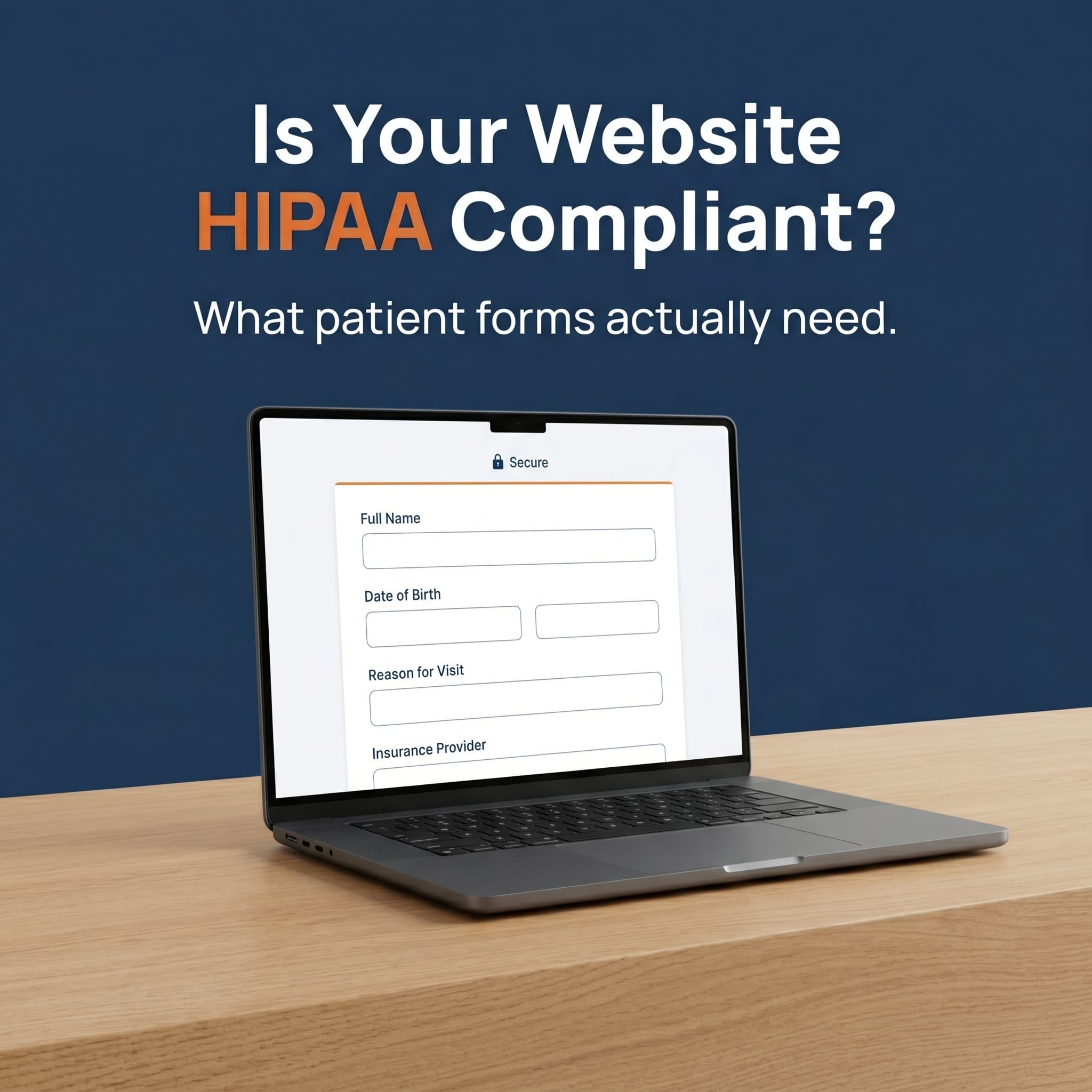
Almost every form on a dental website collects PHI in some way. Contact forms that ask about symptoms, appointment requests with reason-for-visit fields, intake forms that gather insurance information, and review widgets that connect a patient name to a recent visit all qualify under HIPAA's definition of protected health information.
PHI isn't only chart notes and x-rays. It's any data that links personal identity to past, present, or future health care or payment for care. A web form that captures a name plus a dental issue meets that definition.
The forms that show up on most dental practice sites:
- Contact forms - the moment a "message" field asks why someone is reaching out, you're collecting PHI
- Appointment request forms - reason for visit, pain level, insurance carrier
- New patient intake forms - full medical history, current medications, allergies
- Insurance verification forms - subscriber details and policy information
- Review request opt-ins - linking a patient name to a recent visit
- Chat widgets and AI assistants - chat logs contain symptom descriptions and identifiers
That last one catches practices off guard. A live chat plugin or AI website widget collects everything a patient types. If the vendor hasn't signed a BAA, the conversation log is a HIPAA breach waiting to be discovered.
For step-by-step guidance on designing forms that convert visitors into appointments without overcollecting data, see our breakdown of dental website booking and visitor-to-appointment flow.
Building a new dental website?
Compliance is easier to design in than retrofit. See our website development and service overview to plan the build with HIPAA in mind from day one.
View Services →When does your hosting need a Business Associate Agreement?
Your hosting provider needs a signed Business Associate Agreement any time PHI passes through, is stored on, or is accessible from their servers. This applies to shared hosting, managed WordPress plans, cloud platforms, and the email providers that transmit form submissions and confirmations.
A BAA is a contract that legally extends HIPAA obligations from your practice, the covered entity, to a vendor, the business associate. Without one, the vendor has no legal obligation to protect PHI, and your practice carries the full liability for any breach involving their infrastructure.
This is where most dental websites fail. The default hosting that came with the site, the cheap WordPress plan, the free email service that confirms appointments, the calendar integration that captures appointment data, the analytics setup that picks up form submissions in URL parameters: most of these vendors will sign a BAA, but only on specific business or enterprise tiers.
The vendors most dental practice sites need a BAA with:
- Web hosting provider, where the database lives
- Email service provider, where form notifications land
- Form builder, including HIPAA add-ons from Gravity Forms or JotForm
- CRM or scheduling platform that receives appointment data
- Live chat or AI receptionist that captures patient conversations
- Cloud storage if intake forms are downloaded or backed up
If your current vendors don't appear on this list, ask the provider for their BAA terms in writing before launching new patient-facing functionality.
What HIPAA mistakes do most dental websites make?
The most common HIPAA mistakes on dental websites are unencrypted form submissions, third-party scripts that capture form data, missing BAAs with hosting and email providers, and review widgets that publicly connect patient names to recent visits or specific treatments.
Most of these mistakes come from inheriting a site built before HIPAA was on the agenda, or from a marketing agency optimized for lead capture, not patient privacy. The same template plugins, hosting tiers, and analytics defaults repeat everywhere.
Here are the violations that show up most often during audits:
| Mistake | Why it's a breach | Quick fix |
|---|---|---|
| No HTTPS on form pages | Patient data travels unencrypted across networks | Install a valid TLS certificate site-wide and force redirects |
| Plain-text email notifications | Form submissions emailed in clear text expose PHI in transit | Switch to a HIPAA-tier email service with a signed BAA |
| Free analytics with PHI in URLs | Tracking pixels capture appointment reasons in query strings | Disable URL-based tracking on form pages or move to consented analytics |
| No BAA with the host | Hosting provider has full database access without legal obligation | Move to HIPAA-tier hosting that publishes BAA terms in writing |
| Public review widgets naming patients | Connecting a name to a recent visit qualifies as PHI disclosure | Display first name + initial only, or get HIPAA-marketing consent on file |
| Embedded Google Forms / Typeform free tier | Free tiers do not include a HIPAA BAA by default | Move to business plans that include BAA coverage in writing |
| Chat plugins without BAAs | Chat logs contain symptom descriptions and identifiers | Replace with a HIPAA-covered chat vendor or AI assistant under BAA |
Google's documentation on securing your site with HTTPS covers the transmission baseline, and Moz's analysis of HTTPS adoption across page-one results goes deeper on certificate configuration. By mid-2016, Moz reported that HTTPS had crossed 30% of page-one Google results, and adoption has only grown since. Both treat HTTPS as table stakes, not a feature.
The most common mistake, though, isn't a missing certificate. It's assuming the hosting company handles HIPAA because the sales page said "secure servers." That phrase has no legal meaning. Only a signed BAA does.
How do you build a HIPAA dental website that passes audit?
Building this kind of compliance starts with an inventory. List every page, form, plugin, vendor, and tracking script that touches patient data, then work through three fixes in order: secure transmission, signed BAAs with every business associate, and form redesign that minimizes PHI collection.
Most fixes don't require a full rebuild. They need a clean inventory, a few vendor swaps, and documentation. Here's the sequence that closes the largest gaps fastest:
Step 1: Inventory every data flow
List every form, plugin, third-party script, embed, and integration on the site. Note what data each collects and where it goes. The goal is a one-page map you can hand to an auditor.
Step 2: Confirm HTTPS everywhere
TLS encryption is the baseline. Every page that loads a form, especially the page that submits it, must serve over HTTPS with a valid certificate. Legacy HTTP pages and unforced redirects are an audit finding.
Step 3: Sign BAAs with every vendor that touches PHI
Ask each vendor for their BAA terms in writing. Track when each one was signed and where the signed file is stored. If a vendor refuses or charges extra for a BAA-covered plan, that's a decision point: pay for the upgrade or replace the vendor entirely.
Step 4: Redesign forms for minimum necessary data
The HIPAA "minimum necessary" rule means you should only collect what you actually need. Move detailed medical history, current medications, and insurance details to a post-booking secure portal, not a public-facing web form. HubSpot marketing data on form conversion reinforces what compliance already requires: shorter forms perform better and reduce risk at the same time.
Step 5: Disconnect public-facing PHI
Review widgets that name patients, before-and-after galleries with case details, and video testimonials all need written consent under HIPAA's marketing rules. Without that consent on file, pull the content. Don't rely on a verbal okay or a check-in waiver that didn't specifically address website use.
Step 6: Document everything
Keep a written privacy policy, a list of every BAA-covered vendor, a data flow map, and a breach response plan on file. The CDC's dental infection prevention guidance emphasizes documented procedures across patient interactions, and HIPAA audits ask for paperwork first. Practices that produce documentation in 24 hours look very different from practices that scramble for a month.
HIPAA Dental Website Self-Check
Check each item your practice can prove right now.
Score: fewer than 8 of 10 checked is a working list, not a passing audit.
What happens after a website-related HIPAA breach?
After a HIPAA breach involving website data, the Office for Civil Rights requires written notification to every affected patient, public disclosure for breaches involving 500 or more records, and a documented corrective action plan. Penalties scale with intent, harm, and whether the practice already had policies in place when the breach occurred.
The breach notification rule sets specific timelines. Patients must be notified without unreasonable delay and no later than 60 days from discovery. HHS publicly lists breaches affecting 500 or more patients on the federal "wall of shame."
Penalty tiers under HIPAA depend on culpability:
- Tier 1 - the practice didn't know and couldn't have known with reasonable diligence
- Tier 2 - reasonable cause, not willful neglect
- Tier 3 - willful neglect, corrected within 30 days
- Tier 4 - willful neglect, not timely corrected
The financial penalty isn't the only cost. Reputational damage, mandatory training, ongoing reporting requirements, and the loss of patient trust often outweigh the fine itself. Industry reporting has documented cases where small breaches triggered years of corrective action plans for individual practices. Per the HHS Office for Civil Rights, the Tier 4 annual penalty cap exceeded $2 million in the most recent inflation adjustment, and breaches affecting 500 or more individuals are published on the public OCR portal that the industry calls the Wall of Shame.
Worth noting: the most expensive scenario isn't a breach. It's a breach plus no documented policy. Practices with clear written procedures, vendor lists, and training records often receive lower-tier treatment even when the technical failure was real. And the reputational hit outlasts the corrective action plan. BrightLocal's consumer review research consistently shows that patients weight online reviews heavily when choosing a dental practice, so a publicized breach can dominate a review profile long after the legal file is closed. Practices without documentation get the full weight.
Closing the loop
A HIPAA dental website is mostly a paperwork exercise once the technical baseline is in place. The technical part, including HTTPS, modern form vendors, and BAA-covered hosting, is solvable in a week. The paperwork part, including inventories, signed agreements, and written policies, takes longer but doesn't require a redesign.
The practical sequence: audit every form and vendor this month, fix the obvious gaps in HTTPS and email notifications, sign BAAs with anyone touching PHI, and store the documentation in a folder you can show an auditor on 24 hours' notice. That removes most of the legal exposure carried by the average dental practice website.
If you're rebuilding the site anyway, design compliance in from the start. Retrofit work always costs more than building it in. The same applies to SEO during a migration. Talk to a partner that treats HIPAA forms and hosting as standard, not as an upsell on top of website development.
See How DentalBase Handles HIPAA Forms and Patient Data
Book a free demo to see how the platform manages intake, scheduling, and patient communication under signed BAAs by default.
Book a Free Demo →More guides for dental practice owners
Browse Resources →Sources & References
Frequently Asked Questions
PHI on a dental website includes any data that links a person's identity to their dental care, scheduling, or payment. Names paired with appointment requests, contact form messages about symptoms, intake forms, and chat conversations all qualify. Even reviews that connect a patient name to a recent treatment count as PHI.
Yes, any dental website contact form that lets patients describe a symptom, request an appointment, or share insurance details is collecting PHI. The form needs HTTPS submission, a BAA-covered form vendor, and a notification flow that doesn't expose data in plain-text email or third-party analytics.
Yes, your hosting provider needs to sign a Business Associate Agreement if PHI passes through, is stored on, or is accessible from their servers. Most shared hosting plans do not offer BAAs. Look at HIPAA-tier hosting plans from providers that specifically advertise BAA coverage in writing.
No, HTTPS is necessary but not sufficient. HIPAA compliance also requires signed BAAs with every vendor that touches PHI, written privacy and breach policies, access controls on stored data, and ongoing documentation. HTTPS protects data in transit, not data at rest or vendor liability.
Free Google Forms and standard Typeform plans are not HIPAA compliant out of the box. Google offers HIPAA coverage on Workspace business plans with a signed BAA, but only for specific products. Typeform also offers a HIPAA add-on. Confirm the BAA in writing before publishing any patient intake form.
HIPAA penalties scale with intent and harm. Civil penalties range from lower-tier fines for first-time issues to significantly higher tiers for willful neglect. The Office for Civil Rights publishes settlement summaries that include corrective action plans, training requirements, and ongoing audits for affected practices.
A practical cadence is once per quarter for the inventory, with a full audit annually or after any major site change. Any new plugin, form, vendor, or third-party script should trigger a review before going live. Document each audit so you can show evolution if a complaint ever surfaces.
Was this article helpful?
Written by
DentalBase Team
Expert dental industry content from the DentalBase team. We provide insights on practice management, marketing, compliance, and growth strategies for dental professionals.