Healthcare Appointment Scheduling: A Guide for Practices
Complete guide to appointment scheduling services for healthcare practices. Learn features, benefits, implementation, and how to choose the right solution.
Share:
Table of contents
Introduction to Appointment Scheduling Services
Appointment scheduling services have transformed how healthcare practices manage patient bookings. They move beyond traditional phone-based systems to digital-first solutions. These platforms streamline the booking process for both patients and staff. They address common challenges like double-booking, missed appointments, and administrative overhead.
Healthcare practices adopting appointment scheduling services typically see immediate operational improvements. According to , practices report 40-60% reduction in scheduling-related phone calls. Surveys show 25-35% decrease in no-show rates within the first six months of implementation.
This guide explores all aspects of appointment scheduling services, from basic functions to advanced integration options. Whether you're evaluating your first scheduling platform or considering an upgrade, you'll learn how these tools work. You will also discover what features matter most and how to implement them successfully in your practice.
What Are Appointment Scheduling Services?
Basic Definition and Purpose
Appointment scheduling services are digital platforms for managing appointments between providers and clients. They automate booking, confirmation, and management across the appointment lifecycle. In healthcare settings, these systems replace manual scheduling with automated workflows. The workflows handle initial booking requests, appointment reminders, and follow-up communications.
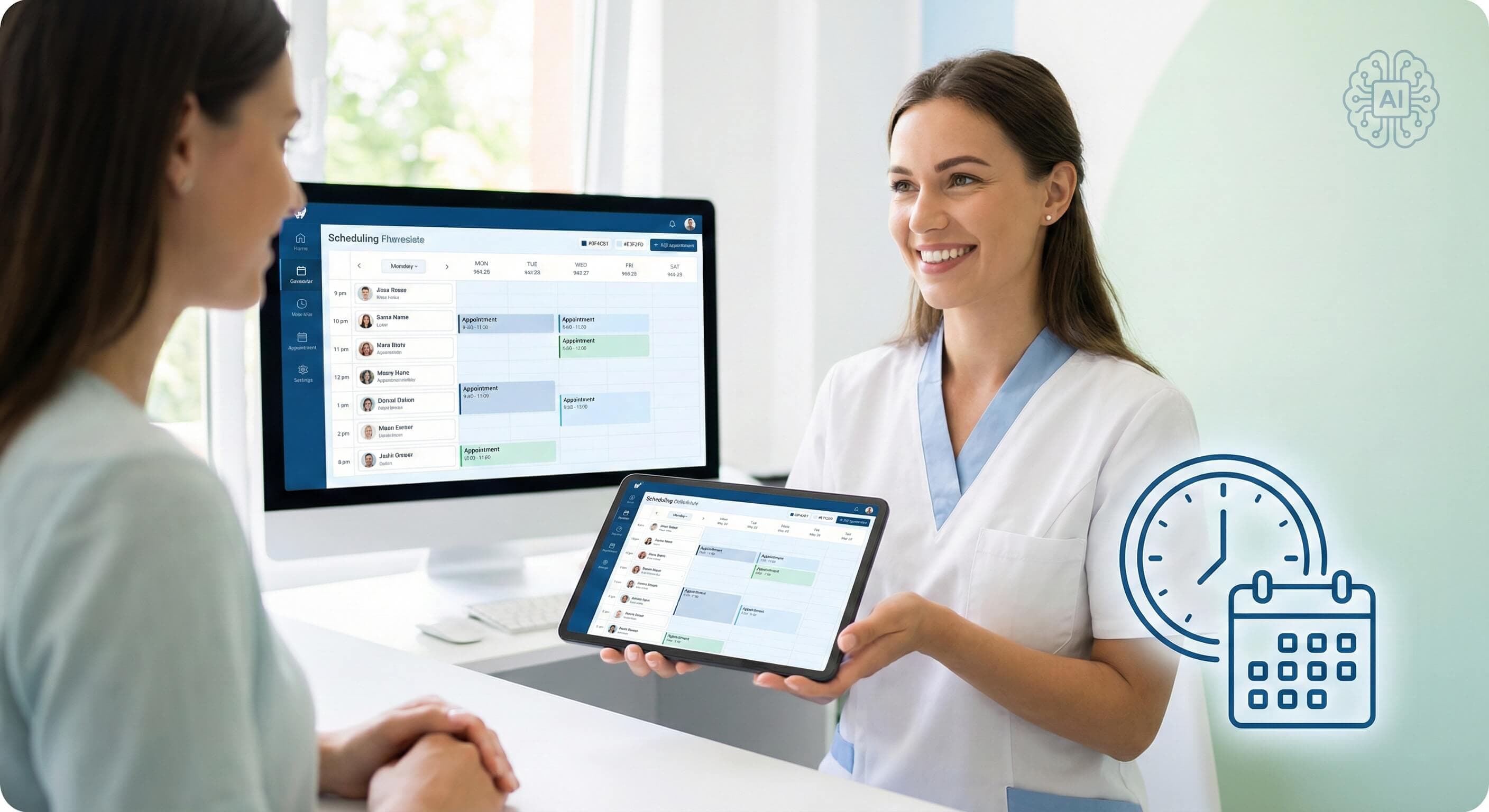
These platforms typically operate through web-based interfaces accessible to both staff and patients. Patients can view available time slots and book appointments. Patients can receive confirmations and make changes without requiring direct staff interaction. Meanwhile, healthcare providers gain centralized control over their schedules, availability settings, and booking parameters.
How They Work in Practice
Modern appointment scheduling services integrate multiple touchpoints into a unified system. When a patient visits your practice website or patient portal, they access real-time availability. This data is pulled directly from your practice management system. The platform checks appointment types, provider schedules, and booking rules before presenting available options.
Once a patient selects a time slot, the system automatically sends confirmation messages. It also updates your practice calendar and initiates reminder sequences. Staff can override or modify bookings as needed. Changes are automatically reflected across all connected systems. This seamless integration eliminates manual coordination. It is traditionally required between scheduling, confirmation, and reminder processes.
Core Features of Modern Appointment Scheduling Services
Booking and Availability Management
Effective appointment scheduling services provide granular control over when and how patients can book appointments. Administrators can set specific availability windows for different appointment types. They can block time for procedures requiring longer slots. They can also establish buffer periods between appointments. Many platforms support complex scheduling rules. These include requiring certain appointment types only on specific days. They also limit the number of same-day bookings.
Real-time availability synchronization prevents double-booking by instantly updating available slots across all booking channels. When your receptionist schedules an appointment by phone, the time slot updates instantly. That slot immediately becomes unavailable for online booking. This coordination extends to multiple providers within a practice. It ensures accurate scheduling across your entire team.
Automation and Notifications
Automated communication workflows form the backbone of modern scheduling platforms. These systems send immediate booking confirmations and customizable reminder sequences. Reminders typically go 48 hours, 24 hours, and 2 hours before appointments. They also send follow-up messages after visits. Healthcare practices can customize message content, timing, and delivery methods. Customization is based on patient preferences and appointment types.
Advanced platforms include automated waitlist management, automatically notifying patients when earlier appointments become available. Some systems integrate with practice management software to send pre-visit forms. They also send insurance verification requests and post-appointment care instructions without manual intervention.
Client Data and Admin Controls
Comprehensive patient data management ensures appointment scheduling services do more than booking tools. These platforms maintain detailed patient profiles with contact information and appointment history. Profiles also include preferences and notes from previous visits. provide practice managers with scheduling analytics and no-show rates. They also deliver booking pattern insights to optimize operations.
Security controls include role-based access permissions. These ensure staff members only view and modify appropriate information. implement encryption, audit trails, and data retention policies. These meet healthcare regulatory requirements.
Real-World Use Cases Across Healthcare Settings
Healthcare, Professional Services, and Education Applications
Medical practices often require complex scheduling logic to handle varied appointment needs. These include routine check-ups, diagnostic procedures, and follow-up visits for patients. Specialized practices like dermatology or cardiology use these systems to manage consultation workflows. They ensure appropriate time allocation for different procedure types and patient conditions.
Example Scenarios
Consider a family medicine practice implementing appointment scheduling services for the first time. Previously, three staff members spent 40% of their time on phone-based scheduling. This led to frequent interruptions and scheduling errors. After implementation, patients could book 70% of routine appointments online. This reduced phone volume and allowed staff to focus on more complex patient needs.
Another example involves a dental practice with multiple locations. Before centralized scheduling, each office managed its own calendar. This made it difficult for patients to find convenient appointments across locations. The new system provided unified scheduling across all locations, increasing patient satisfaction and optimizing provider utilization across the practice network.
Free vs Paid Appointment Scheduling Services Comparison
Typical Differences in Features
Free appointment scheduling services usually provide basic booking functionality. This is suitable for single-provider practices with straightforward scheduling needs. These platforms typically support simple availability calendars, basic reminder systems, and limited customization options. However, they often include advertising or restrict the number of monthly bookings. They may also limit integration capabilities with existing practice management systems.
Paid platforms offer advanced features essential for larger healthcare practices. These include multiple provider scheduling, complex appointment types, and extensive automation workflows. They also provide comprehensive reporting capabilities. These systems typically provide white-label solutions, removing vendor branding and maintaining professional appearance across patient touchpoints.
Comparison Overview
| Feature Category | Free Services | Paid Services |
|---|---|---|
| Monthly Bookings | 50-100 limit | Unlimited |
| Provider Accounts | 1-2 providers | Unlimited providers |
| Customization | Basic templates | Full branding control |
| Integrations | Limited/None | Extensive PMS integration |
| Support | Email only | Phone, chat, dedicated support |
| HIPAA Compliance | Basic/Unclear | Full compliance documentation |
| Advanced Features | None | Waitlists, analytics, automation |
Healthcare practices should carefully evaluate free platforms' limitations against their operational needs. These services are cost-effective for very small practices. However, free services often require upgrading as patient volume grows or regulatory requirements become more stringent. The transition from free to paid platforms can be challenging. It can involve data migration issues and workflow disruptions. Paid solutions typically help practices avoid this with comprehensive onboarding support.
Integrations and Technical Considerations
Successful appointment scheduling services implementation depends heavily on integration capabilities with existing practice systems. Electronic Health Record (EHR) integration is crucial. It ensures appointment data flows seamlessly between scheduling and clinical documentation systems. This prevents information silos that can lead to communication errors or missed patient information.
Calendar integrations extend beyond basic scheduling to include provider personal calendars, continuing education schedules, and practice-wide events. Advanced platforms support two-way synchronization. This allows providers to block time in their personal calendars. That time automatically becomes unavailable in the scheduling system.
Payment and CRM connections enable practices to collect copayments during booking, verify insurance information, and maintain comprehensive patient communication histories. API considerations become crucial for practices using specialized software or requiring custom integrations. Well-documented APIs allow practices to connect scheduling services with other tools. These can include billing systems, patient communication platforms, and practice analytics tools.
Technical infrastructure requirements include reliable internet connectivity, mobile device compatibility, and backup systems for service interruptions. Cloud-based platforms typically provide better reliability and automatic updates than on-premises solutions. However, practices must consider data residency requirements. They also need to account for internet dependency for daily operations.
Security, Privacy, and Compliance Considerations
Healthcare appointment scheduling services must meet stringent security and privacy requirements. This is particularly true for HIPAA compliance when handling protected health information. Compliant platforms implement several key safeguards. These include end-to-end encryption for all data transmission and secure authentication protocols. They also provide comprehensive audit trails that document all system access and data modifications.
Data security basics include regular security assessments, penetration testing, and vulnerability management programs. Reputable scheduling services provide detailed security documentation, including compliance certifications and third-party security audits. Practices should verify that scheduling platforms maintain business associate agreements (BAAs). They must also provide adequate data protection guarantees.
User consent and data handling policies require careful attention, particularly for patient-facing booking interfaces. Platforms must clearly communicate what information is collected and how it's used. They must also provide patients with control over their data. This includes options for account deletion, data export, and communication preference management.
Privacy considerations extend beyond HIPAA requirements to include state-specific regulations and patient rights. Scheduling services should provide granular privacy controls. This allows practices to customize data collection and retention policies. These policies can be based on their specific regulatory environment and patient population needs.
How to Choose the Right Appointment Scheduling Service
Evaluating Business Needs
Selecting the right appointment scheduling service begins with a comprehensive needs assessment. This should focus on current scheduling challenges and future growth plans. Practices should document their existing scheduling volume and peak booking times. They should also track staff time allocation and common scheduling-related problems. This baseline helps identify which platform features will provide the greatest operational impact.
Consider your patient population's technology comfort level and communication preferences. Practices serving older patients might prioritize phone support and simple interfaces. Practices with younger demographics may benefit from mobile features and social media integrations.
Staff workflow analysis reveals integration requirements and training considerations. Evaluate how scheduling fits into current administrative processes. This includes insurance verification, appointment preparation, and patient communication workflows. Platforms that align with existing processes typically see faster adoption and better long-term success.
Practical Selection Example
A multi-provider dental practice created a decision framework to evaluate scheduling services. Their specific requirements included several key items. They needed support for four dentists and two hygienists. The service had to integrate with their existing practice management system. It also needed automated insurance verification and bilingual patient communication capabilities.
They tested three platforms using a 30-day trial period, measuring booking completion rates, staff time savings, and patient satisfaction scores. The selected platform reduced scheduling-related phone calls by 55%. It also improved appointment confirmation rates from 78% to 94%. This happened within the first quarter of implementation. This methodical evaluation approach helped them avoid costly platform switches. It also ensured the chosen solution met their specific operational needs.
Operational Benefits and Measurable Impact
Healthcare practices implementing effective appointment scheduling services typically see significant improvements. These measurable improvements occur across multiple operational areas. Time savings represent the most immediate benefit. Administrative staff report a daily reduction of 2-4 hours in scheduling-related tasks. This efficiency gain allows staff to focus on higher-value activities. These include patient care coordination and practice development initiatives.
Reduction in no-shows occurs through automated reminder systems and improved patient engagement. Practices consistently report a 15-30% decrease in missed appointments. This happens after implementing comprehensive scheduling platforms with multi-channel reminders. Some practices achieve even greater improvements. They combine scheduling automation with waitlist management to quickly fill cancelled appointment slots.
Administrative efficiency improvements extend beyond basic scheduling. They include better resource utilization, reduced overtime costs, and improved patient satisfaction scores. Practices can track key metrics to quantify the business impact of their investment. These metrics include average time to schedule, booking completion rates, and patient retention.
Revenue impact becomes evident through increased appointment capacity, reduced administrative costs, and improved patient lifetime value. Many practices recover their investment within 3-6 months from operational improvements alone. This is before considering long-term benefits. These benefits include patient acquisition and retention improvements.
Implementation Challenges and Limitations
User adoption is the primary challenge when implementing new appointment scheduling services. This is particularly true in practices with established workflows. Staff may be comfortable with existing processes. Successful implementations require comprehensive training programs and gradual rollout phases. They also need ongoing support. This helps staff and patients adapt to new scheduling methods.
Customization limits can frustrate practices with unique scheduling requirements or complex appointment types. Most platforms offer extensive configuration options. However, some practices discover their specific needs require custom development. These workarounds may not integrate seamlessly with existing workflows.
Change management is crucial during the transition period. Practices must maintain service quality while adapting to new systems. Common challenges include several issues. There can be temporary reductions in scheduling efficiency during staff learning periods. Patients may be confused about new booking processes. Technical integration issues can also temporarily disrupt normal operations.
Practices should plan for a 4-8 week adjustment period. They should also maintain backup processes during the initial implementation phases. Setting realistic expectations about learning curves and providing adequate staff support helps minimize disruption and ensures successful long-term adoption of scheduling service improvements.
Conclusion: Understanding Appointment Scheduling Services
Appointment scheduling services have evolved from simple booking tools. They are now comprehensive practice management solutions. They transform how healthcare providers interact with patients and manage daily operations. This guide has covered the essential aspects of these platforms, from basic functionality and core features to implementation strategies and measurable benefits.
The key to successful adoption lies in a few areas. These include a thorough needs assessment, careful platform selection, and structured implementation planning. Healthcare practices should approach these services as strategic investments, not simple software purchases. This approach typically achieves better outcomes. It also leads to higher returns on their technology investments.
Modern scheduling platforms offer significant advantages over traditional phone-based systems. These include reduced administrative burden, improved patient satisfaction, and enhanced operational efficiency. However, success requires commitment to several areas. These include change management, staff training, and ongoing platform optimization. This should be based on practice-specific needs and patient feedback.
For healthcare practices considering appointment scheduling services, start by documenting current scheduling challenges and defining success metrics. Evaluate platforms based on integration capabilities, compliance requirements, and scalability. Don't just look at features and pricing. With proper planning and implementation, these services can substantially improve practice efficiency. They also enhance the patient experience throughout the appointment lifecycle.
Frequently Asked Questions
The best appointment scheduling system depends on your specific needs, but top-rated options include Acuity Scheduling for flexibility, SimplePractice for healthcare providers, and Calendly for general use. Look for features like automated reminders, calendar integrations, HIPAA compliance for healthcare, and customizable booking pages. The ideal system should reduce no-shows, streamline operations, and integrate seamlessly with your existing workflows.
Google doesn't offer a standalone appointment scheduling tool, but Google Calendar includes basic scheduling features through appointment slots and shared calendars. For more robust scheduling needs, many businesses use third-party tools that integrate with Google Calendar, such as Calendly or Acuity Scheduling, which sync appointments directly to your Google Calendar while providing advanced features like automated reminders and payment processing.
Appointy offers multiple pricing tiers starting with a free plan for basic scheduling needs. Their paid plans typically range from $19.95 to $59.95 per month, depending on features and user limits. Premium plans include advanced features like multiple staff calendars, custom branding, payment processing, and enhanced reporting. Healthcare-specific features and compliance tools may require higher-tier subscriptions with additional monthly fees.
Several excellent free online booking systems are available, including Calendly's basic plan, Acuity Scheduling's free tier, and Google Calendar's appointment slots. Square Appointments also offers a free version with basic features. The best choice depends on your needs - Calendly excels in simplicity, while Acuity provides more customization options. Consider factors like booking limits, branding options, and integration capabilities when selecting a free solution.
A HIPAA-compliant scheduling service must implement specific technical safeguards like end-to-end encryption, role-based access controls, and audit trails to protect patient data. Crucially, the software vendor must be willing to sign a Business Associate Agreement (BAA), a legal contract that outlines their responsibility for safeguarding Protected Health Information (PHI) according to HIPAA standards. Simply using the software is not enough; the healthcare practice must also ensure its own processes and the software's configuration meet compliance requirements.
Was this article helpful?
Written by
DentalBase Team
The DentalBase Team is a collective of dental marketing experts, AI developers, and practice management consultants dedicated to helping dental practices thrive in the digital age.