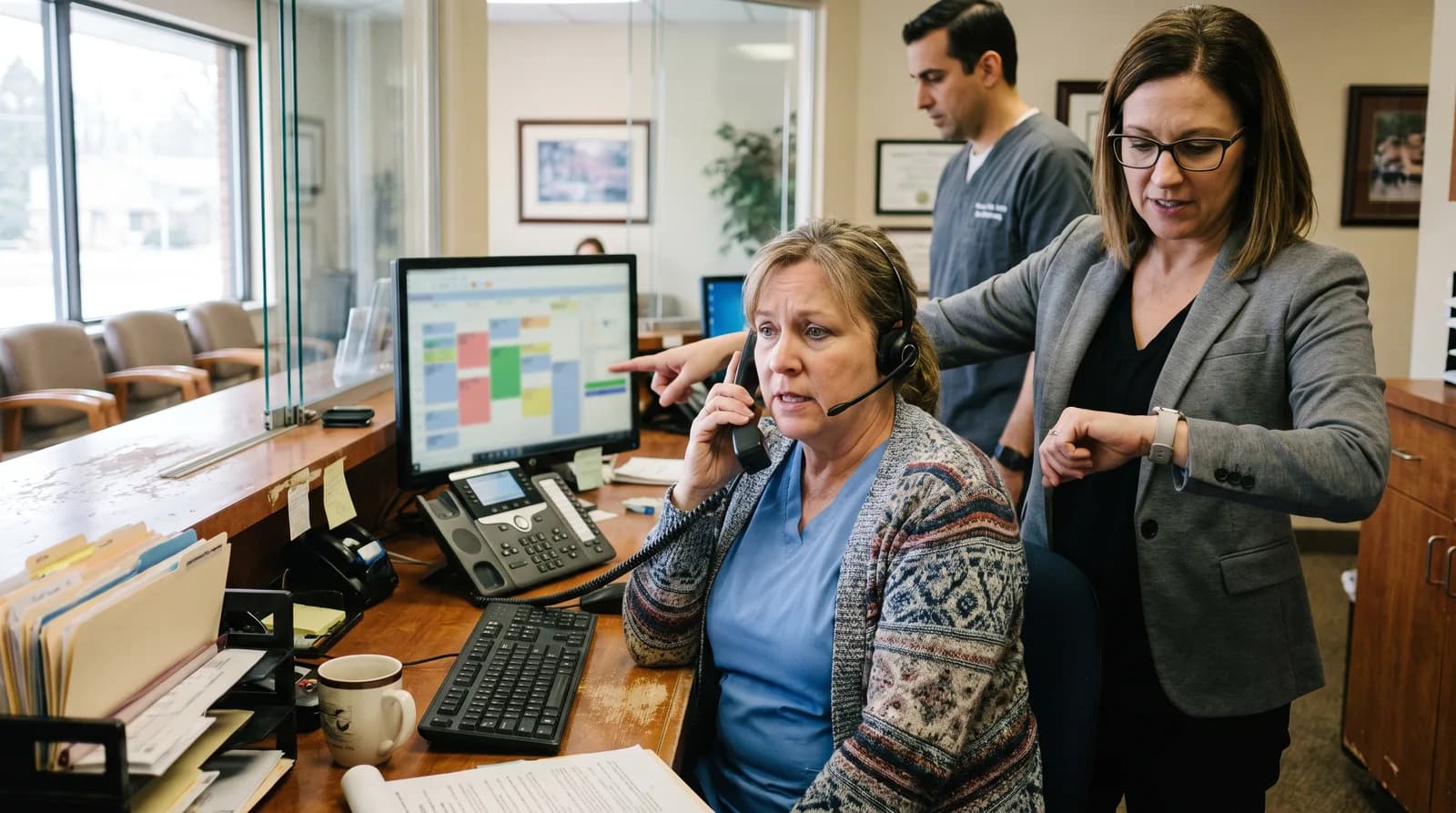
Automated Call Handling for Dentists: Never Miss a Call
Automated dental call handling answers every call 24/7, books appointments, handles insurance questions, and recovers the 38% of calls practices miss daily.
Share:
Table of contents
Automated dental call handling is the operational upgrade that produces the fastest, most measurable ROI in dental practice management. The problem it solves is simple and expensive: 38% of inbound dental calls go unanswered during business hours. After hours, 100% go to voicemail. Every unanswered call is a potential patient who books with the competitor who picks up first. The patient doesn't try again tomorrow. They call the next result on their phone screen within seconds. By the time your staff notices the missed call and attempts a callback, the patient has already confirmed an appointment with a competitor. At $300-600 per new patient value, a practice missing 10-20 calls per day loses $3,000-12,000 daily in potential production.
Traditional solutions (hiring more front desk staff, using answering services, extending hours) add costs without solving the core problem: human staff can't answer every call during peak periods (Monday mornings, after lunch), lunch breaks, team meetings, and after hours simultaneously. The phone rings when it rings, not when you have capacity to answer it. AI reception eliminates the capacity constraint entirely. The AI answers every call instantly, 24 hours a day, handles scheduling, insurance verification, and routine questions, and books appointments directly into your PMS. According to the American Dental Association, practices using automated systems report 15-25% higher patient retention and significantly reduced administrative burden. This guide covers how automated dental call handling technology works, what it handles, how it integrates, what it costs, and how to measure ROI.
What Can Automated Dental Call Handling Actually Do?
Modern automated dental call handling goes far beyond the "press 1 for scheduling, press 2 for billing" phone trees that patients hate. Today's systems conduct natural conversations, understand context, and complete tasks that previously required trained staff.
| Call Type | % of Calls | AI Capability | Staff Needed? |
|---|---|---|---|
| Appointment scheduling | 35-45% | Checks PMS availability, books directly | No |
| Insurance questions | 15-25% | Verifies coverage, explains benefits | No |
| General inquiries | 15-20% | Hours, location, services, new patient info | No |
| Appointment changes | 10-15% | Reschedules, cancels, confirms in PMS | No |
| Emergency triage | 5-10% | Assesses urgency, routes per protocol | Only if true emergency |
| Complex clinical questions | 5-10% | Takes message, routes to provider | Yes (callback) |
The key insight: 80-90% of all dental phone calls can be fully resolved by AI without any staff involvement. The remaining 10-20% (true emergencies and complex clinical questions) are routed to the appropriate team member with full conversation context so they can respond efficiently without asking the patient to repeat their situation. This means the AI doesn't replace your front desk team. It changes what they spend their time on. It frees them from phone-bound tasks to focus on in-office patient experience, treatment coordination, case presentation, and the interpersonal interactions that require human judgment and empathy. Practices that implement AI call handling consistently report that front desk staff satisfaction improves because they spend less time on repetitive phone tasks and more time on work they find meaningful. See the DentalBase AI receptionist guide for full platform capabilities.
Answer every call, book every patient, 24/7
DentalBase's AI receptionist handles scheduling, insurance, inquiries, and emergencies with natural conversation and direct PMS integration.
Book a Free Demo →How Does AI Call Handling Integrate with Your Practice Management Software?
PMS integration is what separates automated dental call handling from a glorified answering machine. Without real-time bidirectional integration, the AI can take messages but can't schedule, verify, or confirm anything, which is what patients actually need.
What the integration enables
- Real-time availability checking: When a patient asks for an appointment, the AI reads your live schedule from the PMS and offers actual available slots. No double-booking. No placeholder appointments that staff have to fix later.
- Direct appointment writing: When the patient confirms a time, the AI writes the appointment directly into the PMS with patient name, contact info, appointment type, and provider. Staff see the confirmed booking when they check the schedule the next morning or during the day. No sticky notes, no voicemail transcription, no forgotten callbacks, no morning scramble to return last night's messages. The appointment is simply there in the schedule, confirmed and ready, with all relevant patient information attached.
- Patient record lookup: For existing patients, the AI pulls their relevant information from the PMS to personalize the conversation naturally. "Hi Sarah, I see your last cleaning was in October. Ready to schedule your next one?" This recognition converts at significantly higher rates than generic handling because returning patients feel valued rather than treated like a new caller every time they contact the office.
- Insurance verification: The AI cross-references the patient's insurance information with your accepted providers list and coverage details, answering questions about what's covered without requiring a staff callback.
Verify that any AI call handling system you evaluate supports bidirectional integration with your specific PMS (Dentrix, Eaglesoft, Open Dental, or cloud-based systems). One-directional systems that only read data still require manual appointment entry, creating the same bottleneck you're trying to eliminate. The integration should also sync in real time (not overnight batch), so cancellations and schedule changes reflect immediately in the AI's available slots throughout the day. For practices where missed calls compound the recall gap, see our recall gap analysis.
How Does Automated Call Handling Compare to Other Solutions?
Practice owners evaluating AI reception typically compare it against three alternatives. Understanding the strengths and limitations of each clarifies why AI reception has become the preferred solution in 2026.
| Solution | Monthly Cost | Coverage | Can Schedule? |
|---|---|---|---|
| Additional front desk staff | $3,000-4,500 | Business hours only | Yes |
| Live answering service | $150-500 | 24/7 (shared agents) | No (takes messages) |
| IVR phone tree | $50-200 | 24/7 | No (routes calls) |
| AI reception | $300-1,000 | 24/7 (dedicated) | Yes (direct PMS booking) |
AI reception is the only solution that combines 24/7 coverage with direct scheduling capability at a cost lower than hiring additional staff. Answering services take messages that require staff callbacks (50%+ of callback patients don't answer). IVR phone trees frustrate patients and increase hang-up rates by 30-40% because patients don't want to navigate menus when they have a simple question or want to book an appointment. They want to talk to someone (or something) that understands them and can help immediately. Additional staff solves business-hours capacity but doesn't address after-hours revenue loss at all. The AI handles both peak-hour overflow during busy mornings and lunch breaks and complete after-hours coverage on nights, weekends, and holidays in one unified system at one predictable monthly price with no per-minute charges, no overage fees, and no degradation in quality during high-volume periods.
Related: AI also powers patient reactivation, converting inactive patients back to appointments. → How to Bring Back Inactive Dental Patients with AI
What Compliance and Security Requirements Apply?
Automated dental call handling systems process protected health information during every conversation, making compliance non-negotiable.
- HIPAA: The AI platform must have a signed Business Associate Agreement. All call recordings, transcripts, and patient data must be encrypted in transit and at rest. The AI must not store unnecessary PHI beyond what's needed for appointment scheduling and follow-up. Fines reach $50,000 per violation.
- TCPA: For outbound automated calls (recall reminders, appointment confirmations), the TCPA requires prior express consent. Inbound call handling (answering calls patients initiate) does not require TCPA consent. Include opt-out mechanisms for any outbound sequences. Penalties: $500-1,500 per unsolicited message.
- Call recording disclosure: Many states require disclosure that calls may be recorded. The AI should state this at the beginning of each call per your state's requirements. Two-party consent states (California, Florida, Illinois, and others) require explicit acknowledgment.
- Data retention: Establish clear policies for how long call recordings and transcripts are retained. The FTC requires truthful communication in all automated interactions. Align retention with your state's dental record requirements and HIPAA minimum necessary standards. Review data retention policies annually and ensure the vendor provides audit trails for all PHI access.
Ask vendors to provide their BAA, SOC 2 certification or equivalent security audit, encryption specifications for both data in transit and at rest, and documented compliance with call recording laws in your state before signing any contract. If a vendor cannot produce these documents within 48 hours of your request, that is a red flag about their compliance posture. Apply the same compliance evaluation to your review collection and reactivation campaign platforms.
How Do You Measure Call Handling Performance and ROI?
Track these five metrics monthly to prove ROI and optimize the system's performance over time.
- Call answer rate (target: 99%+): Percentage of all inbound calls answered by either AI or staff. Compare to your pre-implementation baseline (typically 60-70% during hours, 0% after hours). This single metric quantifies the improvement.
- AI resolution rate (target: 80-90%): Percentage of calls fully resolved by AI without staff involvement. Below 75% indicates the AI needs additional training on your practice's specific workflows, insurance plans, or services.
- Appointments booked by AI (track monthly): Total appointments scheduled directly by the AI across business hours and after hours. At $400-600 average production per appointment, this directly quantifies revenue generated.
- Cost per AI-booked appointment (target: $3-10): Monthly AI platform cost divided by appointments booked. Compare to cost per appointment through Google Ads ($150-300) and SEO ($50-150). AI-booked appointments should be your cheapest acquisition channel. Track with Google Analytics 4.
- Patient satisfaction (target: 4.5+/5): Post-call surveys or review mentions about phone experience. According to BrightLocal, 98% of consumers research businesses online, and phone experience directly impacts Google review content and ratings. Track review mentions of phone experience as a proxy for caller satisfaction. Patients who have positive AI interactions often mention the easy scheduling process in their Google reviews, which strengthens your local SEO profile alongside improving patient experience.
Review the dashboard on the first Monday of each month. The ROI calculation is straightforward: a practice where AI books 80-120 appointments monthly at $500 average production generates $40,000-60,000 in revenue against $300-1,000 in platform cost (40-200x ROI). That makes automated dental call handling the single highest-ROI operational investment available to most dental practices. The ROI improves over time as the AI learns your practice's specific patterns, patient preferences, and common questions, handling an increasing percentage of calls without any staff involvement. Connect call handling performance to your marketing strategy, social media plan, recall automation, and patient reactivation for a unified growth system where every patient touchpoint from first call to hygiene recall to reactivation is covered by either trained staff or AI automation with no gaps.
Never miss a patient call again
DentalBase's AI receptionist answers every call 24/7, books directly into your PMS, handles 80-90% of calls without staff involvement, and improves continuously as it learns your practice's specific needs and patient communication patterns.
Book a Free Demo →Explore more guides and tools for dental practice growth.
Browse Resources →Related reading on dental office call handling
- a complete guide to building a dental call handling system from the ground up
- the 7 questions dental office owners should ask before choosing a phone system
- a 2026 owner's guide to how dental offices should be handling the phone
- phone scripts front desk teams can use to convert more new patient calls
- how to measure and score every patient call to find where appointments are being lost
- a complete guide to scoring dental patient calls for quality and conversion
Sources & References
Frequently Asked Questions
AI-powered phone reception that answers every inbound call 24/7, conducts natural conversations, schedules appointments directly into your PMS, handles insurance and general questions, and routes emergencies to appropriate staff. Resolves 80-90% of calls without human involvement.
AI reception costs $300-1,000/month with 24/7 coverage and direct PMS scheduling. Compare to additional front desk staff at $3,000-4,500/month (business hours only) or answering services at $150-500/month (no scheduling capability).
80-90%. Scheduling (35-45% of calls), insurance questions (15-25%), general inquiries (15-20%), and appointment changes (10-15%) are fully resolved by AI. Only true emergencies and complex clinical questions (10-20%) require staff involvement.
Yes, bidirectional integration with Dentrix, Eaglesoft, Open Dental, and cloud systems. The AI reads live schedules, books appointments directly, looks up patient records, and verifies insurance. One-directional systems that only read data still require manual entry.
Yes, when properly implemented. Requires signed BAA, encrypted call recordings and transcripts, minimum necessary PHI handling, and state-specific call recording disclosure. Fines reach $50,000 per HIPAA violation.
AI reception books appointments directly ($300-1,000/month). Answering services take messages requiring staff callbacks ($150-500/month), and 50%+ of callback patients don't answer. AI provides consistent quality versus variable shared-agent quality.
40-200x ROI. A practice where AI books 80-120 appointments monthly at $500 average production generates $40,000-60,000 against $300-1,000 in platform cost. Cost per AI-booked appointment is typically $3-10.
Yes, 24/7 including nights, weekends, and holidays. After-hours calls represent 20-40% of total volume. AI answers, books appointments into tomorrow's schedule, handles insurance questions, and triages emergencies per your configured protocol.
Was this article helpful?
Written by
Dentalbase Team
The Dentalbase Team is a collective of dental marketing experts, AI developers, and practice management consultants dedicated to helping dental practices thrive in the digital age.