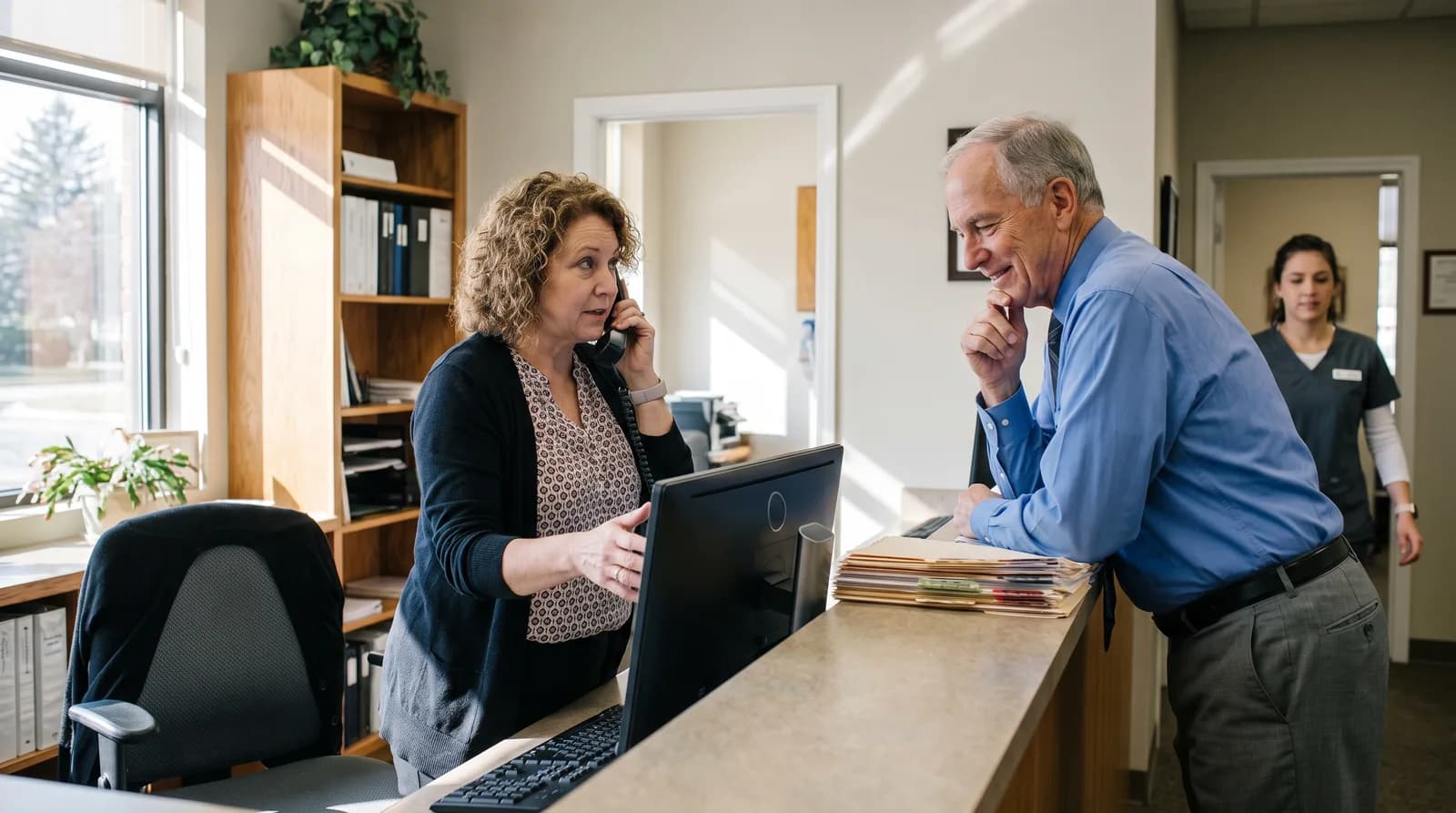
DentiVoice: Bilingual Dental Receptionist Spanish AI Update
DentiVoice's bilingual dental receptionist Spanish AI detects language automatically and books appointments without a transfer, hold, or setup.
Share:
Table of contents
DentiVoice's bilingual dental receptionist Spanish AI now answers patient calls in Spanish the moment it detects the caller isn't speaking English. No hold. No transfer to a bilingual staff member who may not be at the desk. According to the ADA Health Policy Institute, 72% of patients say convenience is a top factor in choosing a dental provider, and for Spanish-speaking callers, convenience starts with being understood on the first ring. For the complete picture of how the DentalBase AI receptionist works across a practice, see our complete guide to the DentalBase AI receptionist.
Most practices don't staff a bilingual front desk on every shift. When a Spanish-speaking patient calls outside those hours, or when the one bilingual team member is out sick, that call often ends in a hang-up. DentiVoice closes that gap automatically, without adding headcount. It's part of the broader DentalBase platform, which pairs patient-facing AI tools with the marketing systems that drive new patient calls in the first place.
This update covers what changed, how the language detection works day to day, and what it means for practices in Spanish-speaking markets.
What Is DentiVoice's Bilingual Dental Receptionist Spanish AI Feature?
DentiVoice's bilingual feature lets its AI receptionist detect Spanish automatically and continue the entire call in that language. The system requires no button press, no menu selection, and no transfer, matching the accuracy it already delivers on English calls.

The feature works inside the same call flow DentiVoice already runs for English speakers. Once a Spanish-speaking caller starts talking, the AI recognizes the language within the opening seconds and responds in kind. It handles appointment requests, insurance questions, and rescheduling the same way it would in English, just in a different language.
Practices don't need to configure anything for this to work. There's no separate Spanish phone line and no add-on module to purchase. If the practice already runs DentiVoice AI Receptionist, bilingual handling is part of the same system, active on every inbound call.
- Automatic language detection, no caller input required
- Same booking and triage logic in Spanish as in English
- No new phone number, extension, or menu option to manage
Rollout for existing customers is automatic. Practices already running DentiVoice don't need to request access, update a setting, or schedule a call with support. The bilingual handling activates on its own the next time a Spanish-speaking caller reaches the line.
Why Do Dental Practices Need Automatic Spanish Call Handling?
Practices need automatic Spanish call handling because most front desks aren't staffed with a bilingual team member on every shift. When a Spanish-speaking patient reaches voicemail or a confused transfer, many simply call a different office instead.
Bilingual staffing is inconsistent even in practices that actively hire for it. A receptionist who speaks Spanish might work three days a week, take lunch at noon, or leave for a doctor's appointment right when a Spanish-speaking caller dials in. The practice doesn't lose the patient because it doesn't want to serve them. It loses the patient because the timing didn't line up.
That gap shows up most during after-hours calls, which is one reason DentiVoice's after-hours coverage already answers a meaningful share of missed call volume for practices that use it. Language coverage runs into the same staffing math as time coverage. You can't schedule a person to be available every hour, in every language, without a large team. The CDC's oral health program has long flagged language and access barriers as factors that keep patients from getting regular dental care.
For practices in Hispanic-majority or mixed-language markets, this isn't a minor edge case. It's a recurring share of the call volume that either gets served well or gets lost to a competitor down the street. The National Institute of Dental and Craniofacial Research tracks oral health data and disparities across language and income groups, and access to care is consistently part of that picture.
Related: After-hours calls are another common source of missed Spanish-speaking patients. See how DentiVoice handles after-hours coverage →
How Does DentiVoice Detect Which Language a Caller Is Speaking?
DentiVoice listens to the caller's opening words and identifies Spanish or English in real time before generating a response. The detection happens automatically inside the first exchange, with no IVR menu or language prompt involved.
The detection runs continuously through the call, not just at the start. If a caller mixes English and Spanish mid-conversation, which happens often in bilingual households, DentiVoice adjusts rather than locking into whatever language it heard first. That flexibility matters because real conversations rarely stay in one language for their full length.
There's no visible step for the caller. They don't press 2 for Spanish or wait through a recorded menu. They just start talking, and the system responds in the language they used. That removes a friction point that traditional phone trees have used for years, one that often adds 15 to 30 seconds before a caller reaches anyone at all.
What This Replaces
- Manual transfer to a bilingual staff member, if one is available
- A separate voicemail box for Spanish-speaking callers
- Third-party interpreter services billed per call
Dialect and accent variation don't trip up detection either. A caller from Puerto Rico, Mexico, or Central America gets the same accurate response, since the system is built to handle regional Spanish broadly rather than one narrow dialect.
What Happens During a Bilingual Call With DentiVoice?
A bilingual call with DentiVoice follows the same structure as an English call: greeting, need identification, and resolution, all conducted in Spanish. The patient books, reschedules, or gets an answer without ever being routed to a human.
The AI greets the caller, asks what they need, and moves directly into booking, rescheduling, or answering a general question, whichever applies. If the caller wants a Tuesday morning cleaning, the system checks availability and confirms it on the spot, the same way it would for an English-speaking caller asking for the same appointment.
Behind the scenes, the call still gets logged in English for the practice's records. Front desk staff reviewing call summaries or PMS entries the next morning don't need to read Spanish to understand what was booked and why. The patient experiences the call in their language; the practice's internal workflow stays exactly as it was.
Complex or sensitive situations, like a caller describing a dental emergency, get flagged and triaged the same way DentiVoice already triages urgent English calls, regardless of which language the conversation happened in.
See Bilingual Call Handling in Action
Hear how DentiVoice handles a real Spanish-language call from greeting to booked appointment.
Book a Free Demo →How Does Bilingual Call Handling Affect Appointment Booking and Records?
Bilingual calls book directly into the practice's existing PMS, with confirmations and summaries written in English regardless of the call's language. Nothing about the practice's back-office workflow changes when a call happens to be in Spanish.
DentiVoice already books appointments directly into Dentrix, Open Dental, and Eaglesoft without manual entry, and that integration doesn't change based on call language. A Spanish-speaking patient booking a Thursday afternoon filling ends up in the schedule exactly like any other patient, no translation step required on the practice side.
This matters for staff who don't speak Spanish themselves. They're not stuck reading through translated notes or guessing at what was discussed. The confirmation, the appointment type, and any follow-up notes appear in English, which keeps the front desk's workflow consistent no matter who answered the phone or in what language.
For a full walkthrough of how detection, conversation quality, and scheduling all stay consistent from the first word to the confirmed appointment, see how DentiVoice handles bilingual calls end to end.
| Call Element | Spanish Call | English Call |
|---|---|---|
| Language spoken with patient | Spanish | English |
| PMS booking entry | Automatic, English | Automatic, English |
| Call summary for staff | English | English |
| Staff action required | None | None |
What Are the Benefits of Automatic Language Detection for Front Desk Teams?
Automatic language detection removes the pressure on front desk teams to staff bilingual coverage around the clock. Staff no longer have to interrupt other work to take a transferred Spanish call or apologize for a delay while someone bilingual is found.
Front desk teams often describe bilingual coverage as a scheduling puzzle nobody wins. If the one Spanish-speaking staff member is on a call already, other patients wait. If that staff member is out, Spanish-speaking callers get told to call back, which many won't do. Automatic detection removes that bottleneck without asking the practice to hire around it.
Because DentiVoice never gets busy, sick, or distracted, the practice doesn't lose language coverage during a lunch break or a slow morning. Staff time gets freed up for in-office patients instead of being split between the phone and the chair. The same logic already applies to DentiVoice turning overdue patients into booked visits, which run without a staff member dialing manually.
- No scheduling around a single bilingual employee's availability
- Fewer interruptions to in-office patient care
- Consistent service quality whether the caller speaks English or Spanish
- Reduced dependence on any one staff member's language skills
Customer experience research from HubSpot consistently ties fast, frictionless service to whether a customer sticks around, and a dental phone call is no exception.
Related: Practices considering an AI receptionist often raise the same handful of concerns before switching. Read the 12 most common objections answered →
Which Practices Benefit Most From Bilingual AI Call Handling?
Practices in Hispanic-majority or mixed-language communities see the clearest benefit, but any office that has ever lost a Spanish-speaking caller to a transfer or hang-up gains from this update. Multi-location groups with uneven bilingual staffing benefit as well.

A single-location practice in a border state or a large metro area with a sizable Spanish-speaking population is the most obvious fit. But the feature also helps smaller practices that only have one or two bilingual staff members and can't guarantee coverage every hour the office is open.
Multi-location groups face a different version of the same problem. Bilingual staffing often varies by site, so one office might have strong Spanish coverage while another has none. DentiVoice applies the same bilingual handling across every location, which removes the inconsistency between sites that a growing group would otherwise have to manage location by location.
Practices that have never tracked how many Spanish-speaking callers they lose often underestimate the number, mostly because those calls rarely turn into complaints. They just quietly go somewhere else.
Consider a three-provider practice near a large Hispanic community that receives 250 calls a week. Even if only 10% of those calls come from Spanish speakers, that's 25 opportunities weekly to book, retain, or lose a patient based on nothing more than whether the phone happened to be answered in their language. Patients who feel unheard rarely complain publicly, but BrightLocal's consumer research shows how much weight patients place on their overall experience with a local business before deciding whether to return.
How Does DentiVoice Compare to Hiring Bilingual Staff or Using a Translation Line?
DentiVoice offers full-time bilingual coverage without the scheduling gaps of a single bilingual hire or the per-call cost of a translation service. It's not a replacement for bilingual staff in the treatment room, but it closes the phone coverage gap directly.
Hiring a bilingual receptionist solves the problem only while that person is on shift. A third-party translation or interpreter line adds a per-minute cost and puts a stranger into what should be a routine scheduling call. Neither option runs 24 hours a day the way DentiVoice does.
| Approach | Hours of Coverage | Added Cost |
|---|---|---|
| Bilingual receptionist hire | Limited to shift hours | Full salary and benefits |
| Third-party interpreter line | On demand, per call | Per-minute fee |
| DentiVoice bilingual AI | 24/7, every call | Included with DentiVoice |
The realistic setup for most practices isn't choosing one over the other. Bilingual staff still matter for in-person visits, treatment explanations, and consent conversations. DentiVoice's role is narrower and more specific: making sure the phone never becomes the reason a Spanish-speaking patient doesn't get on the schedule.
Language shouldn't decide whether a patient gets an appointment. DentiVoice's bilingual dental receptionist Spanish AI closes a gap that most practices have lived with for years, not because they didn't care, but because staffing a bilingual front desk around the clock was never realistic. Automatic detection means that gap is closed on every call, not just the ones that happen to land during the right shift.
Practices that already run DentiVoice have this active without any setup. Practices weighing whether to add an AI receptionist now have one more reason to make the move.
Ready to Stop Losing Spanish-Speaking Callers?
See how DentiVoice answers every call, in English or Spanish, without adding staff.
Book a Free Demo →Want more product updates like this one?
Browse DentalBase Resources →Sources & References
Frequently Asked Questions
No, DentiVoice detects Spanish automatically from the caller's opening words. There's no menu, no button press, and no wait while the system figures out which language to use. The caller simply starts talking, and the AI responds in the same language within seconds.
Yes, DentiVoice adjusts in real time if a caller switches languages mid-conversation. It doesn't lock into whichever language it heard first, which matters for bilingual households where callers often move between English and Spanish within the same sentence or call.
No, call summaries and PMS entries are logged in English regardless of the call's language. Staff review the same format they already use for English calls, so nothing changes about how the front desk handles appointment confirmations or notes.
No, bilingual Spanish call handling is included with DentiVoice AI Receptionist at no additional cost. Existing customers don't need to request access, upgrade a plan, or change any settings; the feature activates automatically on the next Spanish-language call.
Yes, Spanish-language bookings go directly into the same PMS integrations DentiVoice already supports, with no manual entry required from staff. The appointment lands on the schedule the same way an English-language booking would, with no extra steps.
Not entirely. DentiVoice closes the phone coverage gap so calls never go unanswered due to language, but bilingual staff still matter for in-person visits, treatment explanations, and consent conversations that happen face to face in the office.
DentiVoice handles Spanish calls with the same booking and triage accuracy it already delivers in English, since both run through the same underlying call system. Practices don't need to expect a drop in reliability for Spanish-language callers.
Yes, the system is built to handle regional Spanish broadly, so callers from Mexico, Puerto Rico, Central America, or elsewhere get the same accurate response rather than being understood well only if they match one specific dialect.
Was this article helpful?
Written by
DentalBase Team
Expert dental industry content from the DentalBase team. We provide insights on practice management, marketing, compliance, and growth strategies for dental professionals.


