AI Receptionist for Solo Dental Practice: How It Works & Setup (2026)
How an AI receptionist works for a solo dental practice: call flow, PMS integration, single-provider scheduling, and a five-step setup guide.
Share:
Table of contents
Why Is a Solo Practice More Vulnerable to Missed Calls?
This is the how-it-works and setup guide for running an AI receptionist in a solo dental practice. It walks through the call flow, how the system connects to your practice management software, what a single-provider schedule configuration looks like, and the exact steps to go live. If you are still deciding whether to get one at all, start with the decision framework first.
A solo dental practice typically runs with one front desk person, which means every lunch break, check-in, phone hold, or absence creates a gap where patient calls go unanswered and unrecoverable.
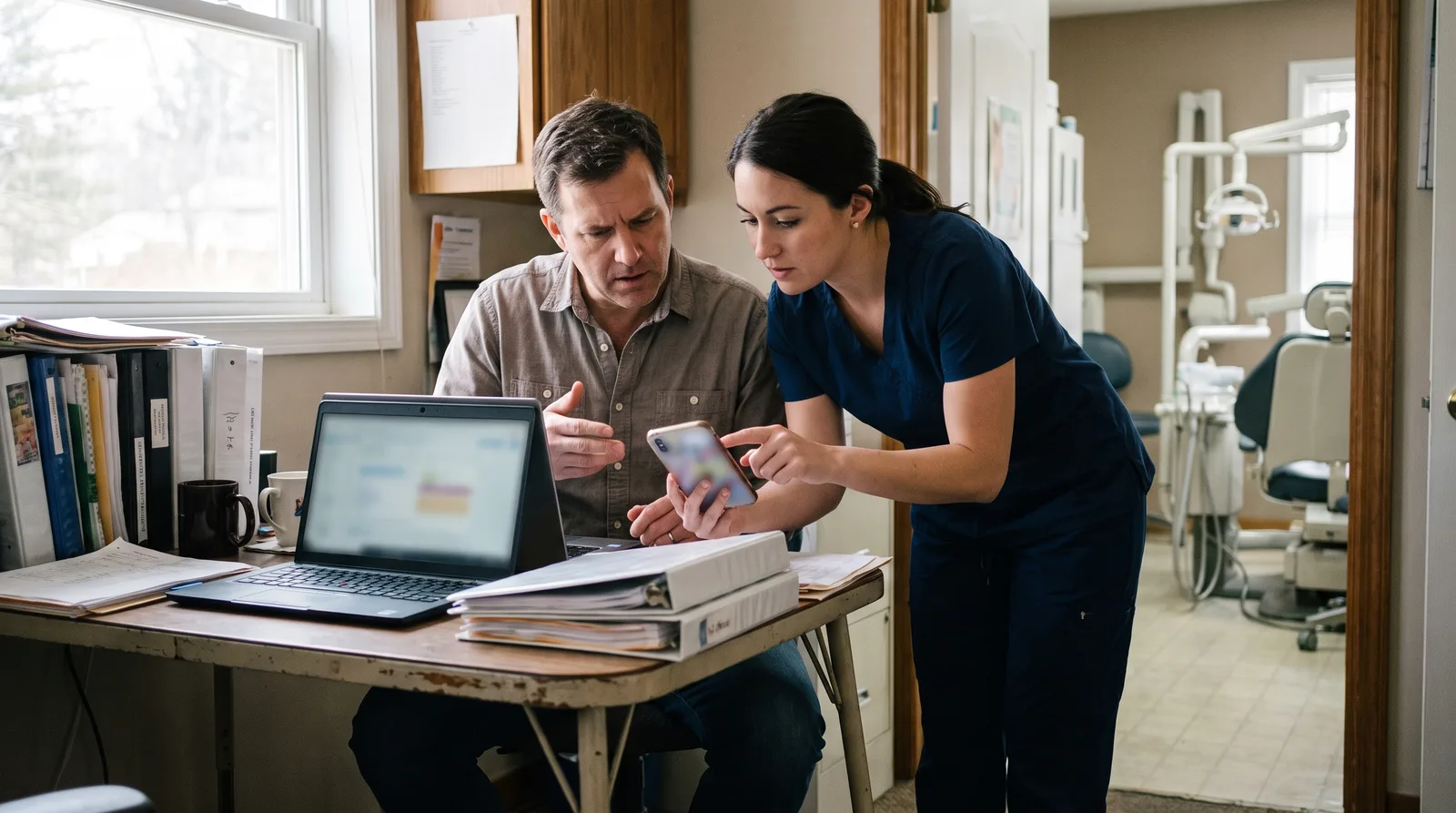
Here's the reality of running a one-person front desk. Your team member is simultaneously answering phones, checking in the patient who just walked in, verifying insurance for the patient in the chair, and pulling up records for the next appointment. When two things happen at once, the phone loses. It always loses. And unlike a multi-provider office with two or three front desk staff who can cover for each other, your practice has no backup.
The Solo Practice Phone Gap
Your front desk person takes lunch from 12:00 to 1:00 PM. That's the same hour when patients on their own lunch break are most likely to call. They also step away for restroom breaks, get pulled into longer insurance calls, and occasionally call in sick with no coverage. In a solo practice, there's nobody else to answer the phone during any of those moments. The calls just ring out.
According to Dental Economics, the vast majority of callers who reach voicemail don't leave a message and won't call back. They'll call the next practice on their list. That's not a hypothetical. That's your Tuesday.
An AI receptionist solo dental practice solution fills those gaps automatically. It answers every call, whether your front desk is at lunch, on another line, or out sick. No hold music. No voicemail. No lost patients.
See How DentiVoice Works for Solo Practices
DentiVoice answers every call your front desk misses, books appointments, and collects patient details without adding headcount.
See How DentiVoice Works →What Does an AI Receptionist Solo Dental Practice Setup Cost vs. Hiring?
An AI receptionist typically runs at a small fraction of the monthly cost of a part-time or full-time front desk hire, with no payroll taxes, benefits, training time, or sick day coverage to worry about.
This is the question every solo practitioner asks first, and it should be. You're watching every dollar. Here's how the math works at a high level:
| Option | Monthly Cost Range | Coverage | Limitations |
|---|---|---|---|
| Second front desk hire | Varies by market (salary + taxes + benefits) | Business hours only | Still misses after-hours, still takes sick days, requires training |
| Answering service | Varies by call volume | After-hours or overflow | Takes messages only, doesn't book appointments or collect insurance |
| AI receptionist (DentiVoice) | Significantly lower than a hire | 24/7, every day | Doesn't handle in-person tasks (check-in, filing, etc.) |
The AI doesn't replace your front desk person. It covers the phone when they can't. That's the distinction that matters. You're not eliminating a role. You're filling the gaps in a role that one person physically can't cover alone.
For solo practices in the growth stage, this is especially important. You might not have the revenue yet to justify a second full-time hire, but you're losing enough calls to know you need phone coverage. An AI receptionist bridges that gap at a cost that doesn't strain your overhead.
Related: See our full guide to AI receptionists for small practices → Best AI Dental Receptionist Software for Small Practices
Related: Not sure a virtual receptionist is worth it yet? Work through the cost-benefit case before you set one up. See the AI receptionist ROI guide →
How Does an AI Receptionist Work With a Single-Provider Schedule?
Solo practices have simpler scheduling rules, fewer appointment types, and one provider calendar, which means the AI configuration is faster and less complex than in a multi-provider office.
This is actually an advantage. In a large group practice, the AI has to manage multiple providers, operatories, appointment type matrices, and scheduling preferences. In your practice, there's one dentist, one schedule, and a manageable number of appointment types: new patient exam, hygiene recall, crown prep, emergency, and a few others. That simplicity makes setup faster and reduces the chance of booking errors.
What the AI Handles on a Typical Call
New patient call
Collects name, phone number, insurance details, reason for visit. Books into the correct appointment type on your single-provider schedule. Sends confirmation via text.
Reschedule or cancel
Finds the patient's existing appointment, offers the next available slot, and updates your PMS. If a slot opens up, the AI can pull from a waitlist to backfill.
Emergency or pain call
Asks about symptoms, urgency, and timing. Books into the next emergency slot or, after hours, provides instructions and confirms a morning appointment.
General questions
Answers common questions about office hours, location, accepted insurance plans, and services offered. Redirects clinical questions to your team.
An AI receptionist connected to Open Dental, Dentrix, or Eaglesoft books directly into your PMS. There's no double-entry, no sticky notes, and no "the answering service took a message but nobody followed up" problem. The appointment is on your schedule before the call ends.
See DentiVoice Work With Your Single-Provider Schedule
Book a demo to see how the AI books appointments, collects insurance, and handles after-hours calls inside your PMS.
Book a Free Demo →Will an AI Receptionist Feel Impersonal to My Patients?
No. Modern AI receptionists use natural conversational language, not phone trees or robotic scripts, and most callers either don't notice or don't mind, especially when the alternative is voicemail.
This is the concern solo practitioners raise more than anyone else. You've built your practice on personal relationships. You know your patients by name. Your front desk person remembers their kids and their dog. You worry that an AI will strip away that personal touch.
Here's the thing: the AI isn't replacing those moments. It's covering the moments your team literally isn't available for. When a new patient calls at 12:15 PM and your front desk is at lunch, the choice isn't between "warm human greeting" and "AI greeting." The choice is between "AI greeting" and "voicemail that nobody will listen to." The AI wins that comparison every time.
Related: Want to see what this looks like with real numbers? Read the AI dental receptionist case study on a 35% jump in bookings.
"I was skeptical about AI answering my patients' calls. Then I looked at my call logs and realized we were missing calls every single day during lunch and check-in rushes. The AI doesn't replace my front desk. It catches what she physically can't."
Common sentiment from solo practice owners using AI reception
Related: Still weighing whether the switch makes sense for a one-provider office? Work through our complete guide to choosing an AI dental receptionist before you set anything up.
And it works both ways. When your front desk person IS available, they handle the call. The AI only steps in when nobody picks up within a few rings, or during the hours you configure it to answer. You control when the AI is active and when your team takes over.
DentiVoice uses a conversational tone, not a menu system. It greets callers naturally, asks relevant questions based on the reason for the call, and moves through the booking process the way a trained team member would. For returning patients, the experience is quick and efficient. For new patients, it's welcoming and thorough. According to BrightLocal, the majority of patients judge a practice by responsiveness and ease of contact. Answering the phone is the first impression, and voicemail is a bad one.
Related: For a broader comparison of AI receptionist platforms → AI Dental Receptionist Comparison: 10 Platforms (2026)
What Can't an AI Receptionist Replace in a Solo Practice?
An AI receptionist handles the phone. It doesn't greet patients at the door, collect copays, present treatment plans, manage paper forms, or build the personal relationships that keep patients coming back to a solo office. You still need someone at the front desk.
AI Receptionist Handles
● Inbound call answering
● Appointment scheduling/rescheduling
● After-hours and overflow calls
● New patient intake
● Insurance and hours questions
● Recall and reactivation outreach
● Urgent call triage and routing
In-House Staff Handles
● Patient check-in and greeting
● Treatment plan presentation
● Payment collection and checkout
● In-person insurance coordination
● Patient relationship building
● Complex scheduling conversations
● Physical paperwork and forms
This is an important distinction. An AI receptionist doesn't replace your front desk coordinator. It frees her up to focus on the in-person tasks that only she can do. The phone work moves to the virtual system. The face-to-face work stays with your team. That split makes both sides more effective.
When does a solo practice actually need a second hire instead? Generally, when daily patient volume exceeds 35, when you're running multiple operatories with overlapping schedules, or when in-person tasks alone fill more than 6-7 hours per day. Below that threshold, an AI receptionist paired with one strong coordinator is usually enough.
How Should a Solo Practice Roll Out an AI Receptionist?
Start with overflow and after-hours coverage only. Don't flip to full virtual phone coverage on day one. A phased rollout over two to three weeks lets you test PMS accuracy, train your coordinator on the new workflow, and catch problems before any patient notices a change.
Solo Practice Rollout: 3 Phases
Phase 1: Overflow + After-Hours (Days 1-7)
Connect to PMS. Route calls that ring 3+ times and all after-hours traffic to virtual. Your coordinator still answers primary. Check every booked appointment for accuracy each morning.
Phase 2: Expand to Lunch + Peak Windows (Days 8-14)
Add lunch hour and 10am-12pm peak coverage. Monitor booking conversion and patient feedback. Fix any script or routing issues before expanding further.
Phase 3: Primary Coverage (Days 15-21)
AI receptionist answers all calls. Coordinator focuses on in-office patients. Review KPIs weekly: answer rate (95%+), booking accuracy, missed calls, and patient comments.
The biggest mistake when adding an AI receptionist for solo dental practice use is going full-coverage on day one without testing PMS integration. If the AI receptionist can't see your real schedule in Dentrix, Open Dental, or whatever system you use, it's just taking messages and calling them appointments. That creates double-bookings, phantom slots, and a very frustrated coordinator by Wednesday.
According to the ADA, 72% of patients say convenience is a top factor when choosing a dental provider. If your rollout makes scheduling harder instead of easier, even temporarily, patients will notice. Phase it. Test it. Then trust it.
For the full 4-week enterprise rollout plan including multi-location considerations, see the practice automation guide.
How Do You Know If It's Working?
Track four numbers weekly: answer rate, call-to-appointment conversion, missed call count, and patient satisfaction. For a solo practice, these four KPIs tell you everything you need to know about whether your AI receptionist is earning its fee.
Answer rate should hit 95% or higher within the first month. If calls are still going to voicemail, your routing rules need adjustment. Either the ring count before forwarding is too high or the AI receptionist isn't picking up fast enough.
Call-to-appointment conversion measures how many answered calls turn into booked appointments. A good benchmark for inbound dental calls is 50-65%. If your AI receptionist answers at 95% but converts at 30%, the problem is in the script or the scheduling logic, not the phone coverage.
Missed call count is the simplest metric. Pull it from your phone system weekly. Before the AI receptionist, you were probably missing 25-50 calls per week. After, it should drop below 5. If it hasn't, check your call routing and forwarding settings.
Patient satisfaction is harder to measure but easy to spot. Are patients complaining about the phone experience? Are they commenting on how easy or hard it was to schedule? Ask your coordinator to flag any negative feedback for the first 30 days. No news is good news here.
Once these numbers stabilize, consider adding outbound capability: patient reactivation calls, missed appointment follow-ups, and recall reminders. According to the ADA, 20-30% of patients become inactive within 18 months without follow-up. For a solo practice that depends on a smaller patient base, reactivation outreach can meaningfully move the needle on production.
The question isn't whether an AI receptionist for solo dental practice coverage is the right move. The question is whether you can afford the alternative: leaving 25-50 calls per week unanswered while your one front desk person handles everything else. At $300-$500/month for AI coverage, the investment recovers itself the first time a new patient books instead of hanging up.
Start with overflow and after-hours. Track the numbers. Let the results speak for themselves.
How Does DentalBase Help Solo Practices Grow?
DentalBase pairs an AI receptionist solo dental practice workflow with marketing services that bring in more new patient calls and make sure every one of those calls gets answered and booked.
Most solo practices grow one patient at a time. A new patient finds you on Google, calls, books an exam, likes you, and tells a friend. That flywheel only works if the first call gets answered. If your marketing brings in new patient calls but your front desk is too busy to pick up, you're paying for leads that never convert.
DentalBase SEO services target the local keywords your ideal patients search: "dentist near me," "dentist accepting new patients," "family dentist in [your city]." According to Moz, Google Business Profile optimization and review signals are the primary drivers of local pack visibility. When your practice ranks for those terms, DentiVoice ensures the resulting calls are answered, the patients are booked, and the insurance details are collected, even during lunch.
The Growth-Stage Bridge
- Today: One provider, one front desk person, missing calls during busy hours and lunch
- With AI reception: Every call answered, after-hours covered, new patients booked without adding payroll
- Next stage: Call volume and schedule density justify adding a second provider or second front desk hire, funded by the patients the AI helped you capture
That growth-stage bridge matters more than most solo practitioners realize. According to the Bureau of Labor Statistics, dental employment continues to grow, which means competition for patients is increasing in most markets. A solo practice that answers every call has an edge over the one down the street that sends new patients to voicemail.
The AI doesn't lock you into a specific growth path. It gives you breathing room to grow at your own pace without losing patients along the way. For a deeper look at the ROI math, the AI Dental Receptionist ROI Guide breaks it down. And for more on automating patient follow-up as you grow, see this complete guide.
Explore DentalBase Marketing + AI Reception for Small Practices
See how DentalBase helps solo practices grow new patient volume without adding front desk staff.
View All Services →A solo dental practice doesn't need an enterprise phone system. It needs a way to answer every call without doubling its front desk payroll. An AI receptionist built for dental practice workflows does exactly that. It covers the lunch break, the sick day, the after-hours emergency call, and the Tuesday morning rush when three patients check in at the same time and the phone starts ringing.
If you're a solo practitioner wondering how many calls your practice actually misses, that's the first question to answer. Book a DentiVoice demo, look at your call data, and see what an AI receptionist solo dental practice solution picks up that voicemail doesn't.
Your Front Desk Can't Be Everywhere. DentiVoice Can.
See how DentiVoice answers calls during lunch, sick days, and after hours for solo dental practices.
Book a Free Demo →Want more guides on growing your dental practice?
Browse Resources →How Do You Set Up an AI Receptionist in a Solo Practice, Step by Step?
Setup for a solo practice takes most offices a few days, not weeks, because there is one schedule, one PMS, and one phone number to configure. The work happens in five concrete steps.
- Connect the phone number. You forward your existing line on a condition, usually no-answer and after-hours, so the AI only picks up the calls your front desk cannot.
- Link your practice management software. The system reads live availability from your single-provider schedule so it never double-books the one operatory column that matters.
- Build the call flow. You map what happens for new patients, existing patients, emergencies, and billing questions, then set which calls route to a voicemail-to-text and which get booked directly.
- Set the scripts and guardrails. You define the greeting, the questions the AI asks, and the handful of topics it should hand off rather than answer.
- Test, then go live. You call your own number through every path, confirm bookings land correctly in the PMS, and switch the forwarding on.
Because a solo office has no second front desk person to retrain, the configuration is simpler than a group setup. The trade-off is that every step has to be right the first time, since there is no human backup to catch a mis-routed call.
Related: Setting this up across more than one office changes the routing and PMS wiring. See the multi-location routing and setup guide →
Sources & References
Frequently Asked Questions
Yes. AI receptionist services typically cost a fraction of what you'd pay a part-time or full-time front desk hire per month. For a solo practice watching overhead, it's one of the more cost-effective ways to stop missing calls without adding payroll.
Modern AI receptionists like DentiVoice use conversational language, not robotic menus. The AI greets callers naturally, asks relevant questions, and books appointments in a way that feels like talking to a knowledgeable team member. Most callers don't realize they're speaking with AI.
Yes. Solo practices have simpler scheduling rules, fewer appointment types, and one provider calendar. That means the AI configuration is faster than a multi-provider setup. Most solo practices can be live within a few days of onboarding.
That's exactly when it's most valuable. DentiVoice answers calls around the clock, including lunch hours, staff sick days, vacation days, and after hours. Your patients reach a live response every time they call, regardless of your team's availability.
The AI collects insurance carrier, member ID, group number, and subscriber details during every new patient call. It doesn't verify benefits in real time, but it gives your front desk everything they need to check coverage before the appointment.
DentiVoice integrates with Dentrix, Open Dental, and Eaglesoft. It books directly into your PMS using your existing appointment types and provider schedule, so there's no manual entry or double-booking risk.
Yes. Many solo practices start with overflow-only or after-hours-only coverage. The AI receptionist catches calls your front desk person can't answer during peak hours, lunch, and evenings. You can expand to full-time coverage later if the results justify it.
A typical solo dental practice receives 80-150 inbound calls per week, with volume clustering during morning and afternoon peak hours. Practices with active marketing campaigns or strong Google visibility may exceed 150. After-hours calls add another 25-35% on top of business-hours volume.
For most solo practices, an AI receptionist is more cost-effective. A part-time hire at 20 hours per week still costs $1,500-$2,000/month with taxes, only covers limited hours, and requires training and management. An AI receptionist at $300-$500/month covers 24/7 with no HR overhead.
Yes. Both AI and live remote receptionists can be configured with emergency triage protocols that route urgent calls to your cell phone, an on-call number, or a designated emergency contact. You set the rules for what qualifies as urgent and where those calls go.
Was this article helpful?
Written by
Dentalbase Team
The Dentalbase Team is a collective of dental marketing experts, AI developers, and practice management consultants dedicated to helping dental practices thrive in the digital age.