Automated Dental Patient Reactivation Calls: DentiVoice
DentiVoice now runs automated dental patient reactivation calls that identify inactive patients, call them, and book appointments into your schedule.
Share:
Table of contents
I want to tell you about automated dental patient reactivation calls, specifically what we just shipped in DentiVoice to run them automatically, because I think this closes one of the most consistently expensive gaps I hear about from practice owners. For a wider look at what an AI receptionist can do for a dental practice, our complete AI receptionist guide has the full rundown.
Not missed calls. Not a slow website. The gap I mean is the 20 to 30 percent of patients who were yours, they came in, they trusted you, they left, and then simply stopped booking. No drama. No complaint. They just drifted, and nobody called them back. According to the ADA Health Policy Institute, that attrition rate holds across practice sizes and markets. It is not a symptom of a bad practice. It is a symptom of a system that stops at the last visit rather than running a loop back to the next one.
DentiVoice now runs that loop automatically. This is what the automated patient reactivation and recall feature does, how it works inside your PMS, and what it means for your schedule. Our full suite of AI receptionist capabilities gives you the context for where reactivation fits.
What this update covers
- Why inactive patients drift away even at well-run practices
- How the automated outbound campaign works inside your PMS
- Which patient segments to target first for the highest return
What problem does this feature actually solve?
Inactive patients are not lost patients, they are patients nobody followed up with. That distinction matters because the fix is different. You do not need better marketing to reach them. You need a phone call, their name, and a specific appointment slot. Most practices know this. Most also lack the staffing bandwidth to execute it at volume.
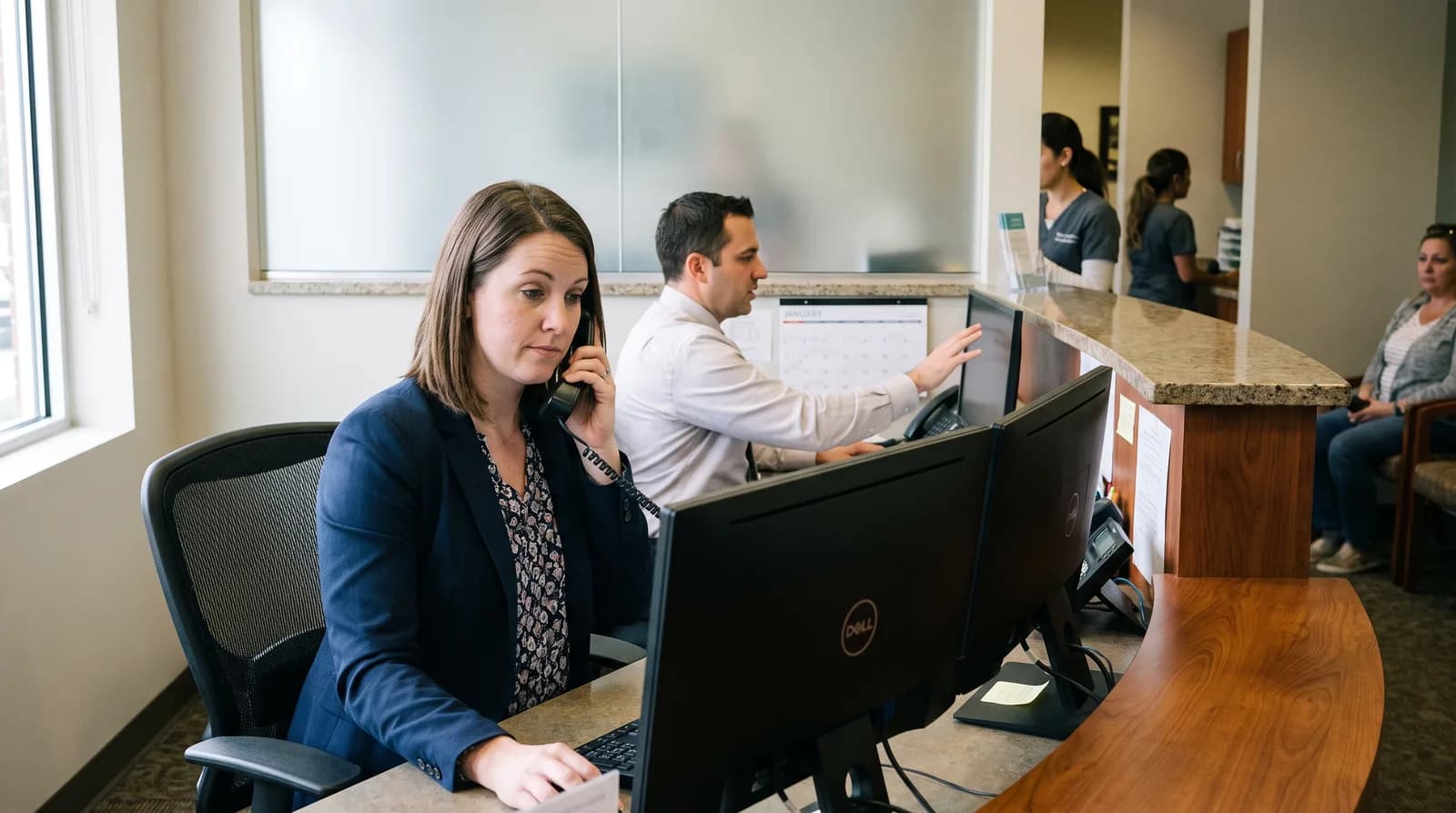
The front desk is already managing inbound calls, check-ins, insurance verification, and same-day scheduling. According to Bureau of Labor Statistics workforce data, dental support staff carry some of the highest administrative task loads in healthcare. Outbound reactivation campaigns, the kind that actually move patients from "inactive" to "booked", require dedicated time the front desk does not have. So they do not happen, or they happen once a quarter when someone finds a slow afternoon, and the list never gets fully worked.
Why this isn't a marketing problem
The result: your PMS is sitting on a list of patients who trusted you once, accepted treatment from you, and still need dental care. They are not with a competitor. They are just waiting for a reason to come back. DentiVoice now gives them that reason, automatically, at scale, without touching your front desk's workload.
- Inactive patients are not lost, they are simply patients nobody called back
- The front desk already lacks the bandwidth to run outbound campaigns at volume
- A structured call, not a new ad, is what moves them back onto the schedule
For a deeper look at how patient follow-up gaps compound over time, see Dental Patient Follow Up Metrics: Four Numbers That Matter. And if you want to understand the full cost side of the equation, What's the ROI of Dental Patient Follow Up? walks through the numbers in detail.
How do automated dental patient reactivation calls work inside DentiVoice?
DentiVoice's automated dental patient reactivation calls run as a fully managed outbound campaign: the system reads your PMS, identifies overdue patients, calls them, and books the appointment during the same conversation, with no manual steps required from your team at any point in the process.

The five-step reactivation workflow
The workflow runs in five steps:
- Patient identification. DentiVoice connects to your practice management software, Dentrix, Open Dental, or Eaglesoft, and builds a call list based on criteria you set: time since last visit, appointment type, provider, or insurance status. No manual list exports, no spreadsheet prep.
- Personalized outbound call. Each call opens with the patient's name and references their last visit date. The opening is specific, not generic, which is why phone-based reactivation outperforms text blasts for long-inactive patients. It sounds like a call from your practice, not a bulk notification.
- Real-time booking. When the patient confirms interest, DentiVoice pulls live availability from the PMS and offers appointment slots. The patient picks a time. The appointment writes directly to the schedule. No manual entry, no callback loop.
- Configurable retry logic. If a call goes unanswered, the system retries at a different time before marking the patient as unreachable. Your team never makes a manual redial.
- Weekly campaign reporting. Calls placed, connects, appointments booked, and no-answer rates arrive in a summary report each week. The practice can track recovery without building a report manually.
Every one of those steps runs against the same live connection covered in does DentiVoice sync with your practice management software, which is what keeps a reactivation booking from ever landing on a stale schedule.
These outbound calls run in Spanish just as naturally as in English, so an overdue patient who prefers Spanish gets the same personalized reactivation call. See how DentiVoice handles bilingual calls for a closer look at how the language detection and booking hold up in either language.
For the full picture of how DentiVoice connects to your scheduling software, the PMS integration guide covers the technical workflow in detail.
Why does a phone call outperform a text reminder for inactive patients?
A phone call and a text reminder serve different patient situations, and the performance gap for inactive patients is significant. A voice call creates a live interaction where the patient picks a specific slot and confirms in under two minutes, eliminating the drop-off that happens when patients receive a self-scheduling link and never follow through.
Text and email reminders work well for engaged patients: someone who booked recently, who has a standing appointment, or who checks notifications reliably. According to BrightLocal consumer research, phone-based outreach drives significantly higher response rates than text for service follow-up with lapsed customers. That advantage matters most with inactive patients. A patient who has been out of your system for 14 months has almost certainly already seen a reminder message from you. The text went unread, the email got skipped. What moves that patient is a direct, spoken interaction with a specific offer.
Why voice beats text for lapsed patients
According to the National Institute of Dental and Craniofacial Research, fewer than two-thirds of American adults visit a dentist in any given year. A significant portion of those non-visits involve people who have an established practice they simply have not gotten around to calling. A proactive outbound call from DentiVoice reaches them where passive reminders do not.
- A live call lets the patient pick a slot and confirm in under two minutes
- Text and email reminders work best for already-engaged patients, not lapsed ones
- A patient inactive for over a year has usually already ignored a reminder message
For a direct comparison of what works across follow-up channels, see Phone, Text, or Email: The Best Dental Follow-Up Channel.
Which patients should be targeted first in a reactivation campaign?
Not every inactive patient represents the same recovery opportunity, and the highest-return campaigns focus on patients most likely to book and highest in unscheduled treatment value. DentiVoice's segmentation parameters let you configure the call list by visit gap, open treatment, provider, or insurance status rather than calling everyone at once.
The highest-return patient segments
High-priority segments for automated dental patient reactivation calls include:
- Patients 12 to 24 months past their last hygiene visit. Long enough to be a genuine churn risk, not so long that the relationship is stale. This window captures patients who still think of you as their dentist but have not booked.
- Patients with open, unscheduled treatment plans. They accepted a diagnosis and never scheduled the follow-through, a crown, a restoration, a referral. These calls close treatment that the practice already earned on a clinical basis, with no new case presentation required.
- High-risk recall patients. Perio maintenance patients, ortho retention cases, patients with documented high caries risk, any group where the re-appointment interval is clinically defined and missing it has real consequences.
- Patients with active insurance and unused benefits. Especially valuable heading into Q4, when year-end benefit resets give patients a concrete, external reason to act that DentiVoice can reference in the call.
For thinking through who owns this work inside your practice, Who Owns Follow Up in a Dental Practice? is worth a read before you set your campaign parameters.
For a broader look at channel selection, compliance, and measuring ROI once a campaign is live, see the full playbook for AI-driven patient reactivation.
What does the data show about automated recall and patient retention?
The research on recall and reactivation systems is consistent: practices that run structured, proactive outreach retain more patients and generate more revenue from their existing base than those relying on passive reminders alone. The stats below are drawn directly from the DentalBase statistics bank and reflect published findings from dental industry and academic sources.
What the published research shows
| Finding | Source |
|---|---|
| 20-30% of patients go inactive within 18 months without follow-up | ADA |
| Reactivating an existing patient costs 5-7x less than acquiring a new one | Harvard Business Review |
| Automated recall systems increase patient return rates by 25-40% | Dental Economics |
| Practices with structured follow-up programs retain 15% more patients annually | PatientPop |
The cost-of-acquisition comparison is the one I find most useful for framing the internal conversation. Reactivating a patient who already knows your practice, already has records on file, and already accepted at least one treatment costs a fraction of what it takes to generate, convert, and onboard a new patient through marketing. HubSpot customer retention research puts new customer acquisition at five times the cost of keeping an existing one. Automated dental patient reactivation calls are the mechanism that captures that value without adding headcount.
For a detailed look at how DentiVoice fits into a system-wide follow-up approach, Dental Patient Follow-Up System: A Step-by-Step Guide is the companion read.
How does reactivation connect to DentiVoice's inbound call handling?
Automated recall outreach and inbound call coverage are two sides of the same patient retention problem, and they compound when you run both together. DentiVoice handles inbound calls 24 hours a day so new and returning patients can always reach the practice and book without waiting on hold or getting voicemail.
The article on DentiVoice's after-hours AI receptionist covers how that inbound side works. Reactivation campaigns close the loop on the patients that inbound system already served, bringing them back when they lapse rather than waiting for them to call on their own.
Why inbound and outbound compound together
Practices that run both together see a measurable effect on schedule utilization. Gaps that previously required new patient acquisition, through paid ads or SEO, can often be filled with reactivation alone, at a fraction of the cost. A full new patient costs marketing spend, staff time to convert the first inquiry, a new patient exam, and the administrative overhead of setting up a new chart. A reactivated patient skips all of that.
- Inbound coverage keeps new and returning patients from being lost to a missed call
- Outbound reactivation brings back patients the inbound system already served once
- Schedule gaps often fill from reactivation alone, at a fraction of new-patient acquisition cost
The front desk piece matters too. If your team is overwhelmed with inbound volume, outbound reactivation never gets done. The Dental Front Desk Bottleneck That Capped My Growth walks through why that ceiling exists and how AI-assisted coverage removes it. A study of AI-answered vs. human-answered calls across 28 practices found the same tradeoff: AI closes the coverage gap, but complex calls still book better with a person on the line. For a broader look at why patients leave before you ever get the chance to reactivate them, Why Patients Leave a Dental Practice is worth reading alongside this one.
How does a practice set up its first DentiVoice reactivation campaign?
DentiVoice reactivation setup is completed during onboarding, no separate IT project, no data migration, and no technical expertise required from the practice side. Practices with an existing PMS integration can activate reactivation in the same session used to configure inbound call handling.

Setting up your first campaign
The configuration sequence:
- Define your inactive patient criteria. Work with your DentiVoice onboarding contact to set parameters: typically patients 12 or more months past their last hygiene visit who have not responded to at least one prior reminder sequence.
- Preview the call list. DentiVoice generates a preview of the outreach list before any calls go out. The practice confirms the segment looks right.
- Set appointment types and call windows. Configure which appointment types DentiVoice can offer, which providers are available for booking, and the times of day outbound calls should be placed.
- Launch. DentiVoice begins calling. New appointments appear in the PMS as campaigns convert. Weekly reports arrive automatically, no dashboard to check, no report to build.
If you have questions about how your current patient communication setup compares, Dental AI Receptionist Objections: 12 Fears Answered addresses the most common concerns practices raise before activating DentiVoice.
See outbound recall in action.
DentiVoice identifies your inactive patients, calls them, and books them back into your schedule, automatically. Book a demo to see how it works for your practice.
Book a demoSources & References
Frequently Asked Questions
DentiVoice reads directly from your PMS to identify patients overdue for a hygiene visit or who have not responded to prior reminders. You set the criteria, including time since last visit and appointment type, and DentiVoice builds the call list automatically from that data.
Yes. When the patient answers and confirms interest, DentiVoice pulls live availability from the PMS and offers appointment slots. The patient selects a time and the appointment is written directly to the schedule without any manual entry from staff.
DentiVoice follows a configurable retry sequence, attempting the patient again at a different time or day before marking them as unreachable. No staff time is spent on manual redials, and the retry logic runs entirely within the system without front desk involvement.
Yes. Each call opens with the patient's name and references their last visit date to create a relevant, specific conversation. Practices can configure the greeting style, the appointment types offered, and the overall call tone through the DentiVoice admin dashboard.
Reactivation calls reach patients who have already ignored digital reminders. A live phone call from DentiVoice completes the booking in the same interaction rather than asking the patient to click a self-scheduling link and follow through on their own at a later time.
DentiVoice generates a weekly campaign report showing calls placed, patient connects, appointments booked, and no-answer rates. You can compare campaign periods to track recovery trends over time and calculate the revenue each reactivation batch represents for your practice.
Yes. DentiVoice scales across solo practices, multi-provider offices, and group locations. Campaign parameters including patient segments, appointment types, and available providers can be configured separately per location to match each office's scheduling needs.
Practices with an existing PMS integration can typically activate reactivation in the same onboarding session used to configure inbound call handling. No separate IT project or data migration is required, and most practices are running their first campaign within the same week.
Was this article helpful?
Written by
DentalBase Team
Expert dental industry content from the DentalBase team. We provide insights on practice management, marketing, compliance, and growth strategies for dental professionals.


