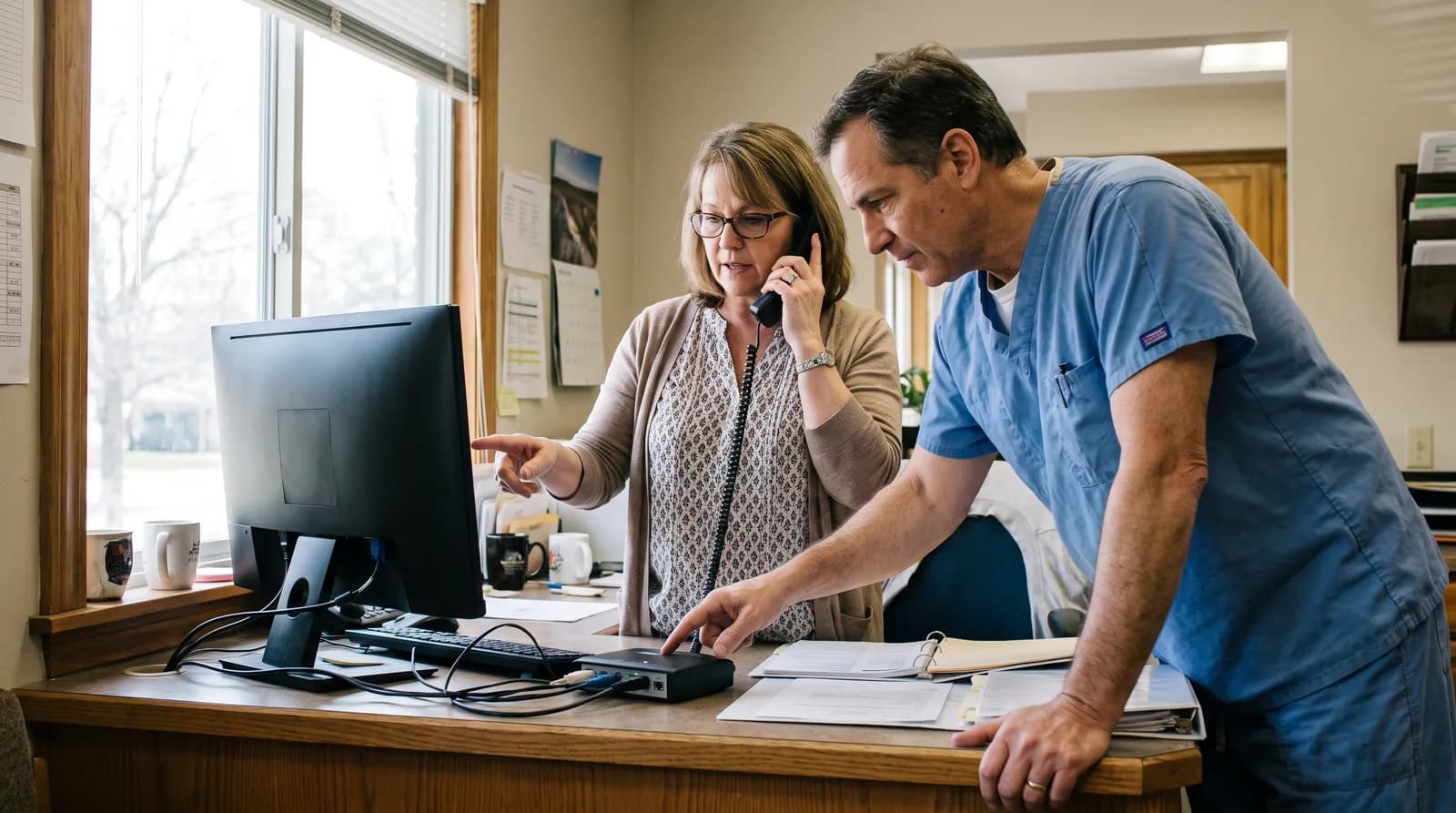
Does DentiVoice Sync With Your Practice Management Software?
DentiVoice syncs directly with a practice's existing practice management software, so every call reflects the same live schedule and records.
Share:
Table of contents
DentiVoice syncs directly with a practice's existing practice management software, so every call it handles reflects the same live schedule, patient records, and booking rules the front desk already relies on every day.
This piece looks at what that integration actually covers, from real-time schedule access to how patient records stay current. If your practice works with DentalBase's practice growth services, PMS integration is one of the very first things configured during setup.
This guide covers PMS integration specifically, distinct from the call-handling features built on top of it.
What PMS integration actually covers
- Real-time schedule access checked on every single call
- Live patient record lookups used for scheduling context
- Automatic two-way sync for every booking, cancellation, and reschedule
Why does PMS integration matter more than most people assume?
Without a real, live connection to the practice management system, an AI receptionist would be working from outdated or incomplete information, which defeats the purpose of trying to automate scheduling accurately in the first place.
ADA Health Policy Institute data shows 72% of patients rank convenience as a top factor in their care decisions, and accurate, real-time scheduling is foundational to delivering that convenience consistently on every single call.
A disconnected or poorly integrated system risks double bookings, incorrect provider assignments, and outdated patient information. Each of these undoes much of the value an AI receptionist is meant to provide in the first place.
What a weak integration actually costs a practice
- Double bookings that frustrate patients and staff alike
- Incorrect provider assignments on the schedule
- Outdated patient information surfacing mid-call
This is why DentiVoice treats deep, reliable PMS integration as a foundational requirement rather than an optional add-on configured later.
Every other feature, from booking to recall to cancellation handling, ultimately depends on this connection working correctly and consistently behind the scenes.
Related: That same synced connection is what lets a recall response turn into a real appointment without a manual step. See how DentiVoice turns overdue patients into booked visits →
Treating this as a foundation rather than an afterthought is why DentiVoice invests heavily in getting this specific piece right before anything else.
A weak foundation here would quietly undermine every other capability built on top of it, no matter how well-designed those other features happen to be.
This is why the integration receives careful attention during setup, rather than being treated as a quick technical formality to move past quickly.
Which practice management systems does DentiVoice actually connect to?
DentiVoice integrates with the major practice management platforms used across the dental industry, and DentalBase can confirm compatibility with a specific system during the initial setup conversation before anything goes live for the practice.
HubSpot's marketing benchmark data consistently shows that integration breadth matters for adoption broadly, and dental practices specifically span a wide range of different platforms depending on size, specialty, and history. Practices reactivating existing patients through consistent systems see costs roughly 5 to 7 times lower than acquiring new patients, according to industry benchmarks, which reflects how much smooth, well-integrated systems can compound in value over time.
That same integration layer is what makes scheduling virtual-visit appointment types workable without a separate booking tool sitting outside the practice's core system.
Related: Specialty practices like orthodontics lean on this same PMS sync to track a more complex set of recall dates across a single case. How orthodontic practices handle recall through PMS integration →
Types of systems DentiVoice supports
- Major PMS platforms widely used across general and specialty dental practices.
- Cloud-based systems that support real-time API-level data access.
- Legacy systems that may require a slightly different integration approach.
What happens with a less common or legacy system
A practice using a less common or older system should raise this directly during the initial conversation, since integration depth can vary depending on what that specific platform actually supports.
Older systems sometimes require a slightly different technical approach, but this rarely prevents a functional integration from being built successfully.
DentalBase has encountered a wide range of platform variations across many practices, which means most technical quirks have already been solved before any new practice even begins the process.
This upfront transparency avoids any surprises once the system goes live and starts handling real patient calls and scheduling decisions.
A quick compatibility check early on saves significant time later, since discovering a limitation after launch is far more disruptive than confirming it upfront.
This step takes only a short conversation but prevents a much longer, more frustrating troubleshooting process further down the road.
A five-minute conversation upfront is a small price to pay compared to discovering a compatibility gap weeks into using the system for daily operations.
Want to confirm your PMS is fully supported?
Book a demo and we'll confirm compatibility with your specific system.
Book a Free Demo →Does the integration update the schedule in real time during a call?
Yes, DentiVoice checks live availability directly against the practice management system during every single call, rather than working from a cached or periodically refreshed copy of the schedule that might already be outdated.
Google's own guidance on real-time data confirms that stale information consistently produces a worse experience than accurate, current data. That principle applies directly to live scheduling decisions.
Why real-time syncing prevents double-booking
- Availability is checked live against the PMS on every call
- Bookings, cancellations, and reschedules reflect immediately in both systems
- No cached or periodically refreshed schedule copy is ever used
This real-time connection is what prevents the most common scheduling mistake of all. It stops a patient from being booked into a slot that another call or a walk-in already filled moments earlier.

Any appointment booked, canceled, or rescheduled through DentiVoice reflects immediately in the practice management system, so the front desk always sees the current, accurate picture.
This immediate visibility means the team never has to wonder whether a specific change has actually taken effect somewhere in the system.
That confidence matters especially for a front desk juggling many moving pieces throughout a typical, busy day at the practice.
There is no lag between what DentiVoice does on a call and what actually shows up in the schedule the team is looking at.
Why this matters most during busy periods
This immediacy matters especially during busy periods, when multiple bookings and changes might be happening in quick succession across different channels at once.
A delay of even a few minutes during a high-volume period could otherwise lead to the exact double-booking scenario this integration is designed to prevent entirely.
This is precisely why real-time performance matters more here than it might in a system with lower stakes attached to timing and scheduling accuracy.
Does DentiVoice have access to full patient records during a call?
DentiVoice accesses the specific patient information needed for scheduling and basic verification. It follows the same data access rules and permissions the practice has already established for its own systems and staff members.
Moz's guide to user experience covers how relevant, contextual information improves an interaction broadly. Having accurate patient history available is exactly what allows DentiVoice to reference a specific last visit or recall interval.
What information DentiVoice can see
- Scheduling details needed to book, confirm, or reschedule a visit
- Basic identity details used for verification on the call
- Recall and last-visit information relevant to the conversation
This access is scoped appropriately. DentiVoice sees what it actually needs for the call at hand, without exposing sensitive clinical details that have no bearing on scheduling.
Data handling follows the same security and privacy standards a practice already expects from its practice management system. The integration works within those existing safeguards rather than around them.
DentiVoice's Data Access at a Glance
Accessible for scheduling
- Appointment availability and provider schedules
- Patient name and contact details for verification
- Last visit date and recall interval
Stays out of reach
- Detailed clinical notes and treatment history
- Billing and insurance records beyond scheduling needs
- Any data the practice has not explicitly permitted
Access follows the same permissions and security standards the practice already has in place.
Staying in control of data permissions
A practice retains full control over exactly what information is accessible through this connection at any point.
This control extends to adjusting permissions later if a practice's needs or policies change after the initial setup has already been completed.
Nothing about this access is locked in permanently, since a practice's own preferences and requirements naturally evolve over time.
A practice that grows, adds providers, or changes policies can simply update these settings rather than needing an entirely new setup process from scratch every single time.
What happens if the PMS connection experiences an outage?
DentiVoice is built with fallback handling for a temporary connection issue. A brief outage does not mean calls simply go unanswered or bookings get lost entirely during that specific window of time.
BrightLocal's consumer research found that reliability weighs heavily in how patients evaluate a business. Consistent uptime is part of why this fallback handling matters as much as the integration itself. Missed or miscounted calls alone can cost a practice over $1,200 in lifetime patient value per instance, according to ADA-cited estimates, which is exactly the kind of loss this fallback layer is designed to prevent.
Related: A PMS outage is just one of several reasons a call goes unanswered. See the real reason your front desk still misses calls →
How fallback handling protects a call during an outage
- Caller information and intent are still captured during the outage
- That data syncs back to the schedule the moment the connection restores
- No permanently lost booking or unanswered patient call results
In this scenario, DentiVoice can still capture the caller's information and intent, syncing that data back to the schedule the moment the connection restores itself. This same capture is what feeds the reporting described in what your call data reveals once DentiVoice is running.
This means a temporary technical issue on the practice management side does not translate into a permanently lost booking or an unanswered patient call.
Most connection issues resolve quickly, and this fallback layer exists specifically to handle that brief window without disrupting the patient experience at all during that time.
A patient calling during a brief outage never knows anything went wrong on the technical side, since the experience remains smooth from their perspective throughout.
This seamless handling is exactly the kind of resilience that separates a well-built integration from one that simply breaks the moment something unexpected happens.
Want a receptionist that stays perfectly in sync with your schedule?
See how DentiVoice's real-time PMS connection prevents booking mistakes.
See AI Receptionist →What should a practice check to confirm the integration is working?
Check that bookings made through DentiVoice appear correctly in the practice management system. Patient details should match, and cancellations or reschedules should sync without any delay or discrepancy anywhere in the system for the entire practice.
Review this during the first week after launch specifically, since that period is when any configuration gaps typically surface and get identified quickly.
A quick daily check during that first week is usually enough to catch anything worth adjusting before it becomes a larger, more noticeable pattern that affects the whole team's daily workflow.
Quick checklist for the first week
- Bookings made through DentiVoice appear correctly in the PMS
- Patient details match exactly with no discrepancies
- Cancellations and reschedules sync without delay
For a full walkthrough of that specific moment, how DentiVoice handles cancellations and reschedules covers what happens the instant a patient cancels or asks to move their visit.
| Check | What it confirms |
|---|---|
| Bookings appear in the PMS | The core connection is working correctly end to end |
| Patient details match exactly | Data access and mapping are configured properly |
| Cancellations sync without delay | Real-time updates are flowing in both directions |
Related: This same real-time connection is what prevents booking errors in the first place. See how DentiVoice books without mistakes →
How Do You Set Up Practice Management Software Integration?
Setup starts with confirming the specific practice management software in use and granting the appropriate access. DentalBase walks through this process directly with each practice individually before anything launches.
Most practices complete this initial connection quickly. The process follows an established pattern DentalBase has already run successfully across many different practice management platforms before.
What setup looks like on day one
This track record is part of why setup rarely involves any real surprises, since most edge cases have already been encountered and resolved with a prior practice using a similar setup.
DentiVoice syncs with a practice's existing practice management software as a foundational requirement, not an afterthought, since every other feature depends on that connection working accurately and consistently.
- Real, live PMS integration is what makes accurate scheduling possible at all.
- DentiVoice connects to major platforms used across the dental industry.
- Every booking, cancellation, and reschedule reflects immediately in both systems.
- Patient data access follows the same security standards the practice already uses.
- Fallback handling protects against a temporary connection outage or issue.
- Check bookings, patient details, and sync speed during the first week after launch.
Start by confirming which practice management system is currently in use, since that single detail determines exactly how the integration gets configured from day one at the practice.
DentiVoice is only one piece of a larger software stack. See our overview of the full practice management software landscape for how the other categories connect.
See How DentiVoice Connects to Your Practice Management Software
Book a free demo to confirm compatibility and see the integration in action.
Book a Free Demo →Want to explore more DentiVoice features?
Browse Resources →Sources & References
Frequently Asked Questions
Without a real, live connection to the practice management system, an AI receptionist works from outdated or incomplete information, risking double bookings and incorrect provider assignments that undo the value it is meant to provide.
DentiVoice integrates with the major practice management platforms used across the dental industry, and DentalBase confirms compatibility with a specific system during the initial setup conversation before launch begins.
Yes, DentiVoice checks live availability directly against the practice management system during every call, rather than working from a cached or periodically refreshed copy of the schedule that could be outdated.
No, DentiVoice accesses only the specific patient information needed for scheduling and basic verification, following the same data access rules and permissions the practice has already established for its own systems.
DentiVoice has fallback handling for a temporary connection issue, capturing the caller's information and intent and syncing that data back to the schedule the moment the connection restores itself fully.
Check that bookings made through DentiVoice appear correctly in the practice management system, that patient details match, and that cancellations or reschedules sync without any delay during the first week.
Was this article helpful?
Written by
DentalBase Team
Expert dental industry content from the DentalBase team. We provide insights on practice management, marketing, compliance, and growth strategies for dental professionals.