15 Questions on Switching AI Receptionist Dental Systems
Thinking about switching AI receptionist dental systems? Get clear answers to 15 questions on setup, patient reactions, results, and mistakes to avoid.
Share:
Table of contents
Switching AI receptionist dental systems is easier to decide once you know what happens after the switch. You've read the feature pages and seen the ROI calculators, but those don't tell you what week one feels like for your team or your patients. If you're weighing an AI receptionist for your practice, these 15 questions cover what practice owners ask most.
The questions follow the timeline: what pushes the decision, what the first week looks like, how patients respond, what changes in your numbers, and what to do differently. Where a figure comes from a published source, we name it. Everything else is practical guidance, not a promise of results.
According to Dental Economics, nearly one third of all calls to a dental office are missed calls. That stat shows up in a lot of articles. What rarely shows up is how to handle the change once those calls start getting answered. For the full rollout, see the practice owner’s guide to switching to a virtual receptionist.
Why Do Dental Practices Consider Switching AI Receptionist Dental Systems?
Most practices switch because missed calls turn into a revenue problem they can't ignore. A staffing gap, a lunch-hour rush, or a string of unanswered after-hours calls usually forces the decision. The technology rarely drives it. A specific, costly pain point does.
1. What is the tipping point?
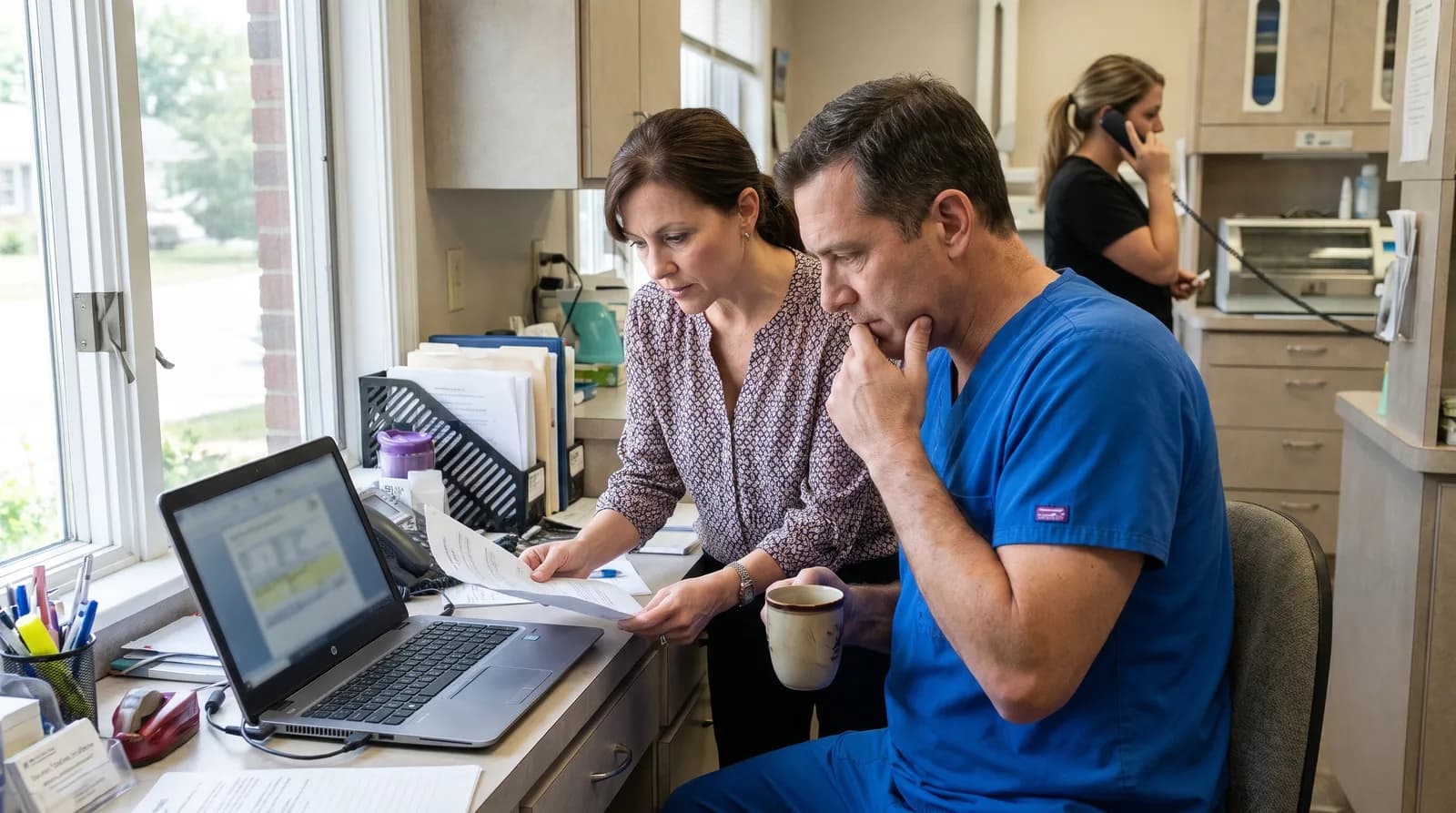
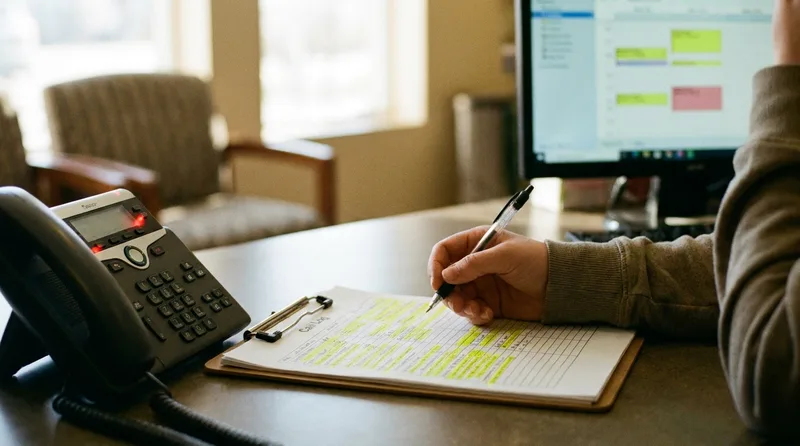
For many practices, it's a moment rather than a slow realization. A new patient calls during the lunch rush and nobody picks up. The office manager checks the call log and finds a week's worth of missed calls. A front desk coordinator gives notice, and there's no backup plan.
The numbers explain why that moment hurts. According to ADA Practice Transitions, 38% of new patient calls go unanswered during business hours. And WordStream puts the average cost of acquiring a new dental patient through digital channels at $150-$300.
That's a revenue conversation hiding inside an operations problem. You pay to make the phone ring, then nobody answers it.
2. What holds practices back the longest?
Two worries come up again and again: patients hating the "robot," and doubt about the technology itself.
That doubt has history behind it. Early dental AI tools misunderstood accents, booked the wrong appointment types, and sounded stiff. If you tried one years ago, test again on your own call scenarios before judging today's tools by the old ones.
You're also not alone in weighing it. Dental Economics reports that 73% of dental practices plan to adopt AI tools by 2027.
3. How do you evaluate AI receptionist options?
A strong evaluation comes down to three steps:
- Run a live demo with your own phone scenarios, not a canned presentation.
- Ask how deep the PMS integration goes. Can the AI book directly into Dentrix, Open Dental, or Eaglesoft, or does it only take messages?
- Talk to an existing customer from a practice of similar size.
One test matters more than any feature list. Does the system handle "I think I broke my tooth and I'm in a lot of pain" as well as "I need to reschedule my cleaning"? If not, keep looking.
Comparing AI receptionist vendors?
See how ten platforms differ on integrations, call handling, and day-to-day use.
See the 10-Platform Comparison →What Happens in the First Week After Switching?
Expect a messy but useful first week. Small configuration errors surface, like wrong appointment lengths or outdated office hours, and your team learns how the AI handles real calls. Most of these are settings you can fix quickly, not signs the technology can't do the job.
4. How long does setup take?
Plan for one to two weeks from signing to go-live. The setup usually covers four steps:
- Connect the AI to your scheduling system through your PMS integration.
- Configure appointment types and provider schedules.
- Record or select a greeting.
- Test with internal calls before you go live.
The slowest part isn't the technology. It's aligning your team on which calls transfer to a person, what the after-hours greeting says, and how emergencies are routed.
Also ask the vendor how call recordings and patient details are stored and who can access them. The ADA’s HIPAA resources for dental practices are a good place to prepare your questions.
5. Does the AI make mistakes right away?
Yes, expect a few. Common first-week errors include:
- Booking a 60-minute appointment into a 30-minute slot.
- Mispronouncing a provider's name.
- Giving outdated office hours because the initial setup wasn't updated.
Here's the thing: none of those are unfixable. They're configuration issues, not intelligence failures. A new human hire makes similar mistakes in week one. The difference is that you can correct a setting once and it applies to every call after that.
A short dashboard review each morning during the first week catches problems quickly.
6. How does the front desk react?
Mixed, at first. Some staff feel threatened. Others feel relieved. The reaction depends heavily on how the rollout is framed.
Compare "we're adding a tool to help you" with "this system is replacing part of your job." The first invites buy-in. The second invites resistance.
Give your front desk coordinator ownership of the AI dashboard, and make them the person who reviews and flags issues. This guide on building a lean front desk team with AI covers the staffing conversation in more detail.
Related: Want the full onboarding timeline and what to prepare? AI Receptionist Onboarding: What to Expect →
How Do Patients React to an AI Receptionist?
Most callers care more about getting their problem solved than about who answers. Some will notice the AI and a few will ask for a person, so a clean handoff to your team matters more than hiding the technology. Plan that path before go-live.

7. Do patients notice they're talking to an AI?
Some do, and some don't. When a caller asks, a simple, honest answer works: "Yes, we use an AI assistant to make sure every call gets answered. Would you like me to connect you with a team member?"
Most callers care more about whether their problem got solved than who solved it. And the alternative is often voicemail. According to Forbes, 80% of callers who reach voicemail don't leave a message and won't call back.
Dental Economics makes a related point, arguing that AI receptionists make the most sense for the moments when the phone would otherwise go to voicemail, such as lunch hours and evenings.
8. Do any patients complain or refuse to use it?
A small number of callers ask for a person, and they usually have a specific reason:
- A sensitive clinical question.
- A billing dispute.
- A language preference.
Good systems detect these situations and transfer the call smoothly. Don't fight it. Route the caller to your team and move on.
Decide in advance which situations go to a human, and test those paths before go-live. The AI receptionist FAQ covers patient-facing objections in depth, including scripts for common scenarios.
9. What do patients notice about the experience?
The change callers tend to notice is access, not the technology. They can call at 9 PM and get through. They don't wait on hold. They can reschedule without playing phone tag.
Those moments matter because patients don't wait long. According to Marchex, the average caller hangs up after 90 seconds on hold.
After-hours calls represent 27% of total patient call volume, according to Dental Economics, and those callers previously got nothing. Now they can get an answer, a booked appointment, and a confirmation text.
What Results Can a Dental Practice Expect After Switching?
The clearest early result of switching AI receptionist dental systems is more answered calls, especially after hours. Calls that used to reach voicemail now get an answer, and the bookings that follow are easy to track in your dashboard. Front desk workload often drops too, because overflow calls no longer compete with patients at the desk.
10. How quickly will you see ROI?
ROI shows up first in after-hours bookings. Those calls used to go to voicemail, so they had no real chance of converting. Now they do.
The math is straightforward. Compare your monthly plan cost with what one missed new patient call costs. Dental Economics puts that at $1,200+ in lifetime value, so recovering even one such call a month moves your break-even point closer.
Pricing varies, so ask vendors to quote against your actual call volume.
11. Which metric changes the most?
Answered call rate. Every call that used to reach voicemail now gets an answer, so this is usually the first number to move.
You also have a clear baseline. The average dental practice misses 15-20 calls per week, according to Dental Economics. Track your own number before launch, then compare it after the first month.
That one metric feeds more bookings, fewer lost leads, and a better caller experience. Here's the before and after:
| Situation | Before (voicemail) | After (AI receptionist) |
|---|---|---|
| After-hours call | Caller leaves a message or hangs up | AI answers, books or routes, and texts a confirmation |
| Busy front desk | Calls compete with check-ins | AI handles the overflow calls |
| Booking | Staff call back later | AI books into your schedule through your PMS integration |
12. What unexpected benefit shows up?
A calmer front desk. When the AI handles overflow, the phone stops interrupting every patient check-in. Staff can focus on the person in front of them without guilt about a ringing line.
Patient experience can improve too. When callers actually get through, they tend to be more satisfied, and satisfaction shows up in reviews. BrightLocal’s 2026 consumer review survey shows how much weight people give reviews when they choose a local business.
Put a number on your missed calls
Work out what unanswered calls cost your practice with the ROI guide.
See the ROI Guide →What Should You Do Differently When You Switch?
Involve your front desk team before you sign, and get your own call data before you compare vendors. Those two steps prevent the most common problems: a rocky first week and a team that feels the change was done to them. Everything else is configuration and patience.

13. What's the biggest mistake during the switch?
Not involving the front desk team early enough. A common pattern: the practice evaluates the AI, signs a contract, and then tells the team it's happening. That's backwards.
Your front desk coordinator knows your phone workflows better than anyone. They know which calls are simple, which are complex, and which callers need extra attention. Bring them into the evaluation, or at minimum give them two weeks of notice and dashboard training before go-live.
The second most common mistake is rushing initial configuration. It leads to a messy first week that could have been avoided.
14. What should a practice do before switching?
Three steps are worth building into your plan before switching AI receptionist dental systems:
- Pull your actual call data first. Know your missed call rate, your after-hours call volume, and your new patient call conversion rate. You can't calculate ROI on a guess.
- Run the AI alongside your current system for a short period before you cut over. That lets you catch configuration issues without risk.
- Don't automate everything at once. Start with phone answering and stabilize it. Then add reminders, recall, and follow-up.
15. Would practices go back to voicemail?
Once after-hours calls are getting answered and booked, going back means choosing to let those calls disappear again. That's a hard trade to justify.
The practices that stay happiest treat the AI as part of their operations, not a trial. They adjust workflows, train the team, and put the dashboard into the morning routine. That's not a tool they're testing. It's infrastructure.
Still on the fence? This comparison of AI, answering services, and voicemail lays out what each option delivers.
Is Switching to an AI Receptionist Worth It for Your Practice?
It's worth it when missed calls are costing you new patients and you're willing to plan the rollout around your team. Switching AI receptionist dental systems is an operations decision first and a technology decision second. Start with your call data, not the feature list.
The practices that get this right focus on workflow first, people second, and software third. The ones that struggle do it in reverse.
Before you book another demo, pull one week of call logs and count the missed calls. Take that number, and your own phone scenarios, to the demo. It turns a sales conversation into a test.
Then decide who owns the rollout on your side, and tell your front desk before you sign. A practice that treats the switch as a team project, not a vendor project, starts week one with fewer surprises.
Ready to See What Switching Looks Like?
Book a free demo and see how DentiVoice handles your practice's phone scenarios, from scheduling to emergencies.
Book a Free Demo →Browse More AI Receptionist Guides
Browse Resources →Sources & References
- Dental Economics: Phone Calls: Are You Losing Patients at Hello?
- Dental Economics: The Dental Practice Reality Check: When AI Actually Helps
- American Dental Association: HIPAA resources for dental practices
- BrightLocal: Local Consumer Review Survey
- DentalBase: AI Receptionist for Dental Office FAQ (30 Questions)
Frequently Asked Questions
Most practices go live within one to two weeks of signing. Setup includes PMS integration, appointment type configuration, greeting selection, and internal testing. The longest part is aligning your team on call handling rules, not the technology itself.
Compliance depends on the vendor and how the system is configured, so ask directly. Request a business associate agreement, ask how call recordings and patient details are stored and who can access them, and review the ADA's HIPAA resources before go-live.
Most established AI receptionist systems integrate with Dentrix, Open Dental, Eaglesoft, and Curve Dental. Look for read-write integration that books directly into your schedule rather than just taking messages for staff to enter manually.
A well-configured AI receptionist transfers the caller to your team or takes a message, depending on your rules. Decide in advance which situations go to a person, such as clinical questions, billing disputes, language needs, and emergencies, then test those paths before go-live.
Pull your actual call data first: missed call rate, after-hours call volume, and new patient call conversion rate. Then brief your front desk team, run a demo with your own scenarios, and consider running the AI alongside your current setup before cutting over.
No. It handles overflow, after-hours calls, and routine requests so your team can focus on patients in the office. Practices that frame it as a tool that helps staff, and give the front desk coordinator ownership of the dashboard, tend to see smoother adoption.
Was this article helpful?
Written by
Dentalbase Team
The Dentalbase Team is a collective of dental marketing experts, AI developers, and practice management consultants dedicated to helping dental practices thrive in the digital age.