Orthodontic Patient Recall Automation: Strategies That Work
Orthodontic patient recall automation uses AI-driven calls and texts to close retention gaps, cut no-shows, and reduce manual front-desk follow-up work.
Share:
Table of contents
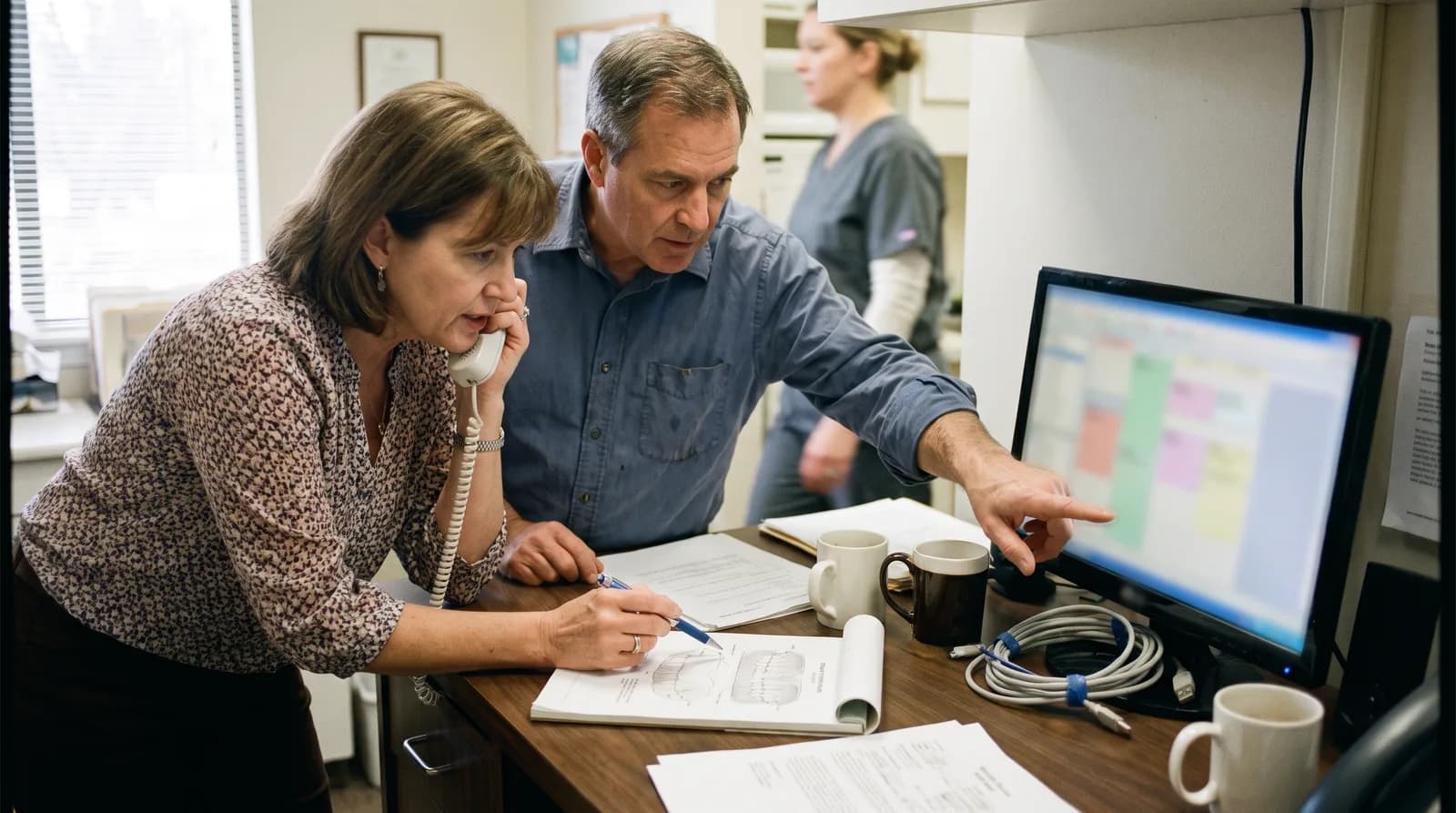
Orthodontic patient recall automation replaces the sticky note and the manual call list with a system that reads your practice management software directly and reaches out on its own. A patient finishes active treatment, gets debonded, and is told to return in six months for a retention check. Six months becomes ten. Nobody at the front desk noticed, because nobody was assigned to notice.
That gap is expensive. Reactivating a lapsed patient costs 5 to 7 times (5-7x) less than acquiring a new one, according to HubSpot's research on customer retention economics, and the same math applies to a debonded ortho patient who still needs retainers, whitening, or a referral back to their general dentist. Automated recall closes that gap without adding headcount.
This guide covers how recall automation actually works inside an orthodontic office, which touchpoints to automate first, how it compares to manual follow-up, and where DentalBase's full range of practice growth services fits into the picture. You will also get a straight answer on the objections most treatment coordinators raise before they trust a system with patient outreach.
What Is Orthodontic Patient Recall Automation?
Orthodontic patient recall automation is software that identifies patients due for a scheduled visit and contacts them by phone, text, or email without staff intervention. It pulls due dates from the practice management system instead of a spreadsheet someone updates by hand.
How ortho recall differs from general dental recall
In a general dental office, recall usually means a six-month cleaning. Ortho recall is messier. It spans initial bonding checks, periodic adjustment visits, records appointments, retention checks after debond, and referrals back to the treating dentist once a case closes. Continuity of care matters here too. The CDC's oral health prevention program notes that gaps in ongoing care are a recognized driver of worse outcomes, and ortho recall gaps follow the same pattern. Each visit type carries its own due date logic, and a manual system tends to track only the ones someone remembers to write down.
What automation replaces, and what it doesn't
Automation does not replace clinical judgment. It replaces the administrative work of remembering, calling, and re-calling. A well-configured system logs every attempt, records the outcome, and escalates unresolved patients to a human instead of letting them vanish from the schedule entirely.
See how automated recall works for existing dental clients
DentiVoice already handles outbound reactivation calls for general dental practices using the same PMS-driven logic described here.
Read the DentiVoice recall breakdown →Why Do Orthodontic Practices Lose More Recall Patients Than General Dental Offices?
Orthodontic practices lose more recall patients because treatment stretches over 18 to 30 months, and urgency fades once the visible progress stops. A general dentist's patient feels a cleaning is due. An ortho patient mid-retention often feels finished, even when a check is medically warranted.
The dropout rate behind the numbers
Without structured follow-up, 20-30% of patients go inactive within 18 months, according to the American Dental Association. Ortho practices sit at the high end of that range because retention phase visits carry the lowest perceived urgency of any appointment type in the entire treatment arc. Patients who feel "done" stop answering calls from a number they don't recognize.
A staffing problem, not just a patient problem
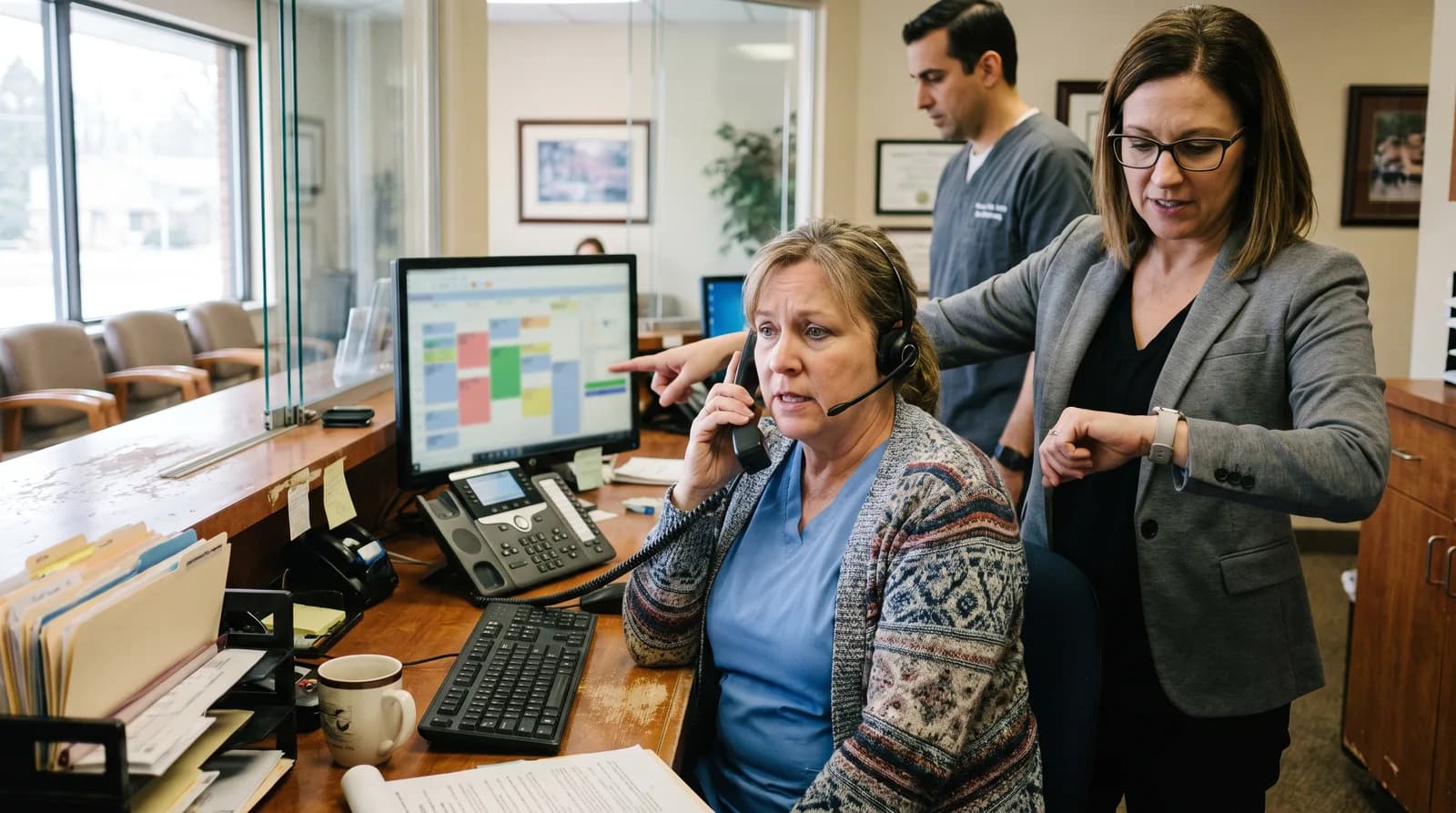
There's also a structural issue. Many ortho offices route all follow-up through one treatment coordinator, and that person is usually buried in new patient consults and insurance verification. Recall becomes the task that gets pushed to tomorrow. And tomorrow, as anyone who has run a front desk knows, rarely arrives.
The recall gap in numbers
18-30
months the average ortho case runs
20-30%
of patients go inactive within 18 months without structured follow-up
1
coordinator often owns recall on top of consults and insurance
How Does an Automated Recall System Work in an Orthodontic Practice?
An automated recall system works by syncing with the practice management software, flagging patients whose recall date has passed or is approaching, and initiating outbound contact through a preferred channel. The patient can reschedule directly during that first contact, without a callback loop.
The three-stage mechanics: trigger, outreach, resolution
The mechanics break down into three stages. First, a trigger: the PMS marks a patient as due, overdue, or missed. Second, outreach: an automated voice call, SMS, or email goes out, often within a day of the trigger rather than whenever staff finds time. Third, resolution: the patient books, declines, or doesn't respond, and each outcome is logged back into the PMS automatically.
The recall automation loop, step by step
STEP 1
Trigger
The PMS flags a patient as due, overdue, or missed.
STEP 2
Outreach
An automated call, text, or email goes out, often within a day of the trigger.
STEP 3
Resolution
The patient books or declines, and the outcome logs back to the PMS automatically.
Why consistency beats a better sales pitch
Practices using this kind of structured system see patient return rates 25-40% higher than manual follow-up alone, according to Dental Economics. That gain comes from consistency, not from a smarter sales pitch. A patient contacted on day one of being overdue books at a much higher rate than one contacted on day sixty. For a deeper look at the feature set involved, DentalBase's guide to AI receptionist features for dental offices covers the underlying technology.
Recall that runs whether or not your front desk is free
DentiVoice places outbound recall calls automatically, logs every outcome, and hands off to staff only when a patient needs a human.
Book a Free Demo →Which Recall Touchpoints Should Be Automated First?
The highest-value touchpoints to automate first are retention checks, post-debond visits, and stalled aligner compliance follow-ups. These carry the lowest patient-perceived urgency and the highest silent dropout rate of any stage in ortho treatment.
Priority touchpoints for most ortho practices
- Retention checks: the single biggest recall leak, since patients feel treatment is already "done."
- Post-debond restorative referrals: handoffs back to the general dentist that frequently get lost between offices.
- Stalled Invisalign or aligner progress: patients who stop wearing trays and stop answering calls about it.
- No-show reactivation: same-day or next-day outreach after a missed adjustment appointment.
- Records and consult follow-up: prospective patients who scheduled records but never returned for the treatment plan review.
Choosing the right channel per touchpoint
Not every touchpoint should use the same channel. A missed adjustment appointment often resolves faster with a same-day call, while a retention check reminder six months out works fine as a text. DentalBase's breakdown of the best follow-up channel for dental practices compares response rates across phone, text, and email in more detail.
Manual Recall vs. Automated Recall: What Changes for the Front Desk?
Manual recall depends on a staff member building a call list, dialing it during downtime, and logging outcomes by hand. Automated recall builds the list itself, dials on a schedule, and writes outcomes back to the PMS without staff involvement in the routine cases.
Side-by-side: five factors that change
| Factor | Manual Recall | Automated Recall |
|---|---|---|
| List generation | Built by staff, often from memory or a spreadsheet | Pulled directly from PMS recall dates |
| Timing | Whenever staff has downtime | Same day the recall trigger fires |
| Consistency | Drops off during busy weeks | Runs the same on a slow day or a packed one |
| Repeat attempts | Often stops after one unanswered call | Retries on a set schedule, then escalates to staff |
| Staff time per patient | Several minutes of dialing and documenting | Near zero for routine cases |
What the front desk role becomes, not loses
The front desk role doesn't disappear. It shifts. Instead of dialing every overdue patient, staff review the escalation list, which is far shorter and made up of patients who genuinely need a human conversation about financing, scheduling conflicts, or clinical concerns.
What Metrics Prove Recall Automation Is Working?
Recall automation is working when reactivation rate, average time-to-contact, and no-show recovery rate all improve compared to your pre-automation baseline. Call volume alone is a vanity metric. It tells you the system is running, not whether it's producing appointments.
Core metrics to track
| Metric | What It Measures |
|---|---|
| Reactivation rate | Share of overdue patients who book after being contacted |
| Time-to-contact | Days between a recall trigger and the first outreach attempt |
| No-show recovery rate | Percentage of missed appointments that get rebooked within 30 days |
| Front desk hours saved | Time reclaimed from manual dialing, reallocated to other tasks |
SMS reminders alone reduce no-show rates by 38%, per a Journal of Dental Hygiene study, which sets a useful floor for what a fuller automated system should beat. If your reactivation rate isn't clearing that bar, something in the setup, not the concept, needs fixing. DentalBase's article on patient follow-up metrics walks through how to baseline these numbers before you automate anything, and the ROI of dental patient follow-up breaks down what those gains are worth in dollar terms.
Does Automated Recall Integrate With Existing PMS Systems?
Yes, automated recall tools integrate with most major practice management systems, including Dentrix, Open Dental, Eaglesoft, and Curve Dental, though the depth of integration varies by platform. Some support two-way sync; others only support reading recall data.
Integration depth matters more than the sales pitch suggests. A system that only reads appointment data will still require staff to manually confirm bookings back into the PMS, which erases much of the labor savings. A system with true two-way sync writes confirmed appointments directly, closing the loop without a second data entry step.
Questions to ask before you commit to a platform
- Does the integration read recall due dates natively, or does it require a manual export?
- Can the system write confirmed bookings back into the PMS without staff re-entering them?
- What happens to appointment data if the PMS updates or changes versions?
DentalBase's guide to AI dental appointment booking and PMS integration goes deeper on what "integration" actually means across different platforms.
Is Automated Recall Practical for a Small Orthodontic Practice?
Yes, automated recall is practical for a small orthodontic practice, because the patient volume causing recall gaps doesn't need to be large to matter. Even 300 to 500 active patients generate enough recall attempts to overwhelm one part-time coordinator.
Same bottleneck, smaller team
Small practices often assume automation is built for large multi-location groups. The opposite tends to be true. A single-location office typically has one person handling recall alongside five other jobs, which means recall automation replaces the exact bottleneck that's easiest to identify and hardest to staff around. Adding a second employee just to manage callbacks rarely pencils out against the cost of a recall system that runs continuously.
Small-practice recall by the numbers
300-500
active patients is enough volume to overwhelm one part-time coordinator
1
person typically owns recall alongside five other front-desk jobs
What the staffing data shows
Staffing data from the Bureau of Labor Statistics shows front-desk and receptionist roles are already stretched thin industry-wide, which is exactly why a small practice benefits from a recall system that runs without adding another hire.
What Objections Do Orthodontic Teams Raise About Automated Recall?
The most common objections are PMS compatibility, whether the system sounds robotic, whether it's worth it for a small office, and a belief that the front desk already has recall covered. Each objection has a specific, factual answer rather than a reassurance.
PMS integration concerns
Teams want to know if the system will actually talk to their existing software or become a second tool to manage. The honest answer is that integration depth varies by PMS platform, and it's worth confirming read and write access before signing anything, not after.
"It will sound robotic"
This is the most common concern and the easiest to test directly. Conversational AI built for scheduling handles interruptions, rescheduling requests, and unclear speech without falling into a scripted loop. A patient can ask for a human at any point in the call.
"We're too small for this"
Practice size determines call volume, not whether recall gaps exist. A three-provider office and a twelve-provider group both lose patients to the same silent dropout pattern; the smaller office just has fewer hands to catch it.
"Our front desk already handles this"
A capable front desk can still only make so many calls in an eight-hour day. Automation doesn't replace a good coordinator. It removes the repetitive dialing so that person can spend time on patients who need judgment, not just a reminder.
Objections at a glance
| Objection | The Short Answer |
|---|---|
| Will it work with our PMS? | Depth varies by platform, so confirm read and write access before signing. |
| Will it sound robotic? | Conversational AI handles interruptions and lets patients ask for a human anytime. |
| We're too small for this | Call volume changes with practice size. The dropout pattern doesn't. |
| Our front desk already handles this | A coordinator can only dial so many calls a day. Automation frees them for judgment calls, not reminders. |
How Should an Orthodontic Practice Roll Out Recall Automation?
An orthodontic practice should roll out recall automation by auditing current recall data, confirming PMS integration depth, piloting one touchpoint, then expanding once metrics improve. Trying to automate every recall type on day one is the fastest way to lose staff trust in the system.
A five-step rollout plan
- Audit your current recall list. Pull every patient flagged as due or overdue and note how long the average gap has been open.
- Confirm PMS integration depth. Verify read and write access before committing budget to any platform.
- Pilot one touchpoint first. Retention checks or no-show reactivation are the easiest to measure and the fastest to show results.
- Set a baseline for reactivation rate and time-to-contact. You can't prove improvement without a number to compare against.
- Expand to additional touchpoints once the pilot clears its baseline. Add referral follow-up and stalled aligner outreach next.
For a full step-by-step framework, DentalBase's dental patient follow-up system guide covers the setup process in more detail, including how to structure escalation rules for patients who don't respond to automated attempts.
Orthodontic patient recall automation works because it removes the one variable manual systems can't fix: consistency. A person gets busy, a list gets skipped, a patient falls through. A system triggered by the PMS itself doesn't have a busy week. That consistency, not any single feature, is what closes the recall gap over a 24-month treatment arc.
See DentiVoice recall automation on your own PMS
Book a free demo to see how automated recall calls, texts, and PMS sync would work for your specific patient list.
Book a Free Demo →Want more guides like this one?
Browse Resources →Sources & References
Frequently Asked Questions
Yes, most automated recall platforms integrate with Dentrix, Open Dental, Eaglesoft, and Curve Dental, though integration depth varies. Confirm whether the system reads recall dates only or writes confirmed bookings back into the PMS before adoption.
Modern conversational AI handles scheduling language, interruptions, and rescheduling requests without falling into a scripted tone. Patients can ask for a human at any point in the call, and the transfer happens immediately.
Yes. Even 300 to 500 active patients generate enough recall volume to overwhelm a part-time coordinator. Automation costs a fraction of hiring additional staff while covering recall outreach every day of the week.
A strong front desk still can't call every overdue patient by hand during a busy week. Automation handles the repetitive dialing so staff can focus on scheduling conflicts, financing questions, and clinical concerns.
No. Automation handles routine outreach and rescheduling, while the treatment coordinator still manages case presentation and clinical conversations. Automation feeds the coordinator confirmed appointments instead of a cold list of no-shows.
A mass text sends the same message to every patient regardless of status. Recall automation reads each patient's specific due date, treatment stage, and appointment history from the PMS before it reaches out.
The system logs the attempt and escalates the patient to staff after a set number of tries, rather than dropping them silently. That creates a short, visible follow-up list instead of a full data blackhole.
Was this article helpful?
Written by
DentalBase Team
Expert dental industry content from the DentalBase team. We provide insights on practice management, marketing, compliance, and growth strategies for dental professionals.